

Introducing what's next
An all new design, expanded gear customization, rebuilt multi-selection, and so much more.
Thanks to all of you.
We've been working closely with a number of customers over the last several months, combined with over two years of your feedback, to help shape this next chapter of GearConnect.
v2 Beta will continue to evolve based on your input, and get new features as we prepare for the full release. Thank you to everyone who has helped get it this far already!
Fit more on every screen.
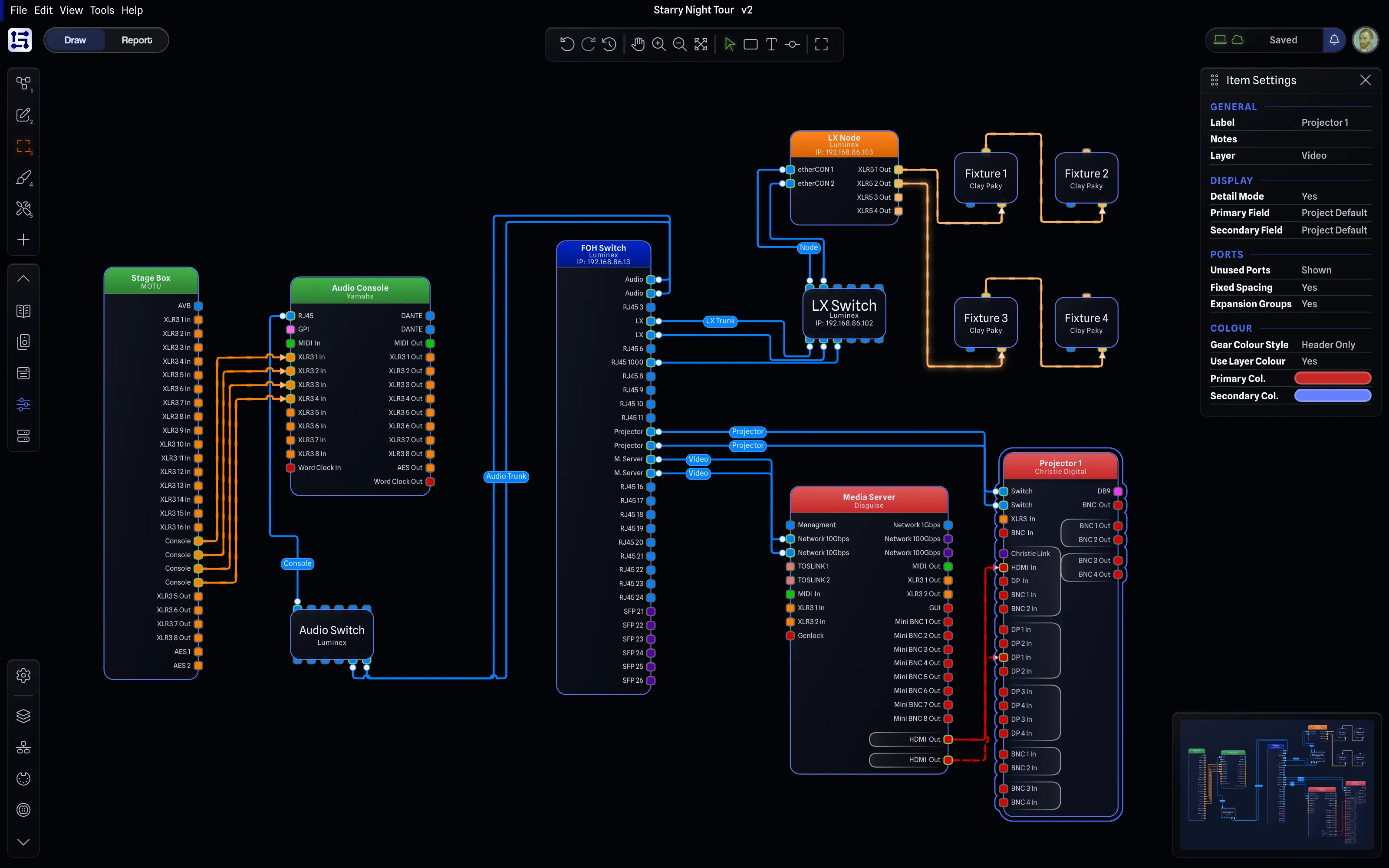
The whole app has received tighter spacing, with less dead space, smaller text, and more compact layouts.
Giving you more space to work with your projects on every page. No more 50" monitors required.
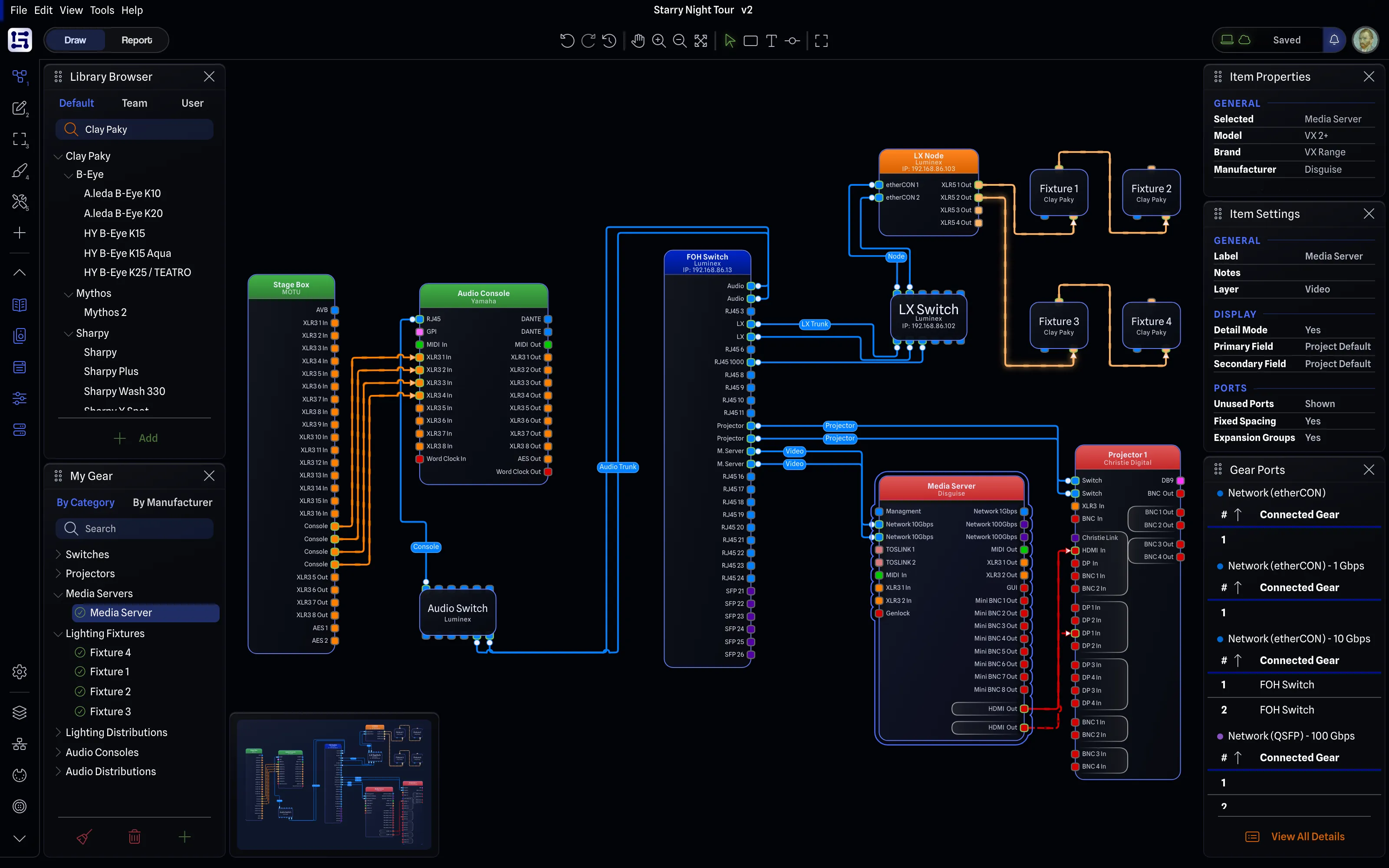
Draw mode
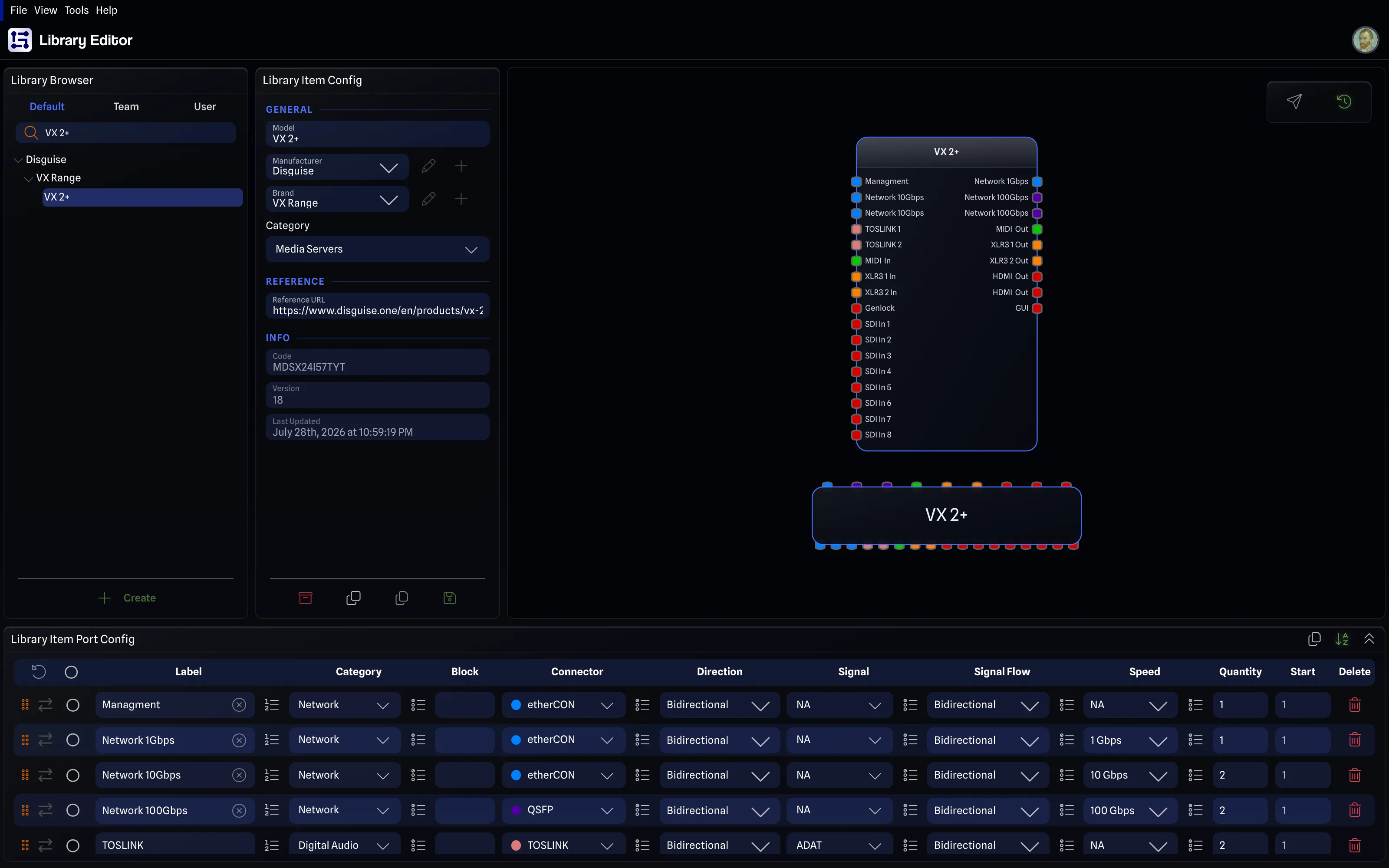
Library Editor
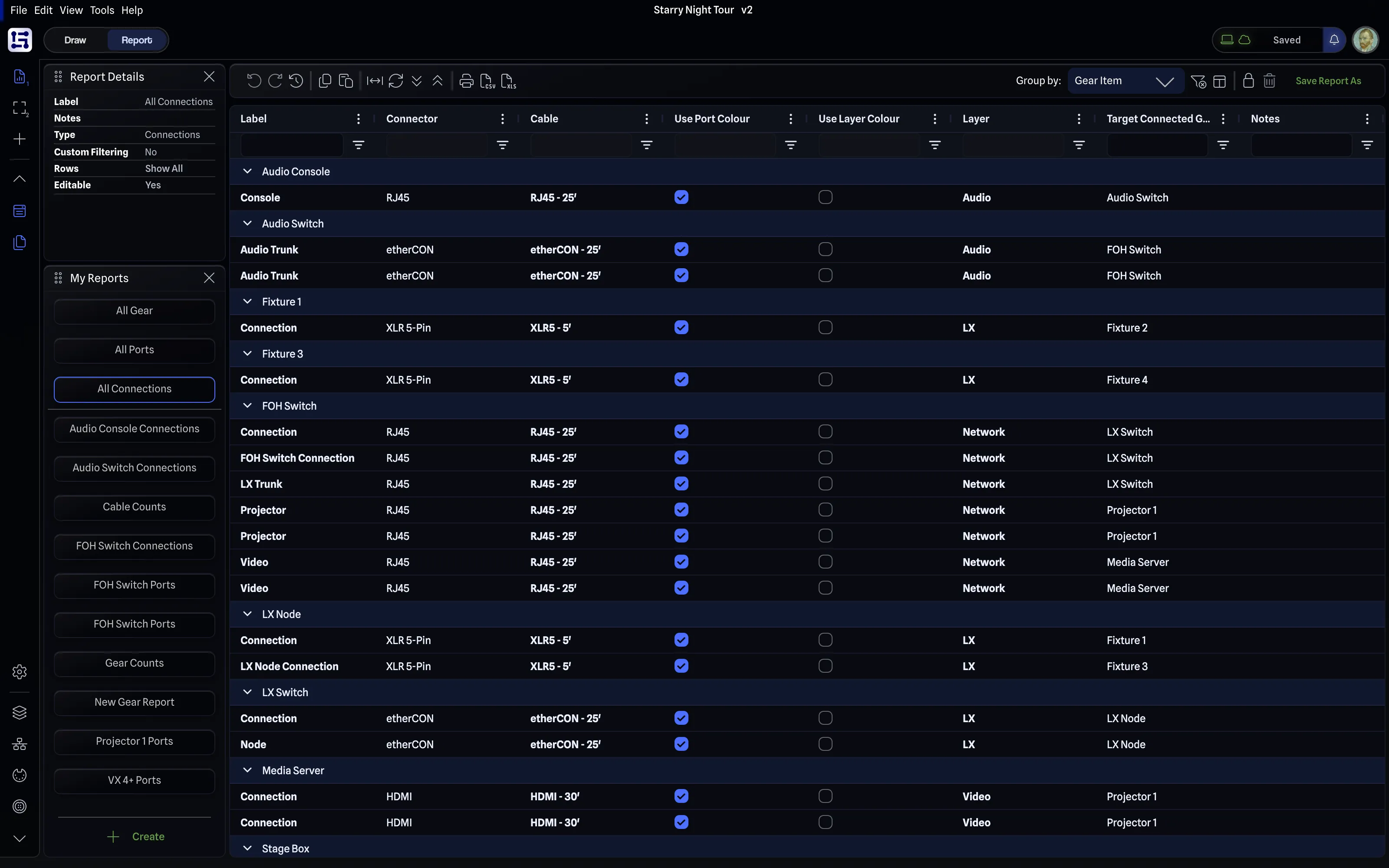
Report mode
Everything within reach.
The new side rail puts project settings, managers, panes, and the new layout system one click away.
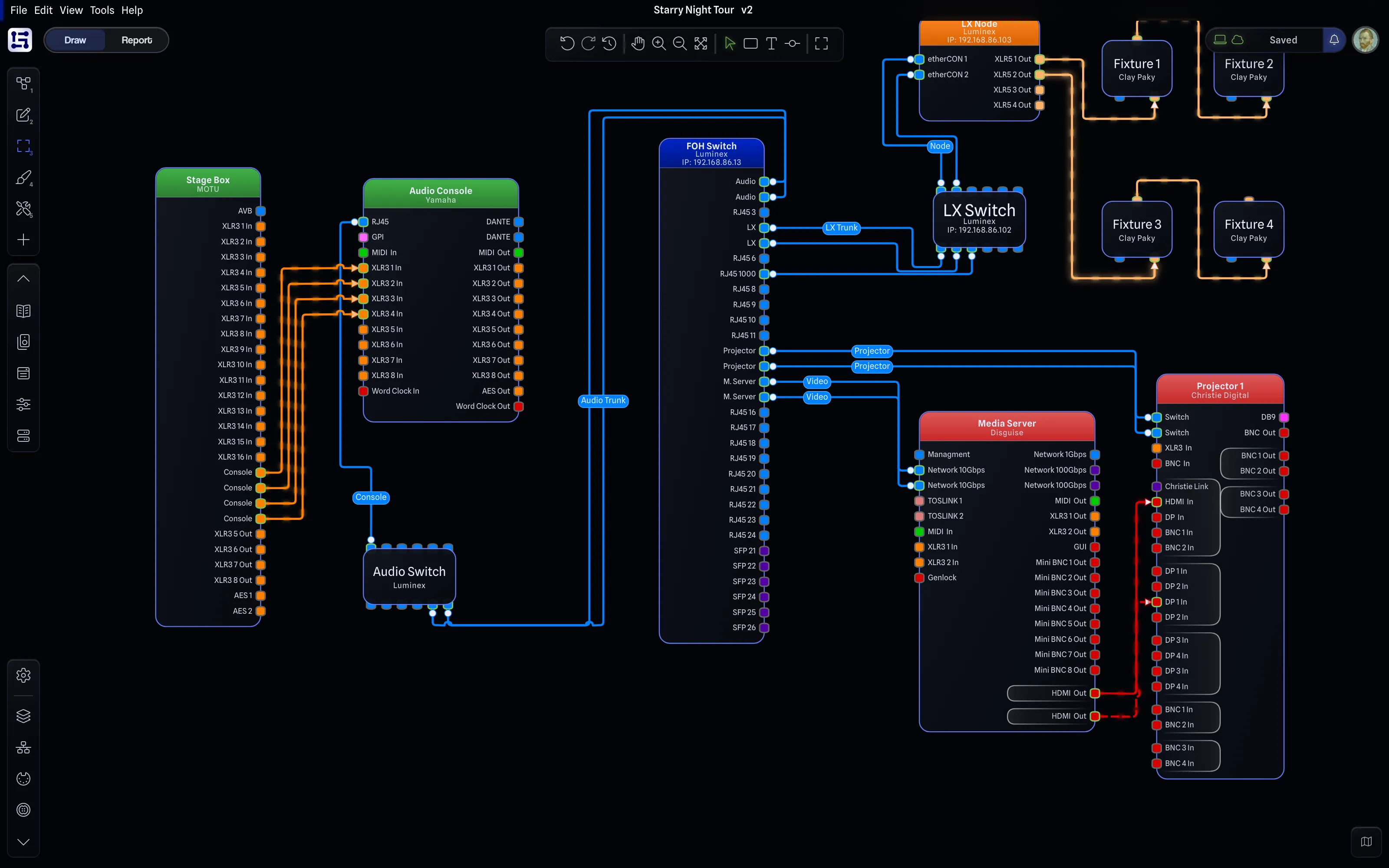
- Layouts
- Panes
- Project settings
- Managers
Smaller, optional, compact toolbar Hide the extra bells and whistles away when it's time to focus. Neatly tucked into the top bar to stay out of your way. A home for project status.
A new simplified pill bundles everything about your project status in one place.
-
Current status
-
Activity log
-
Local save state
-
Cloud save state
-
Version History
-
Project sync
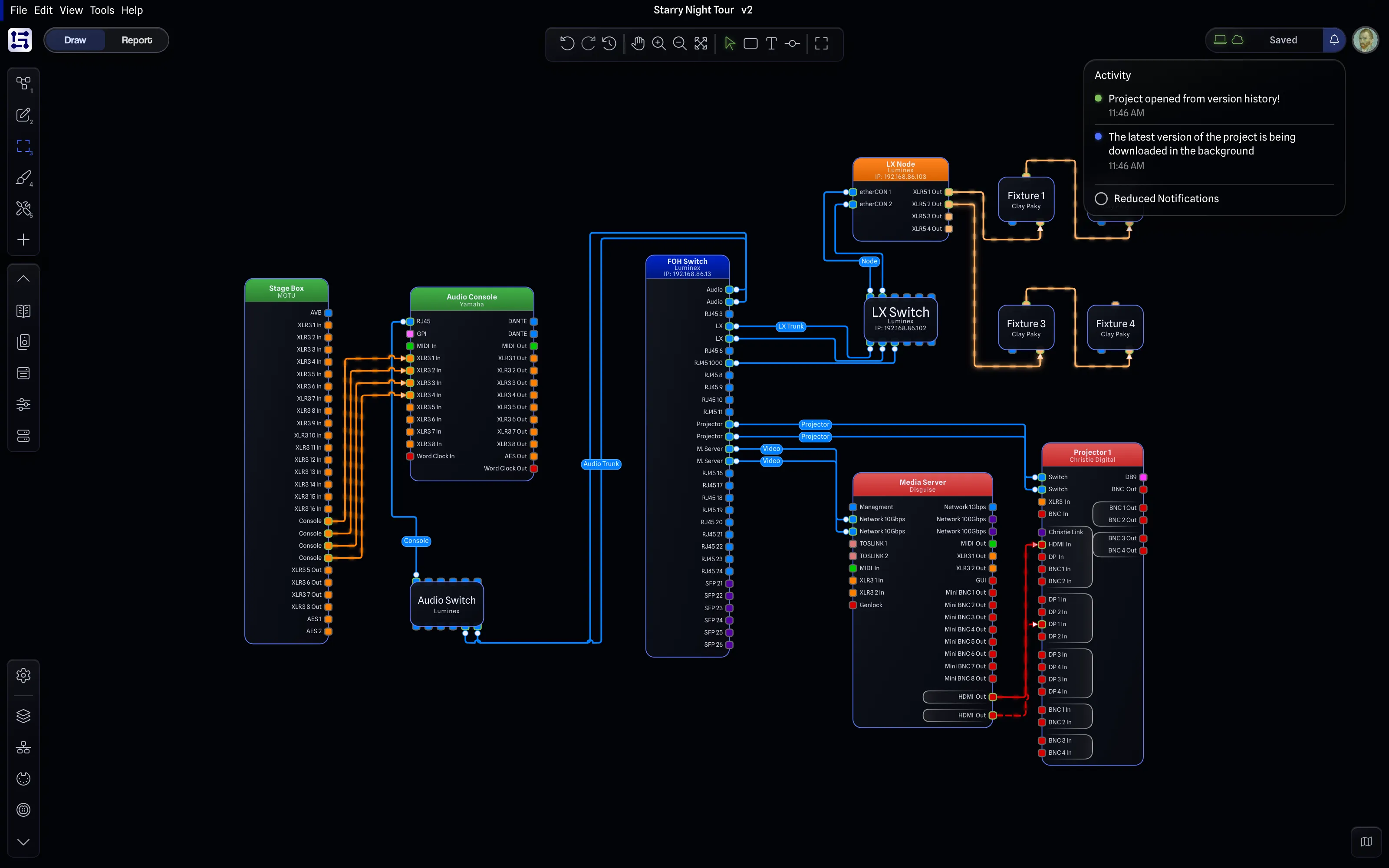
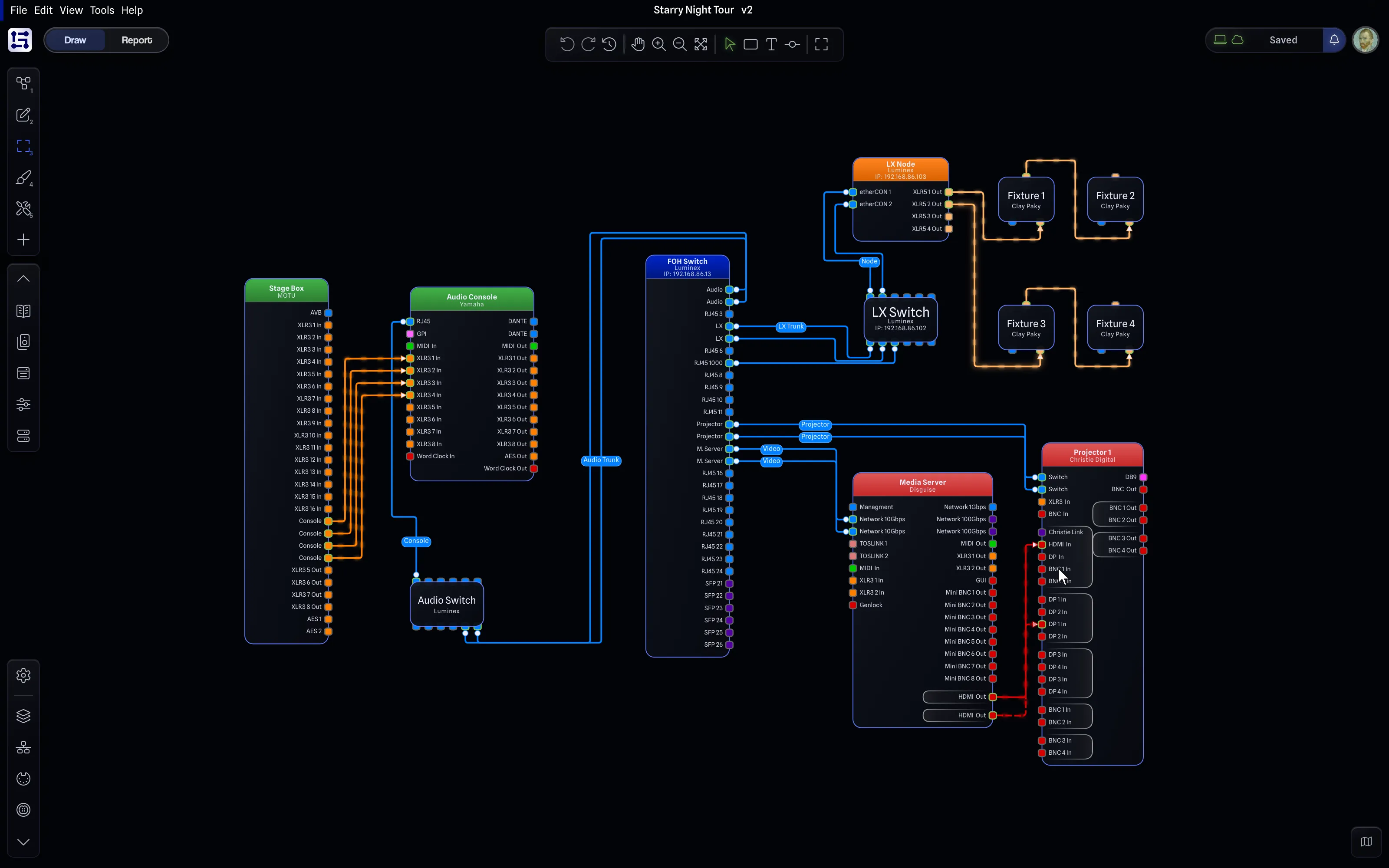
Hello Mini Map.
Quickly see your entire drawing at a glance. Pan and zoom, jump to a point, and refine your viewport. Collapse it when you don't need it.
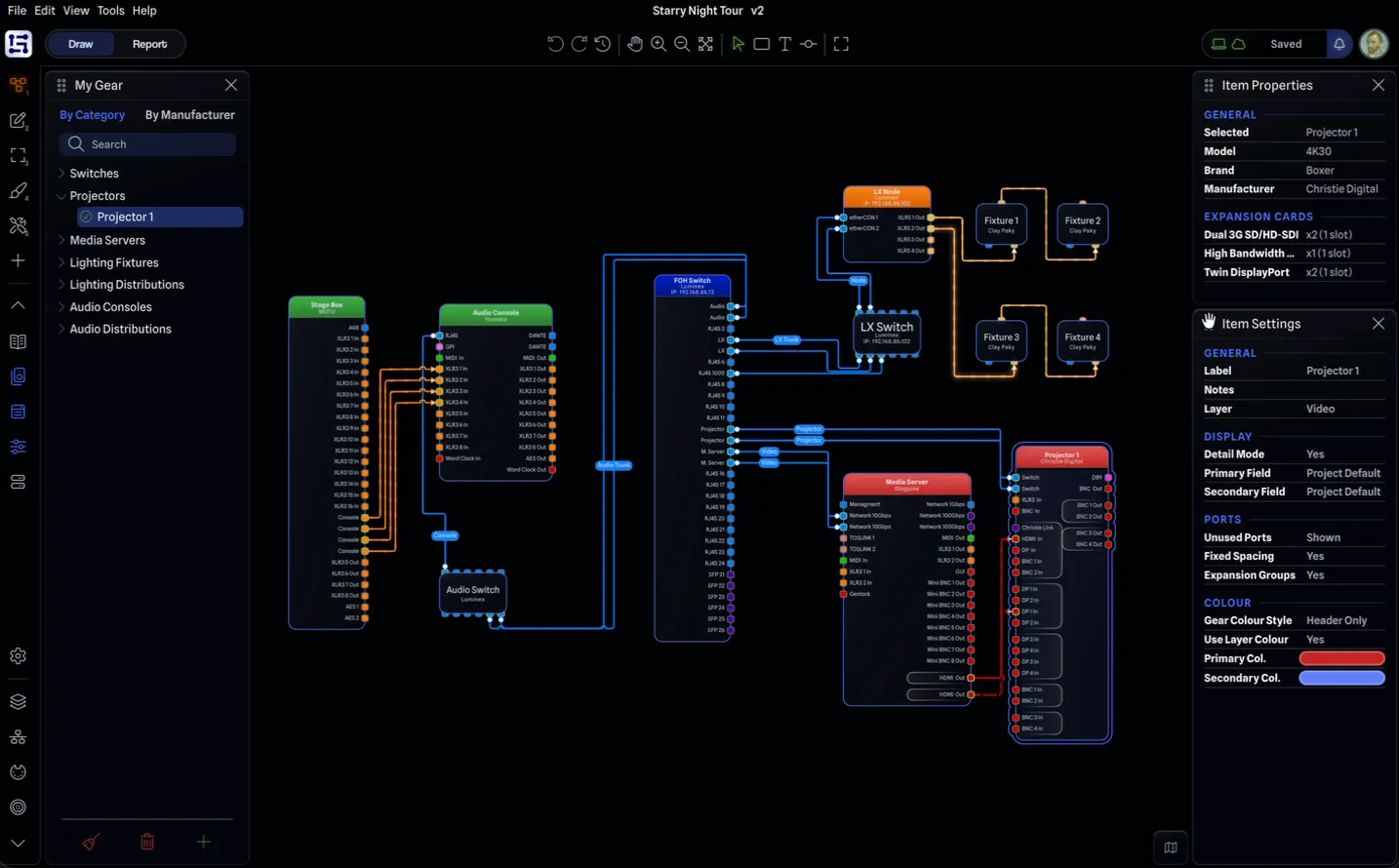
Your app. Your layouts.
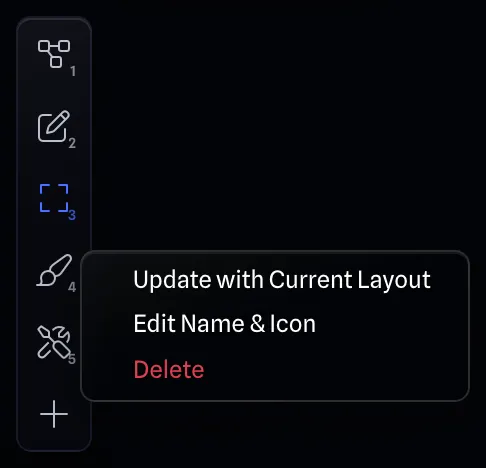
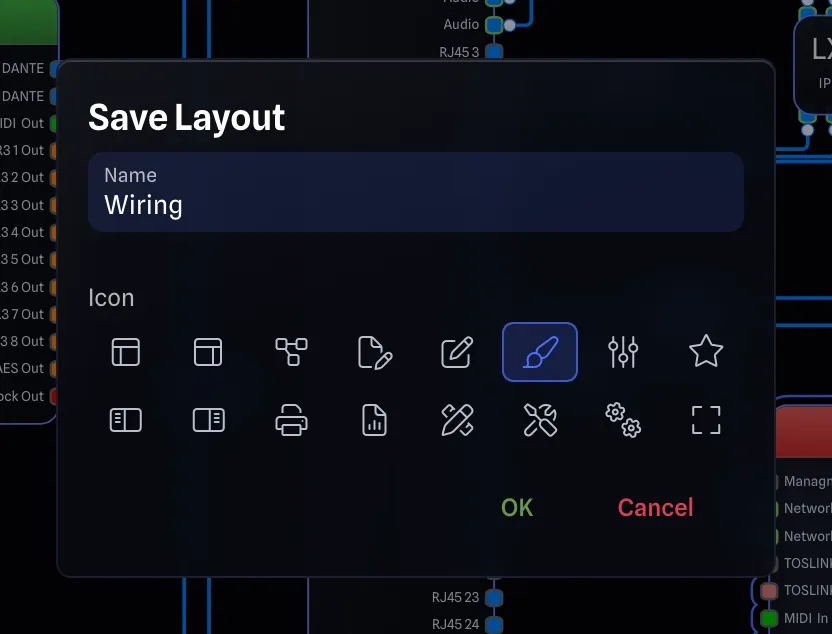
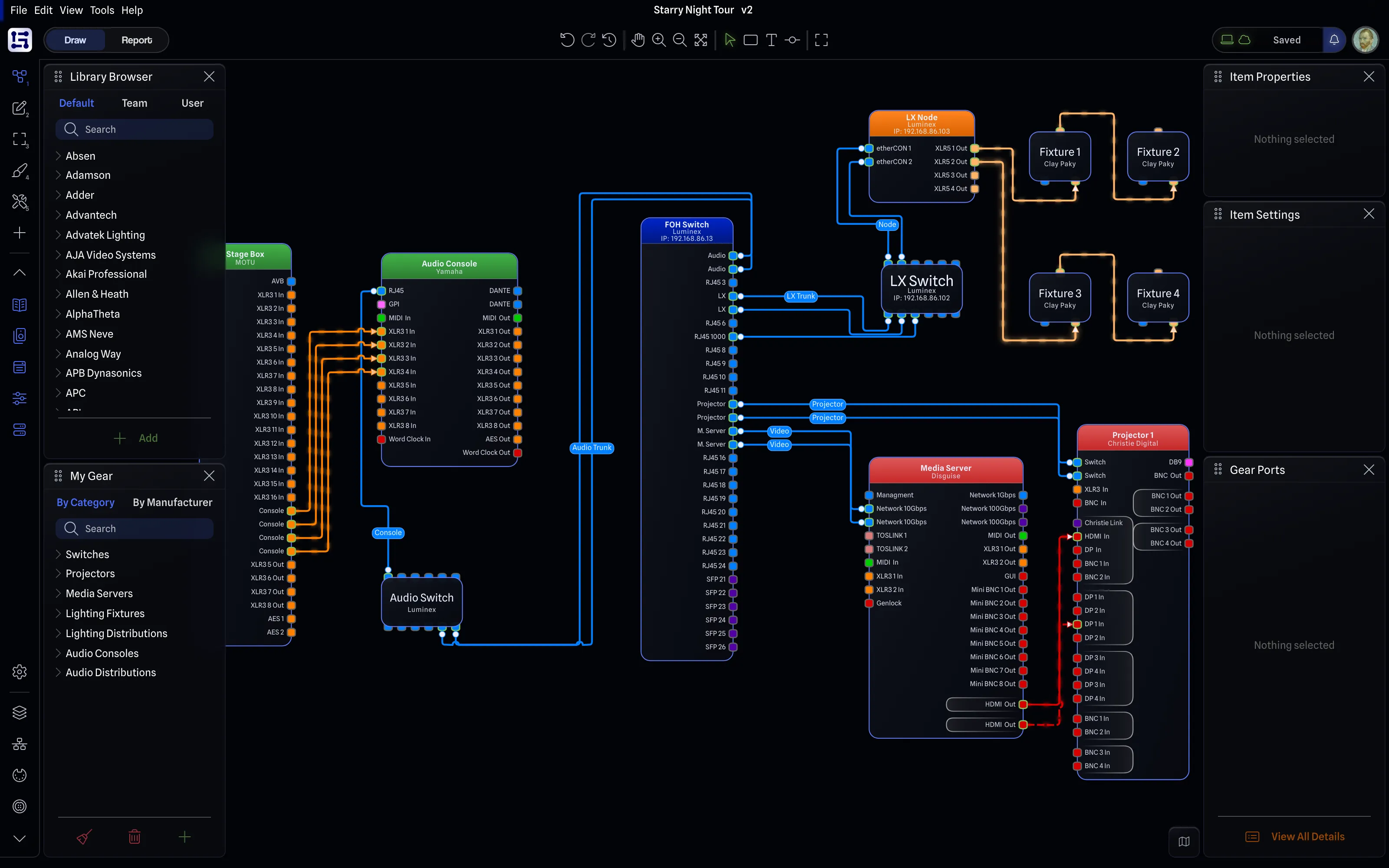
All new ways to customize your workspace. Drag panes around, resize them, and save them as custom layouts for easy access. Synced across all your devices.
Focus on what matters.
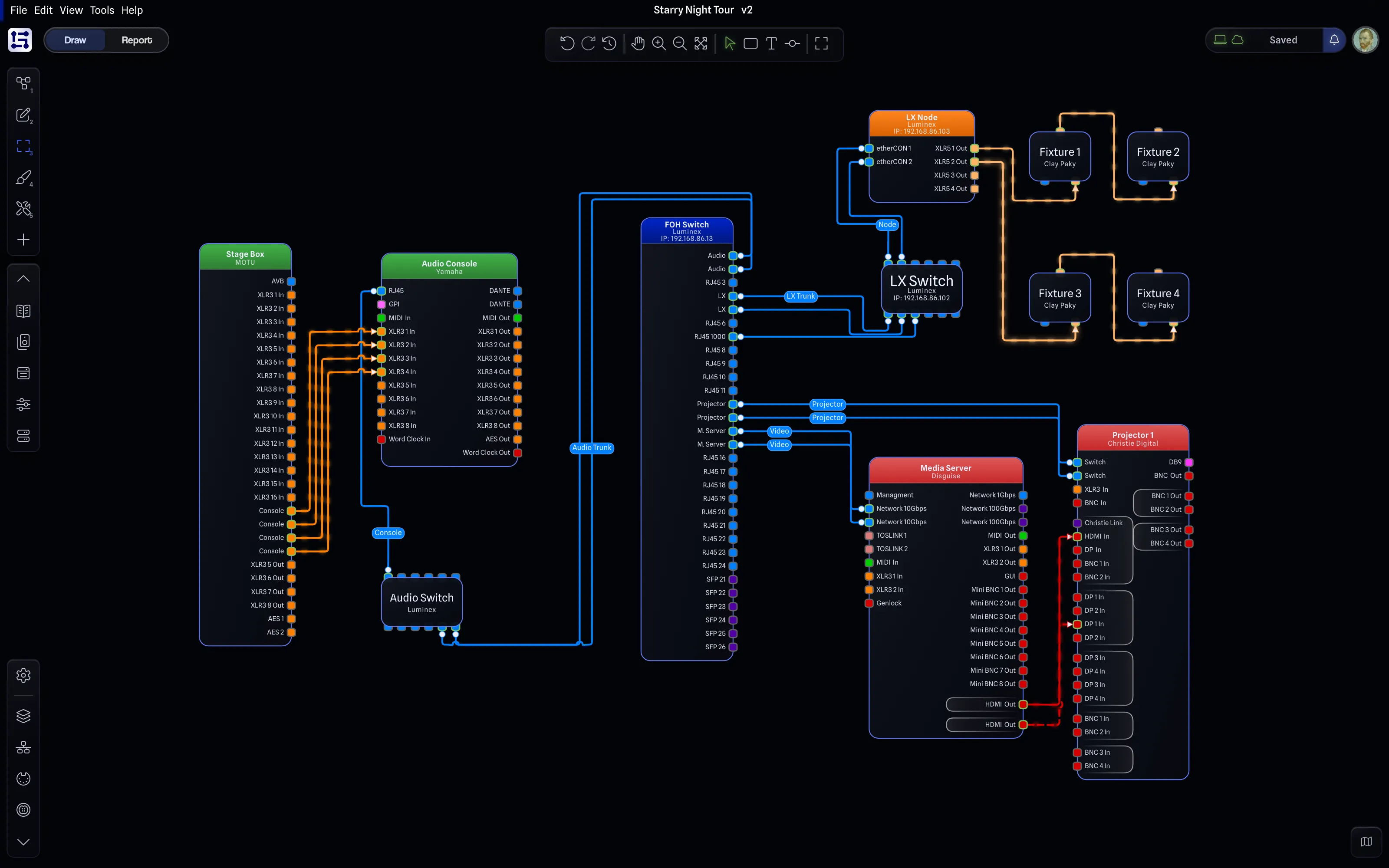
The new adaptive UI automatically fades away into floating bubbles, giving you a cleaner workspace.
Style it your way.
Design is subjective, and we've heard your feedback. We often get told everything from "The app looks amazing, it's the best looking system drawing app I've ever seen" to "The UI is weird".
Weird can be good. But you get to decide that.
That's why we now offer 12 different looks to choose from to suit your own flavour of weird.
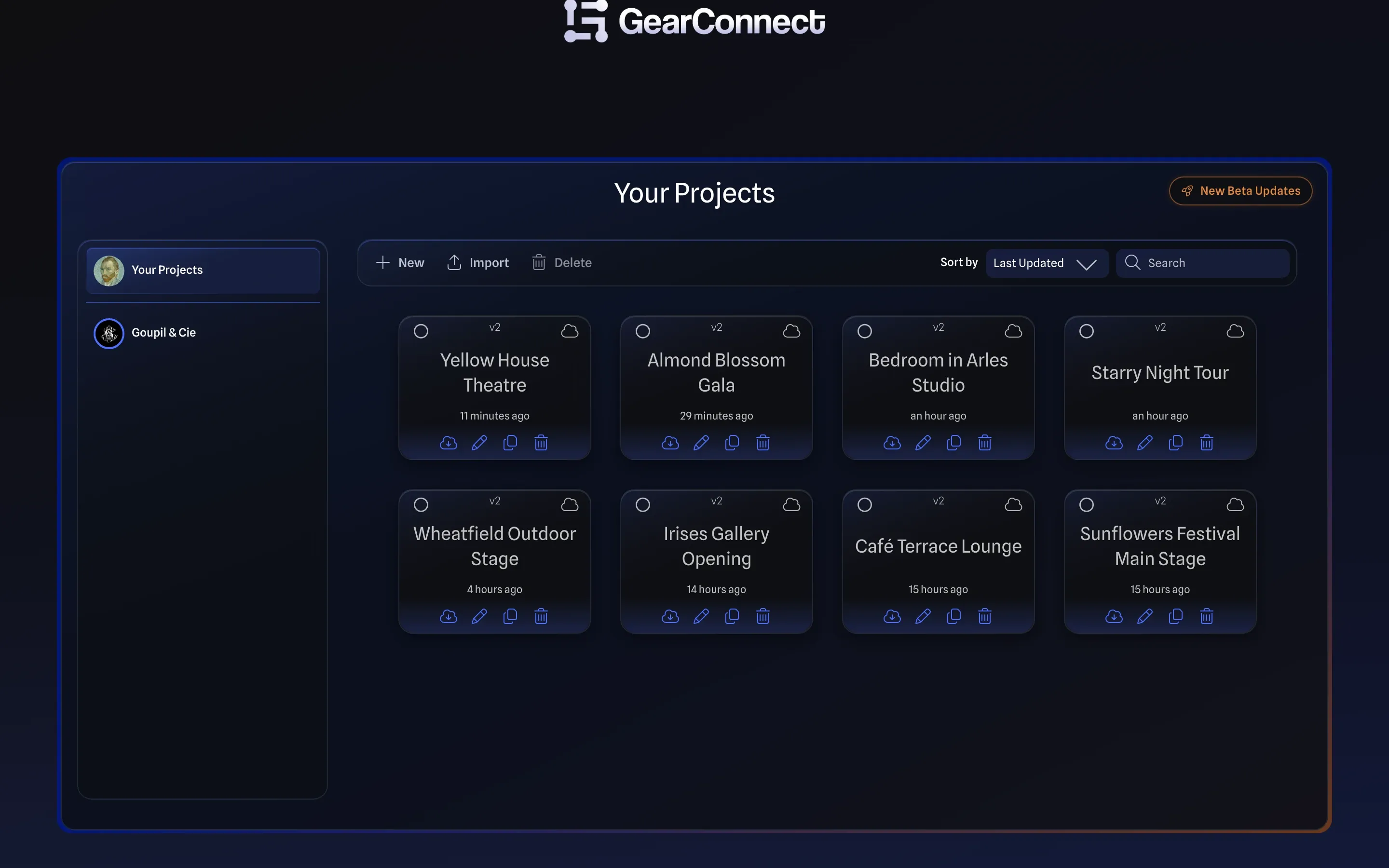
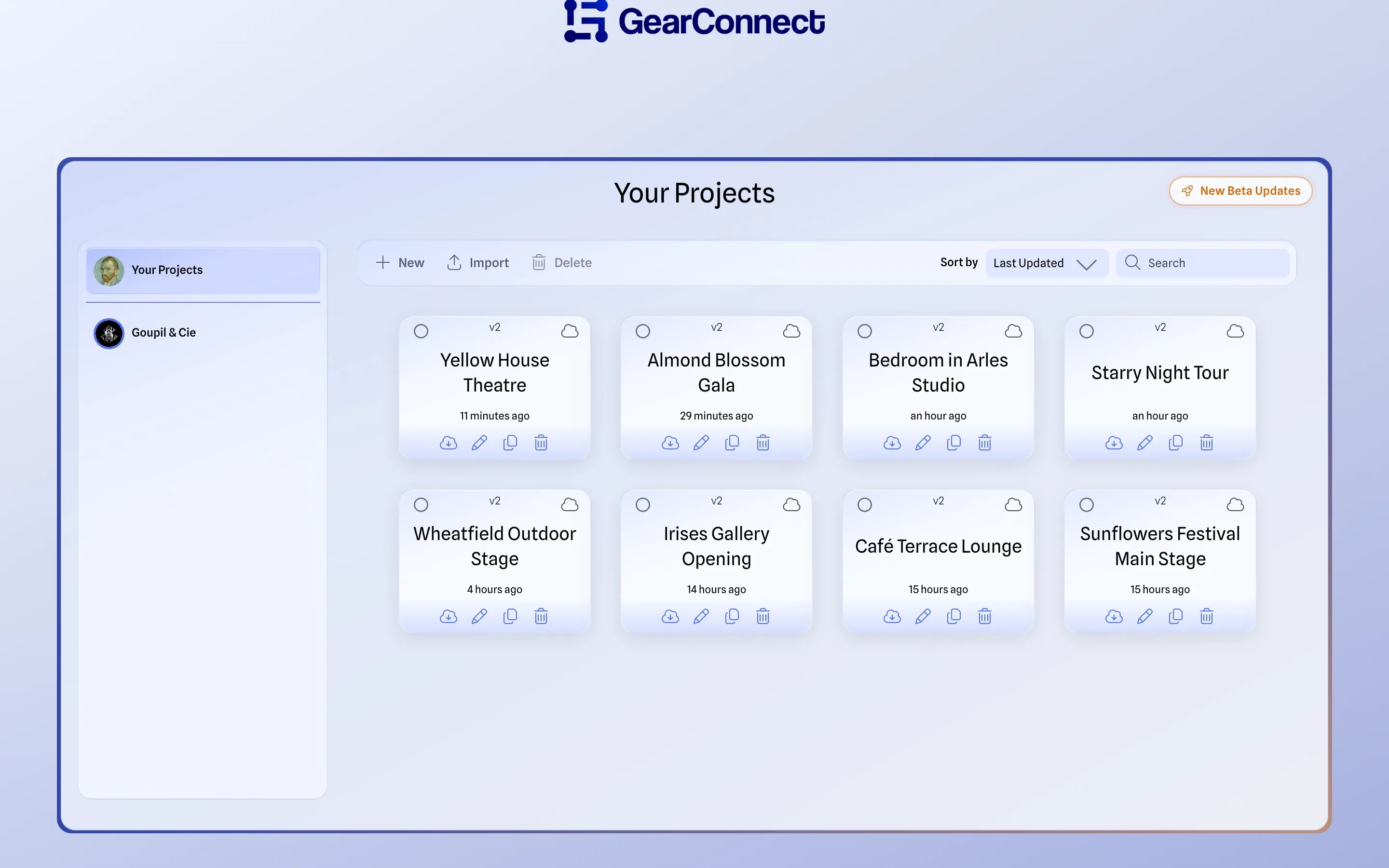
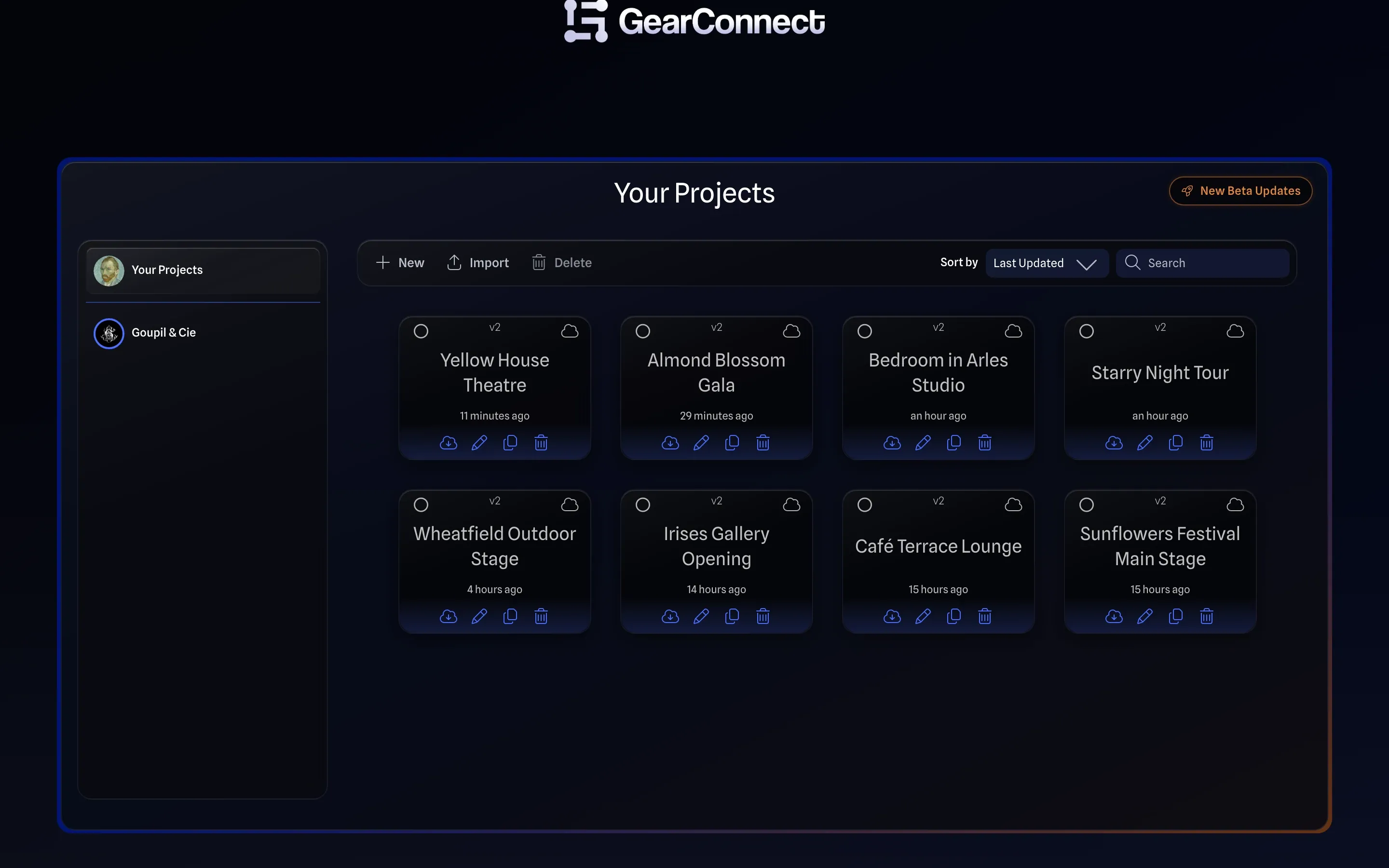
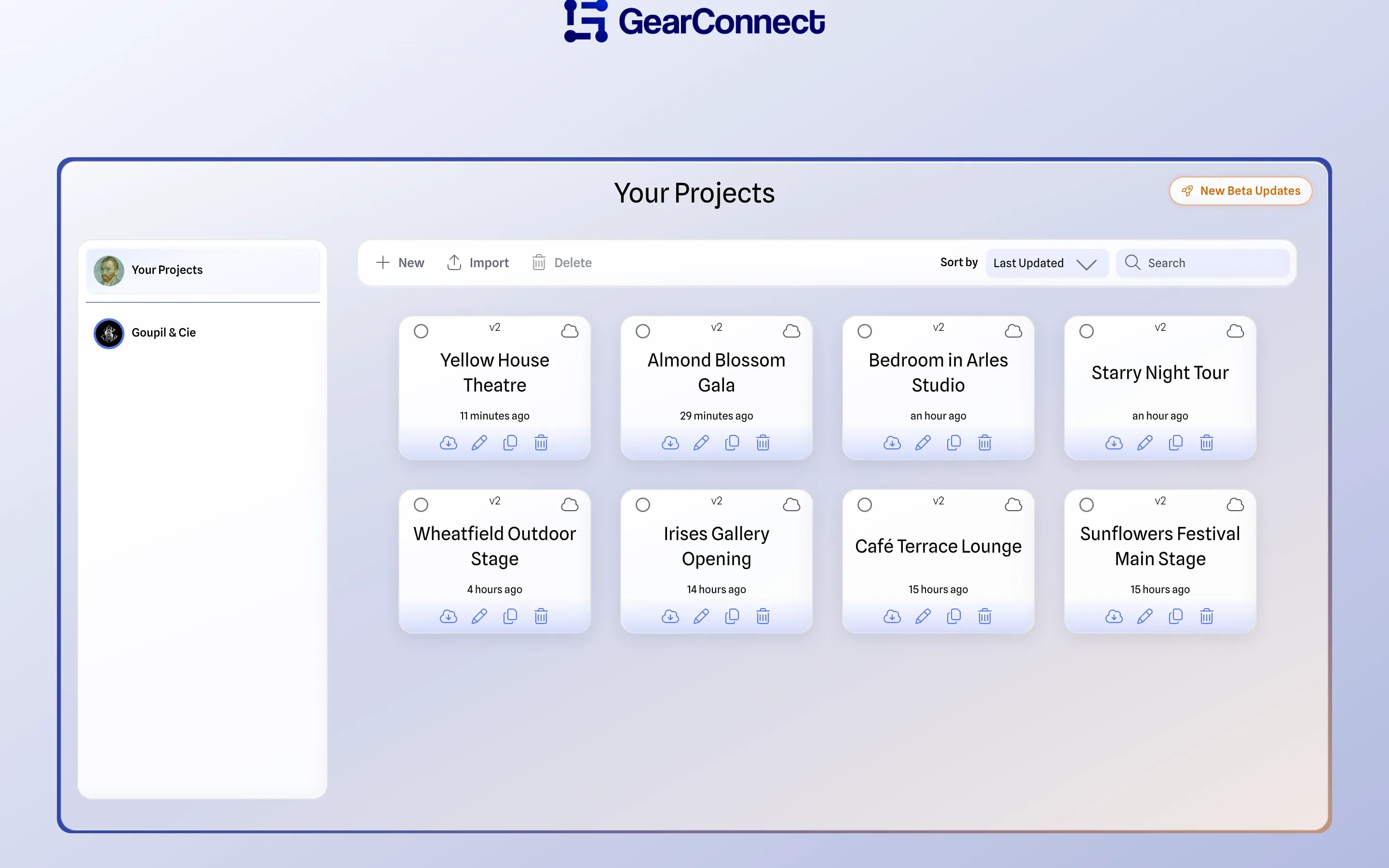
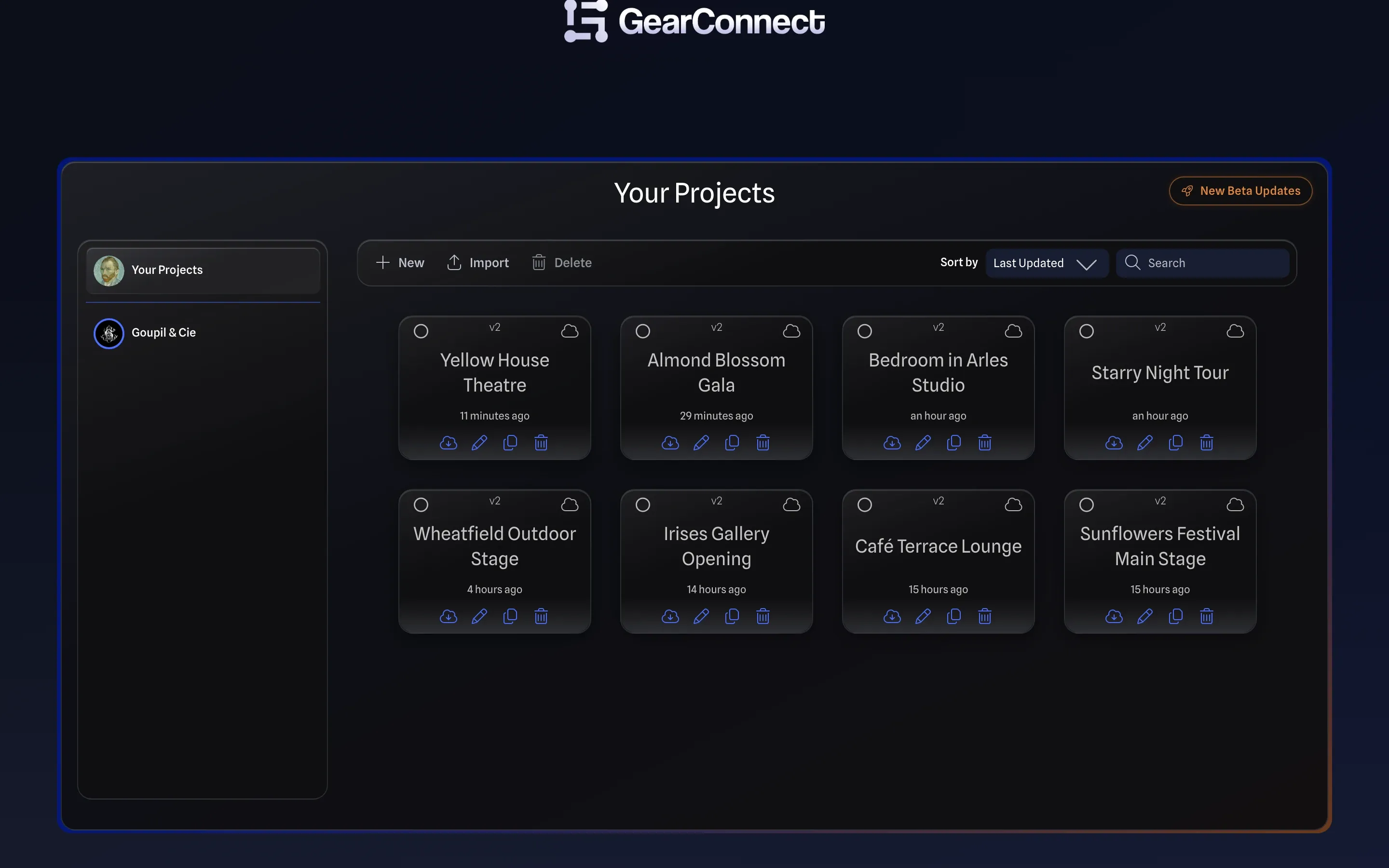
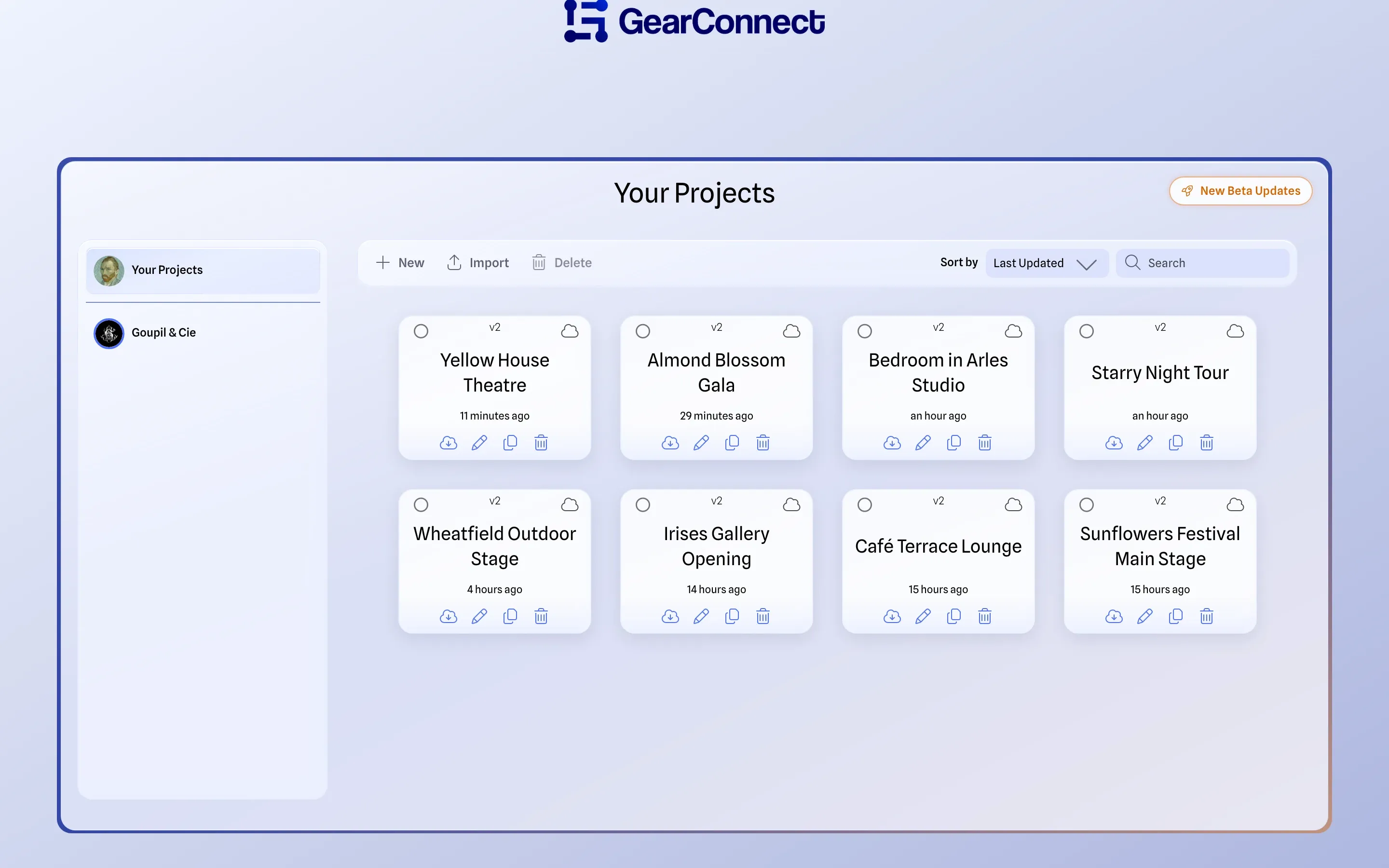
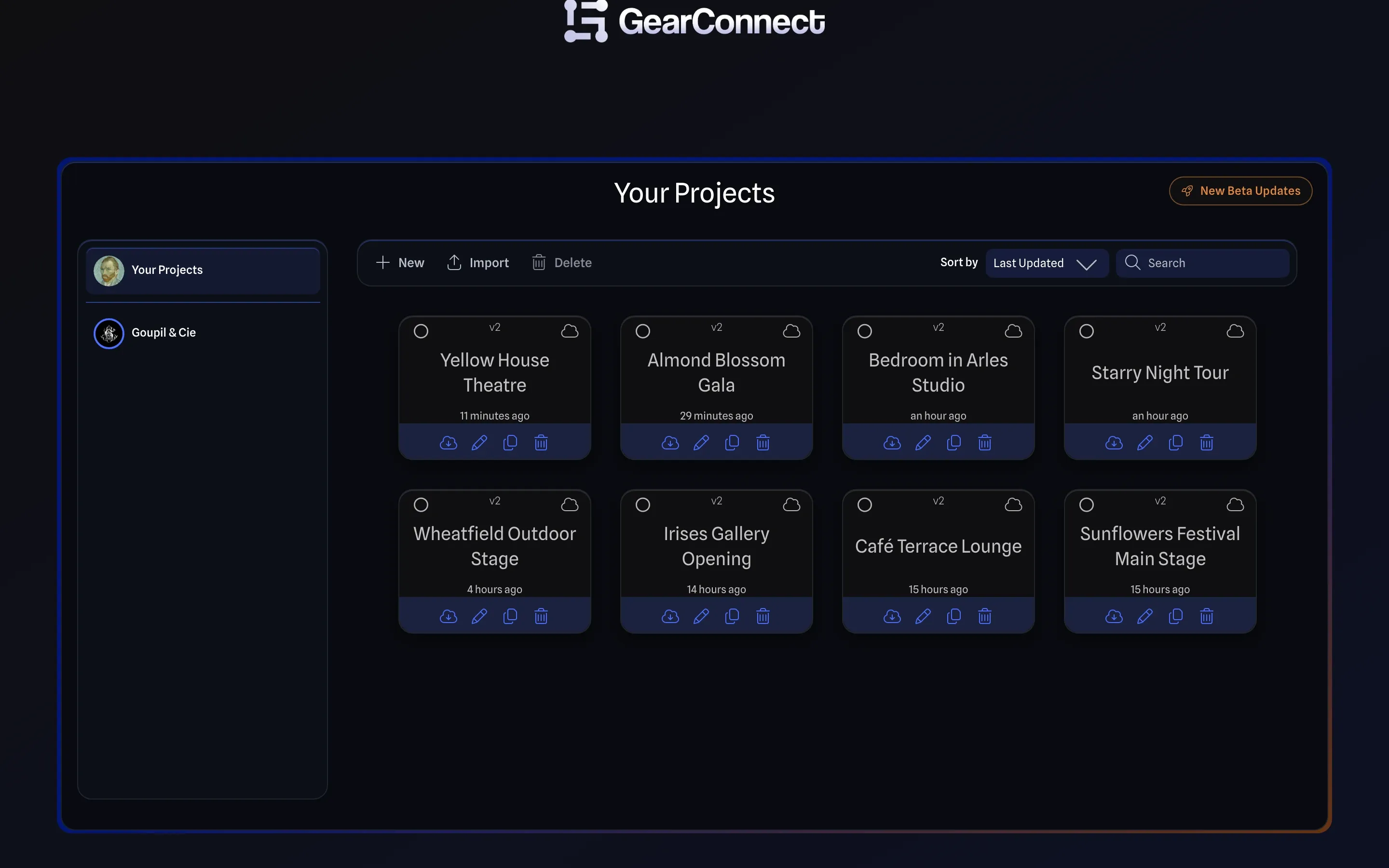
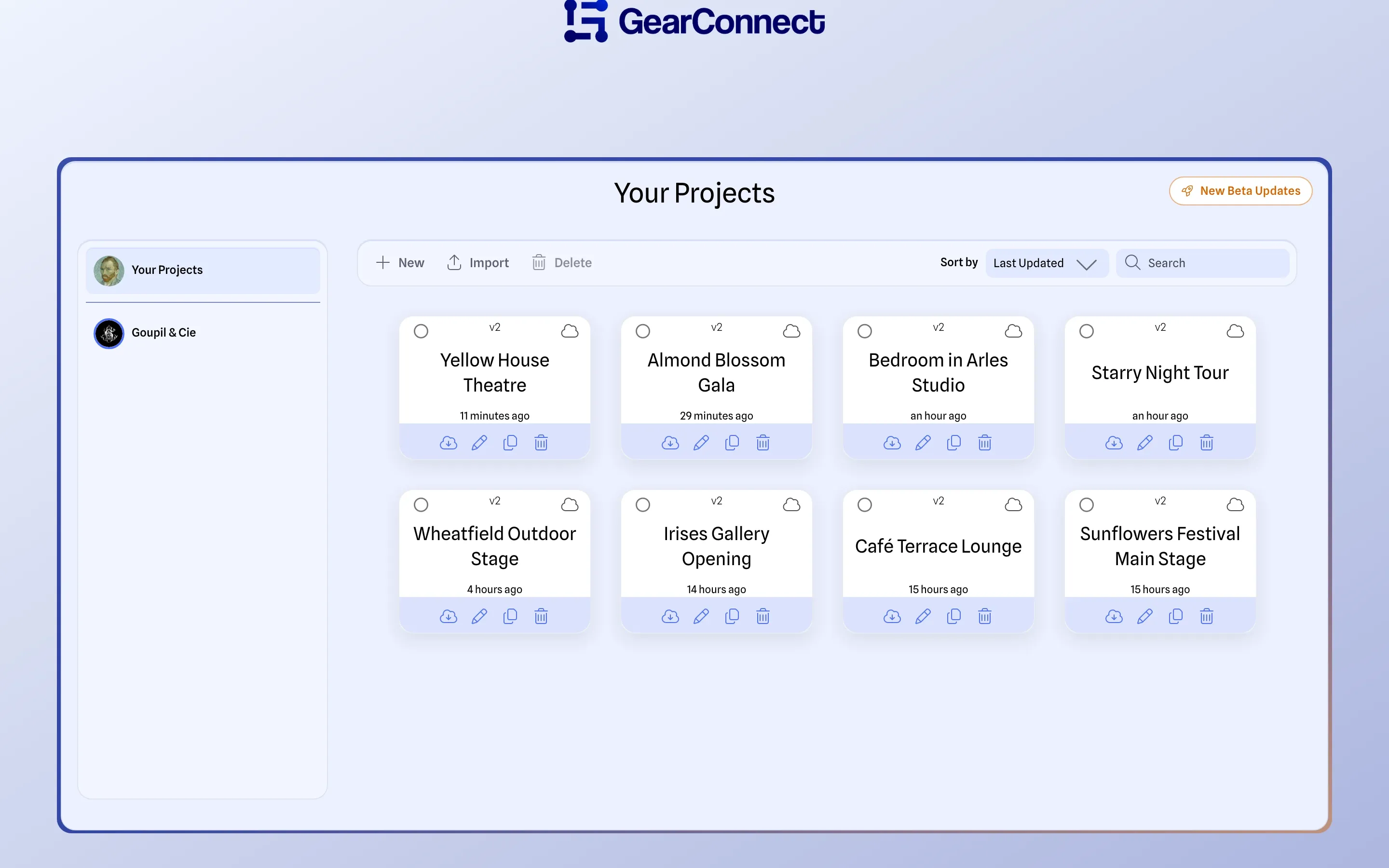
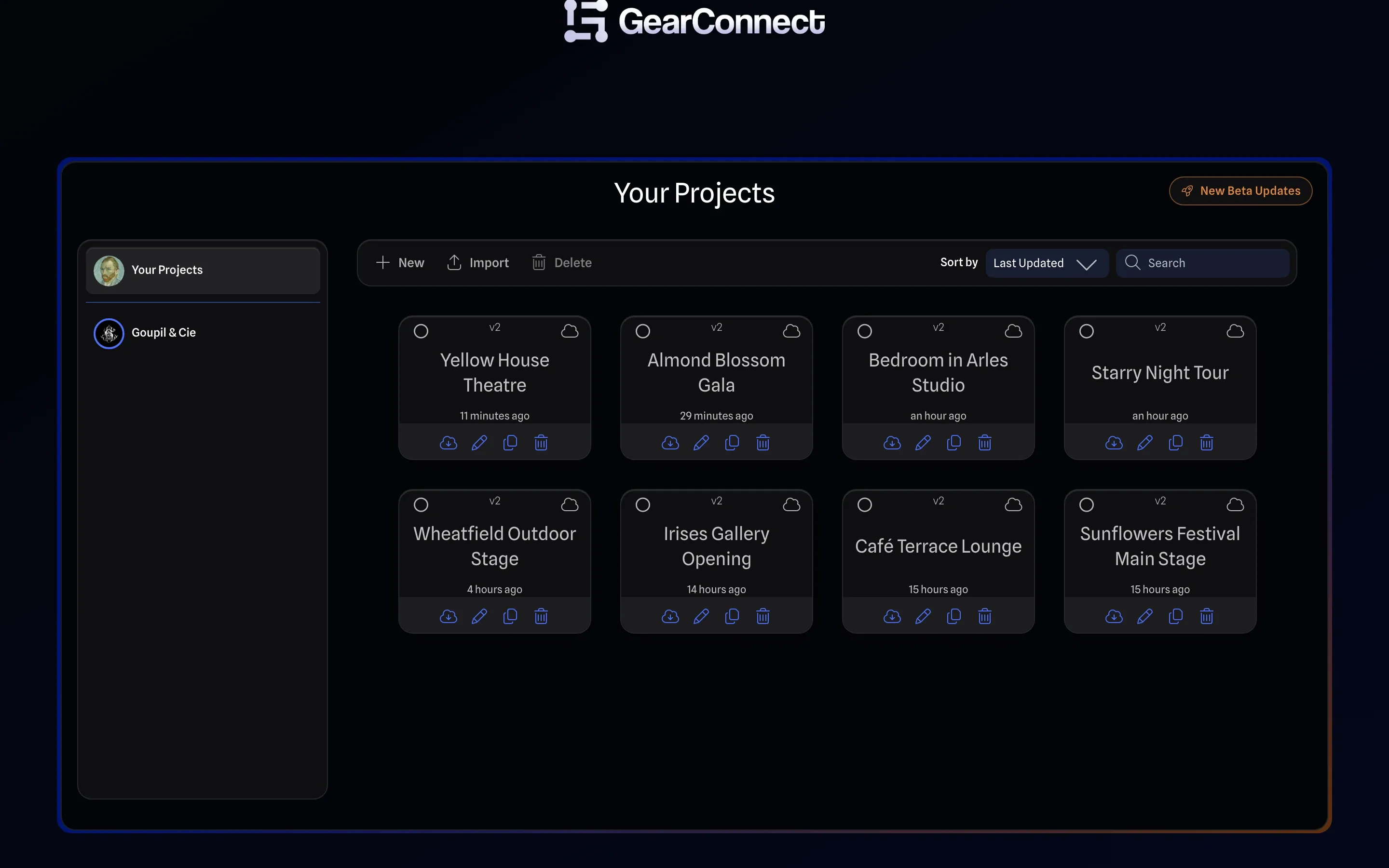
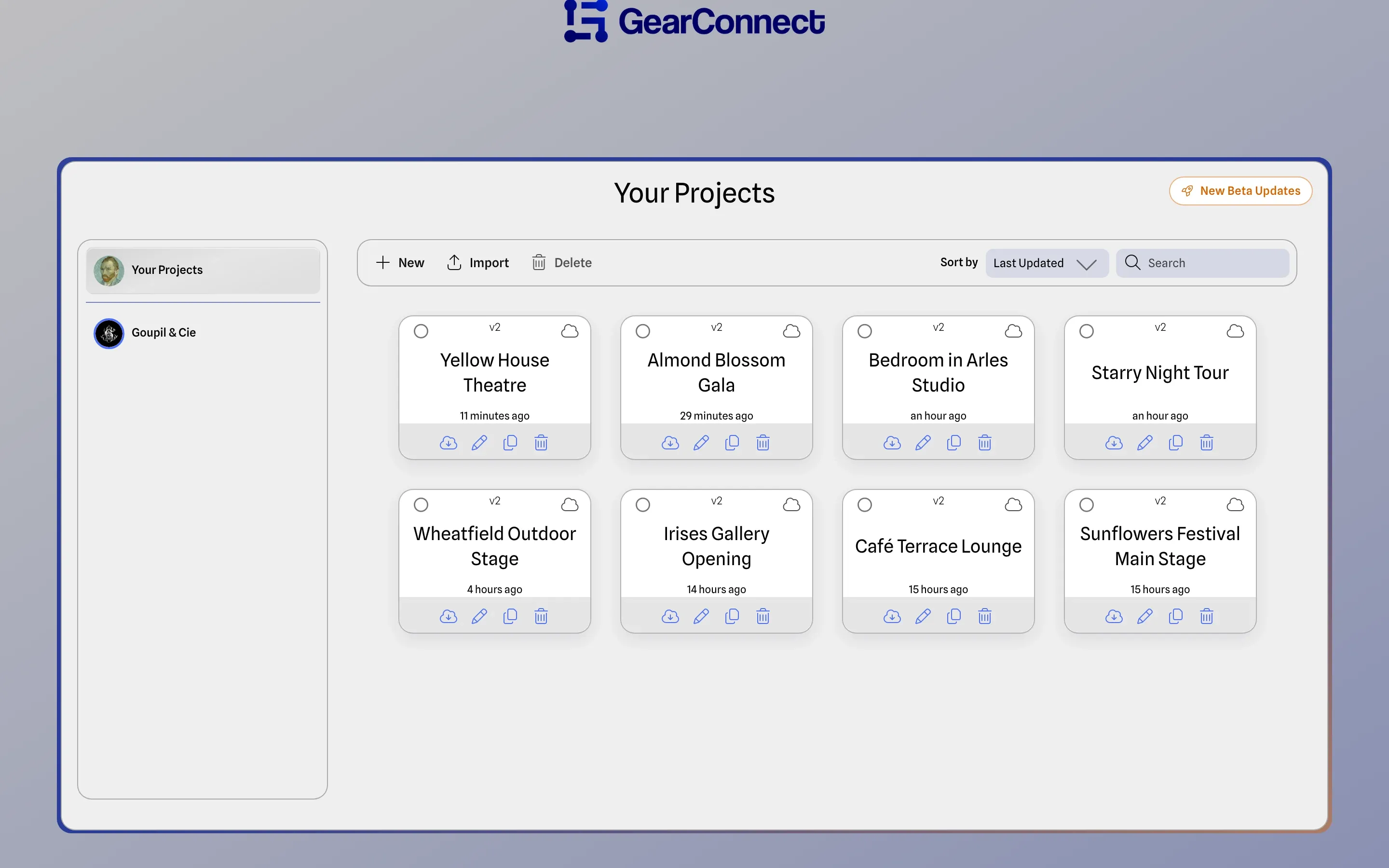
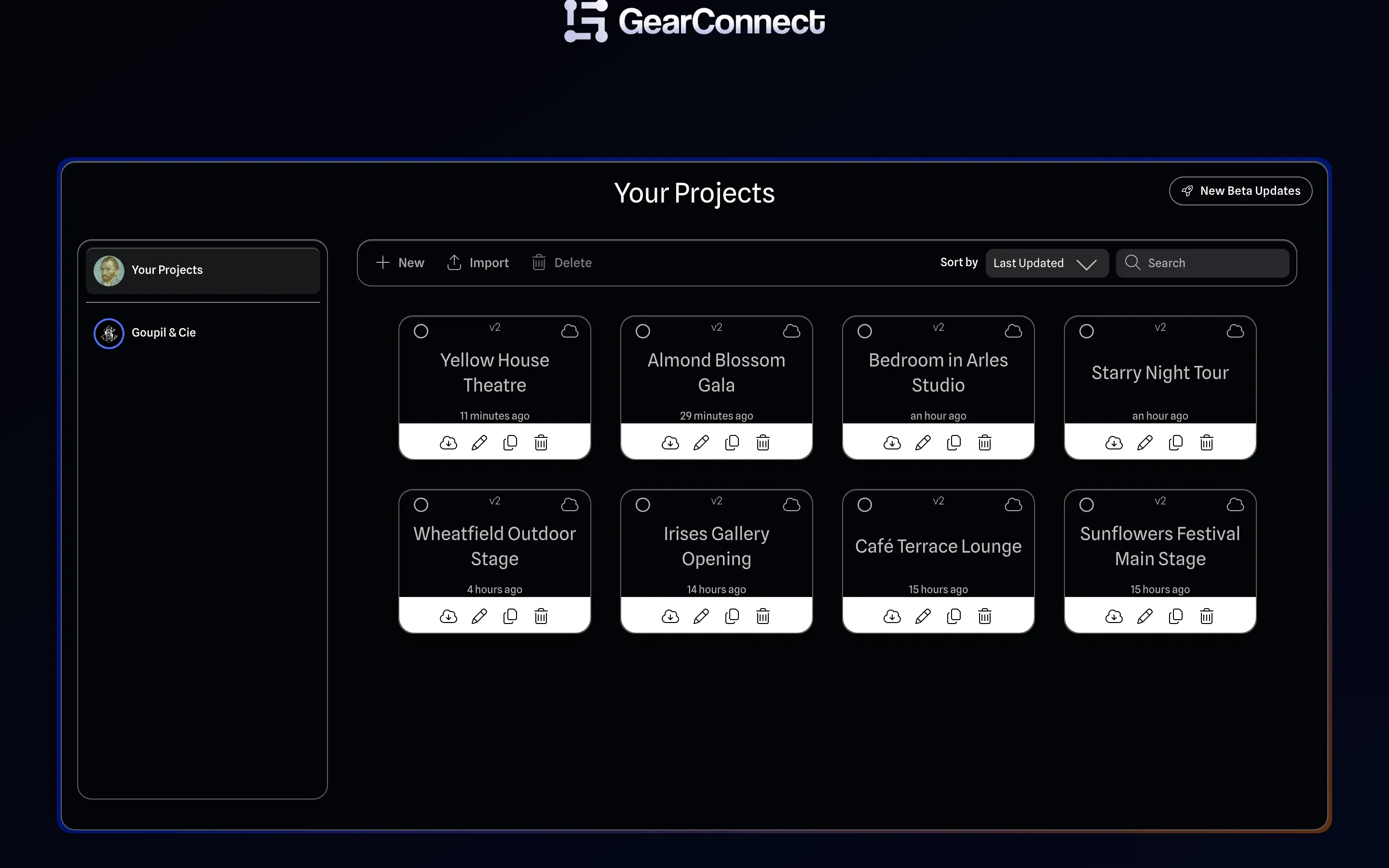
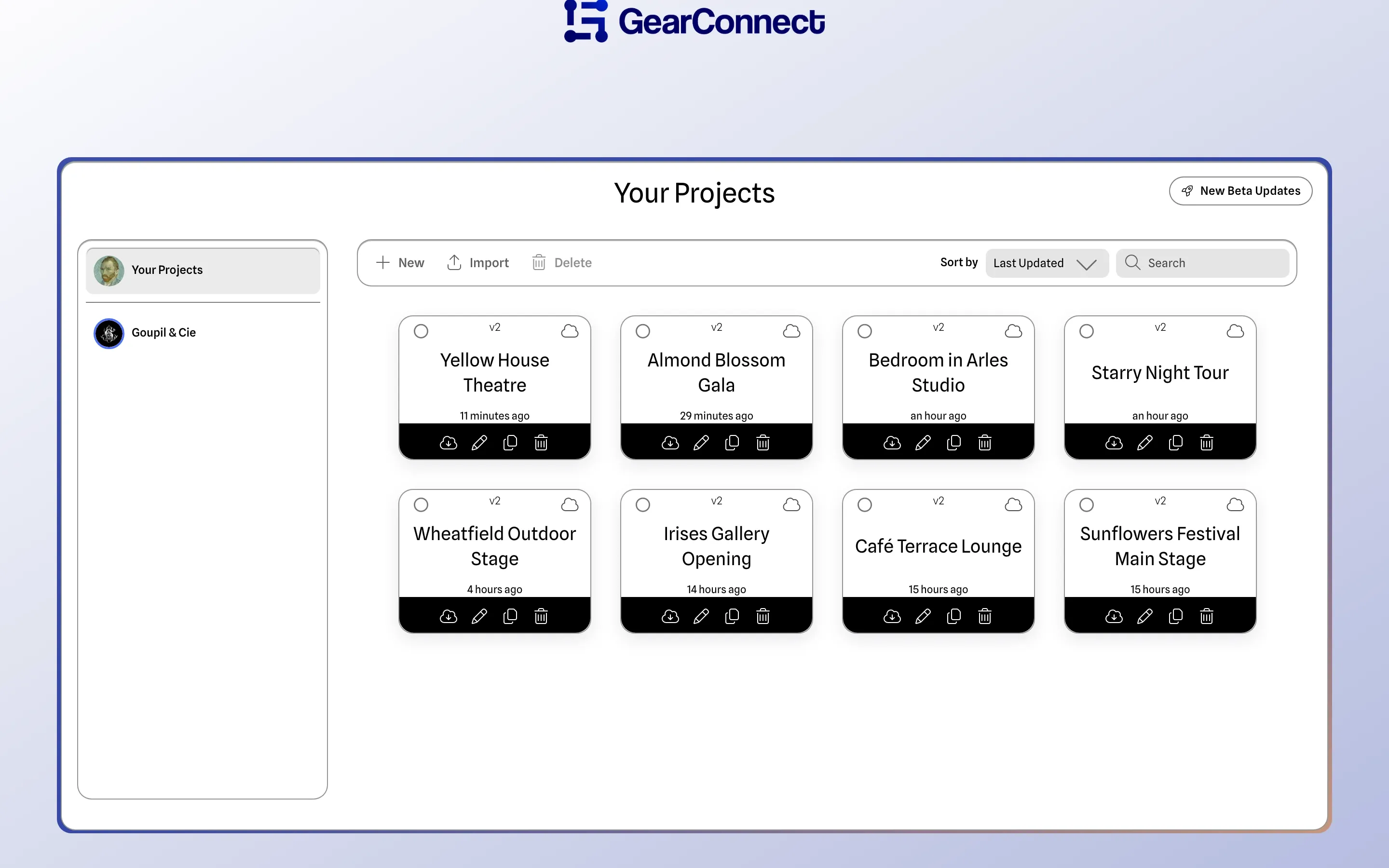
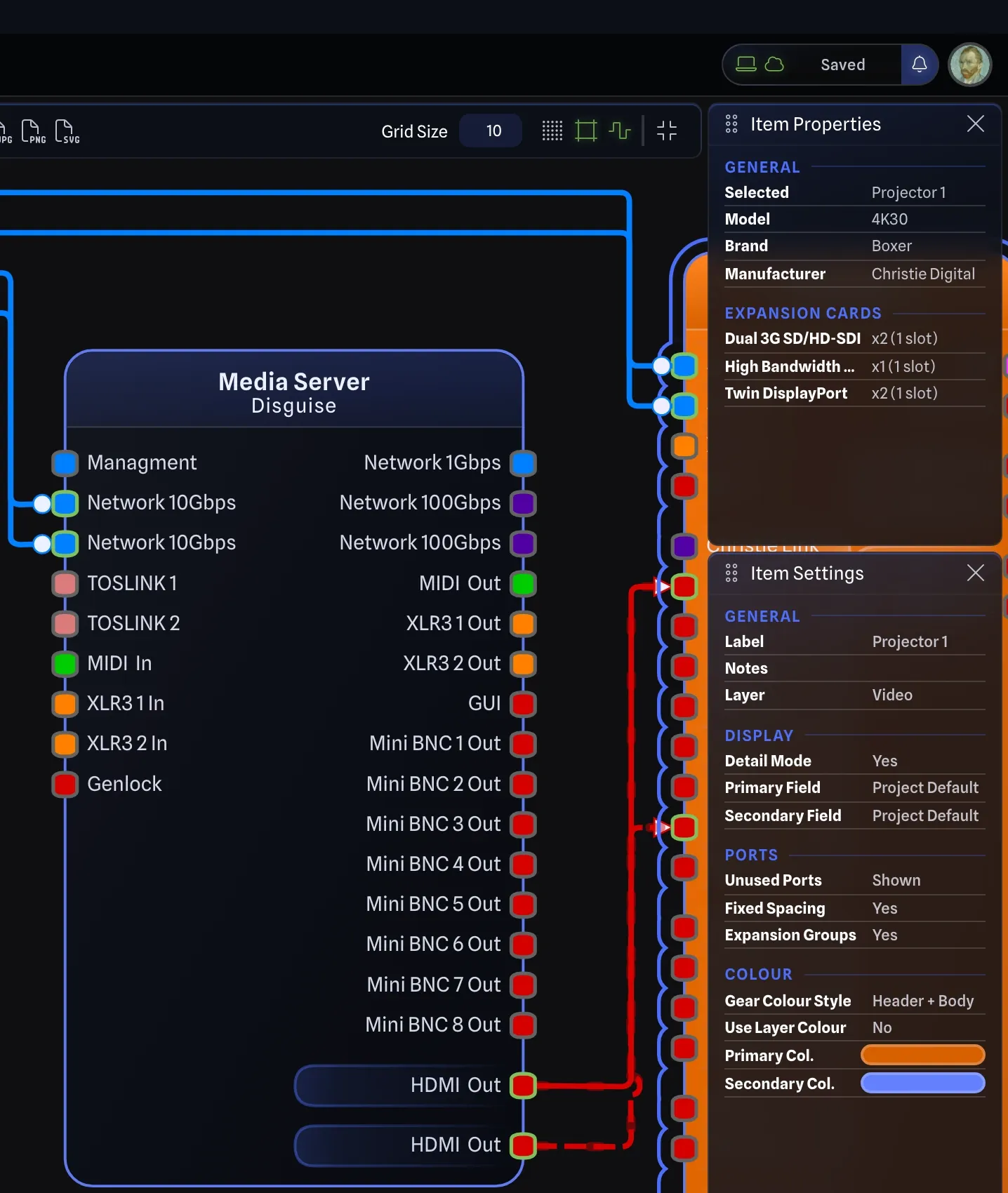
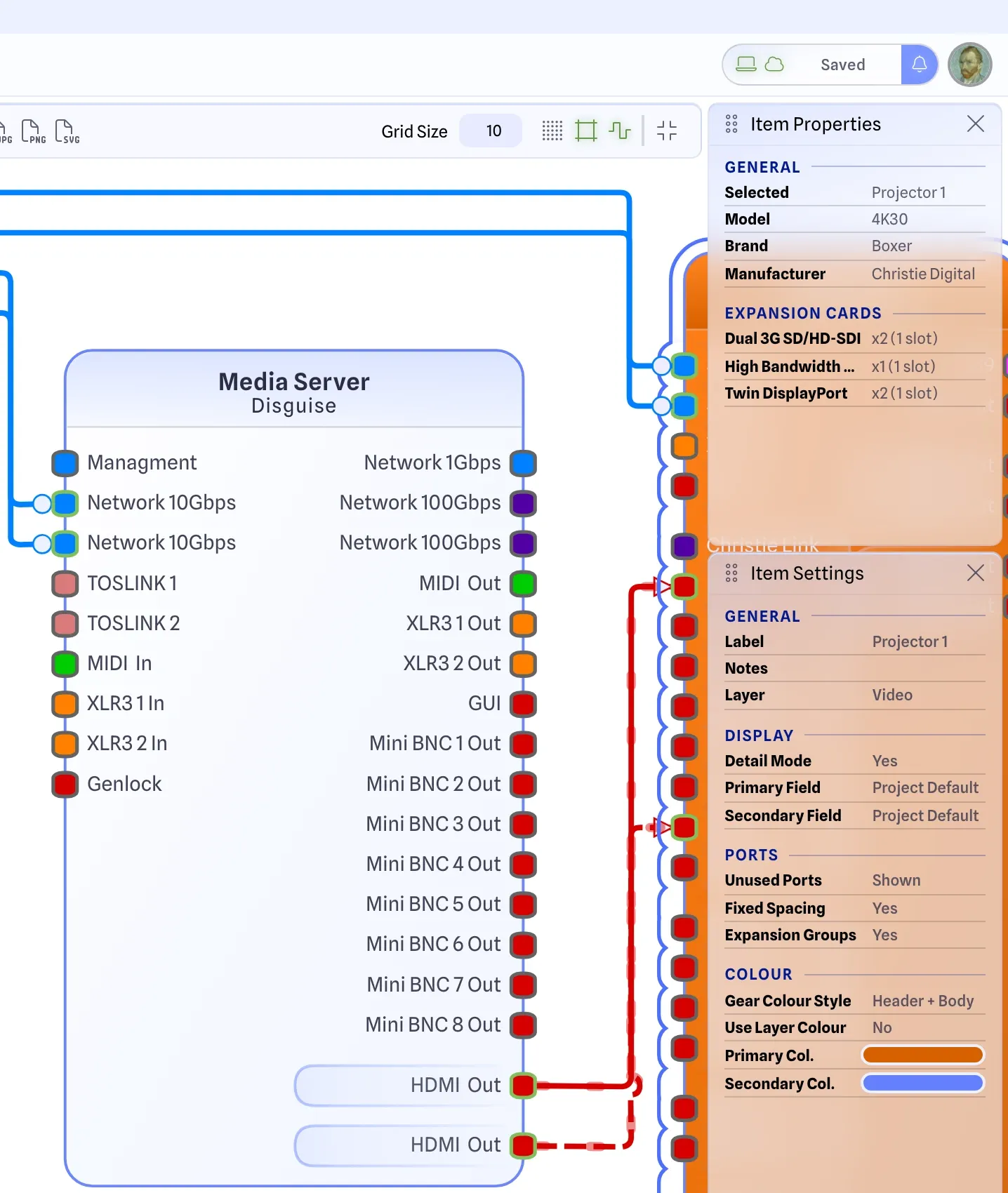
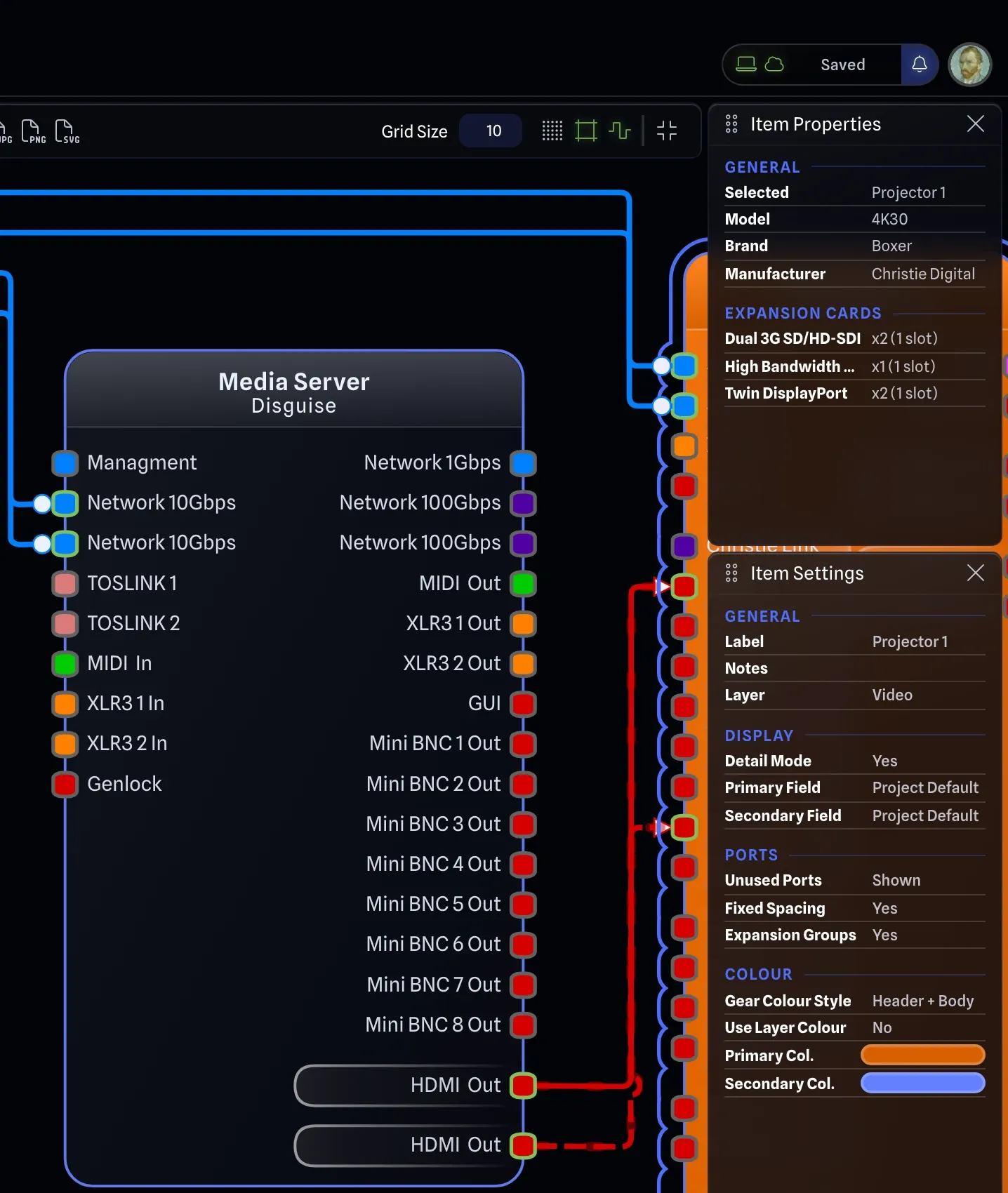
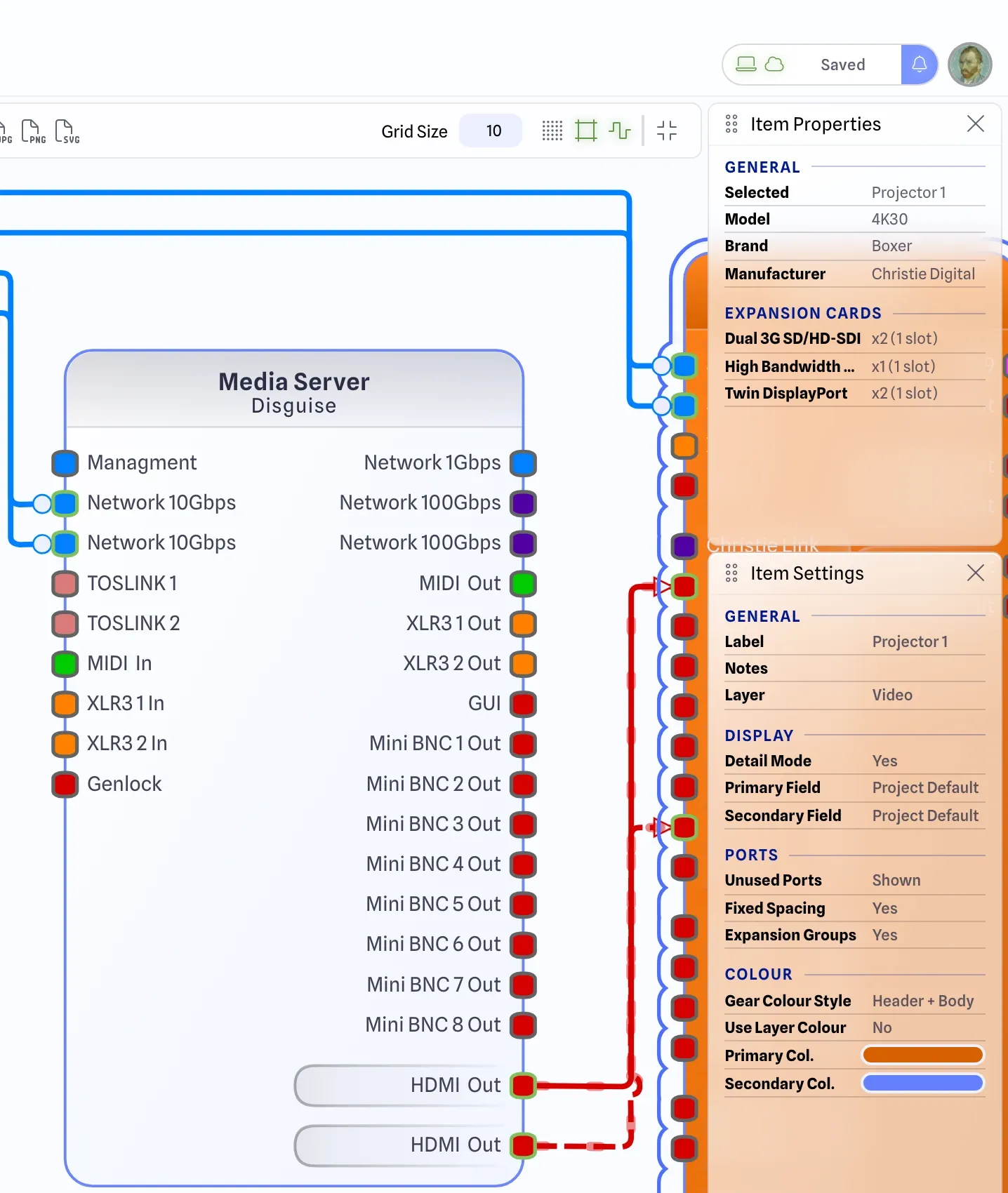
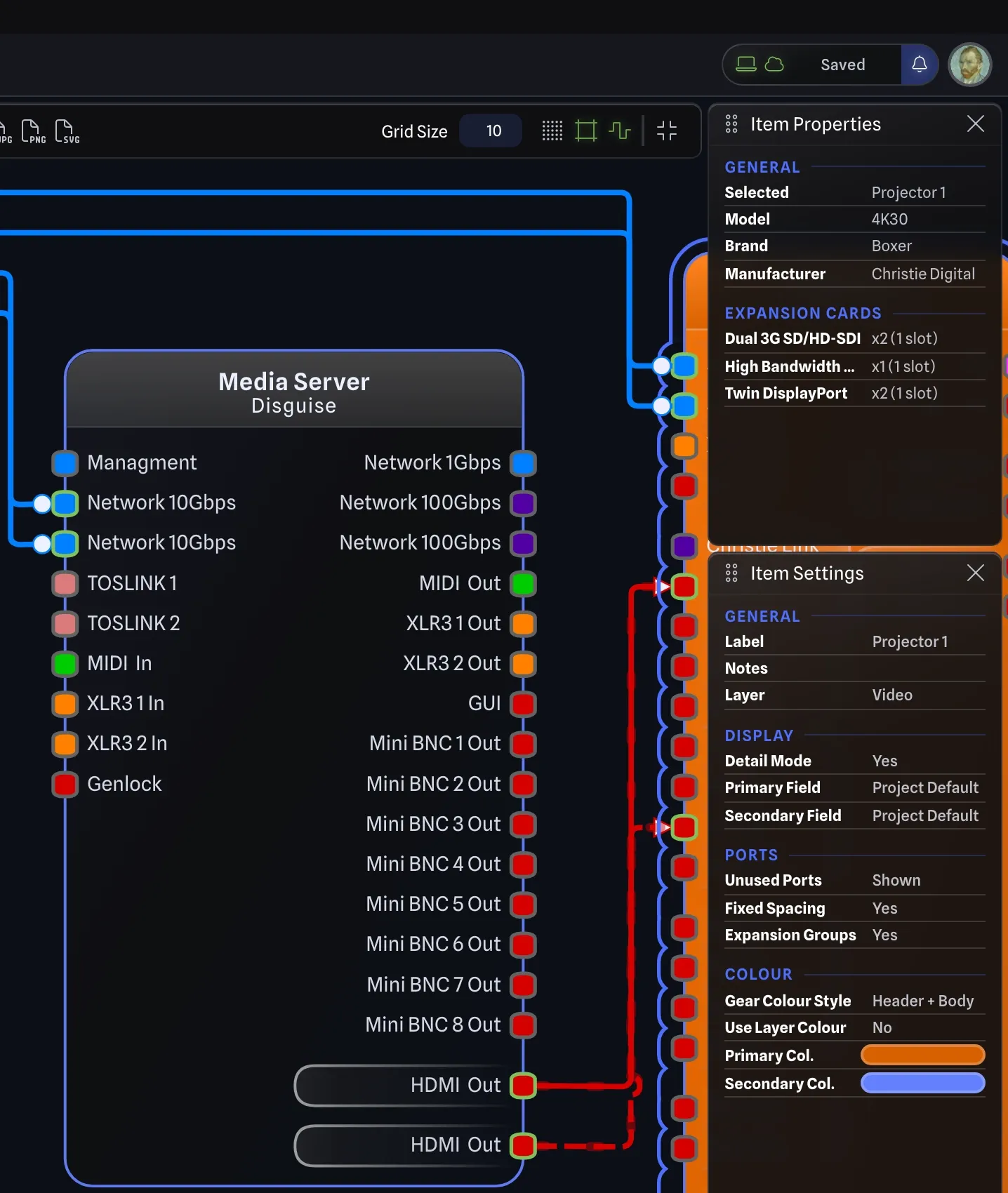
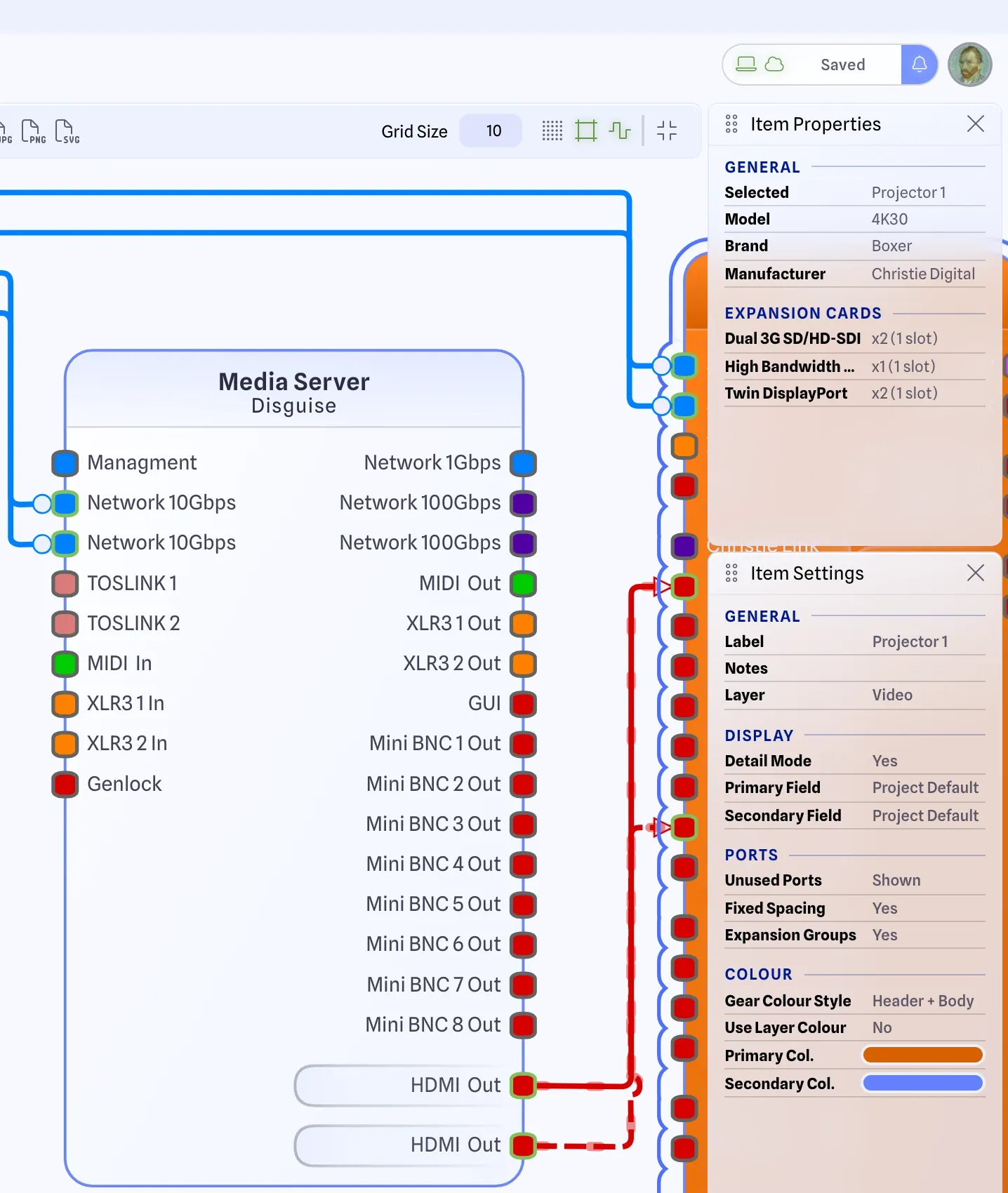
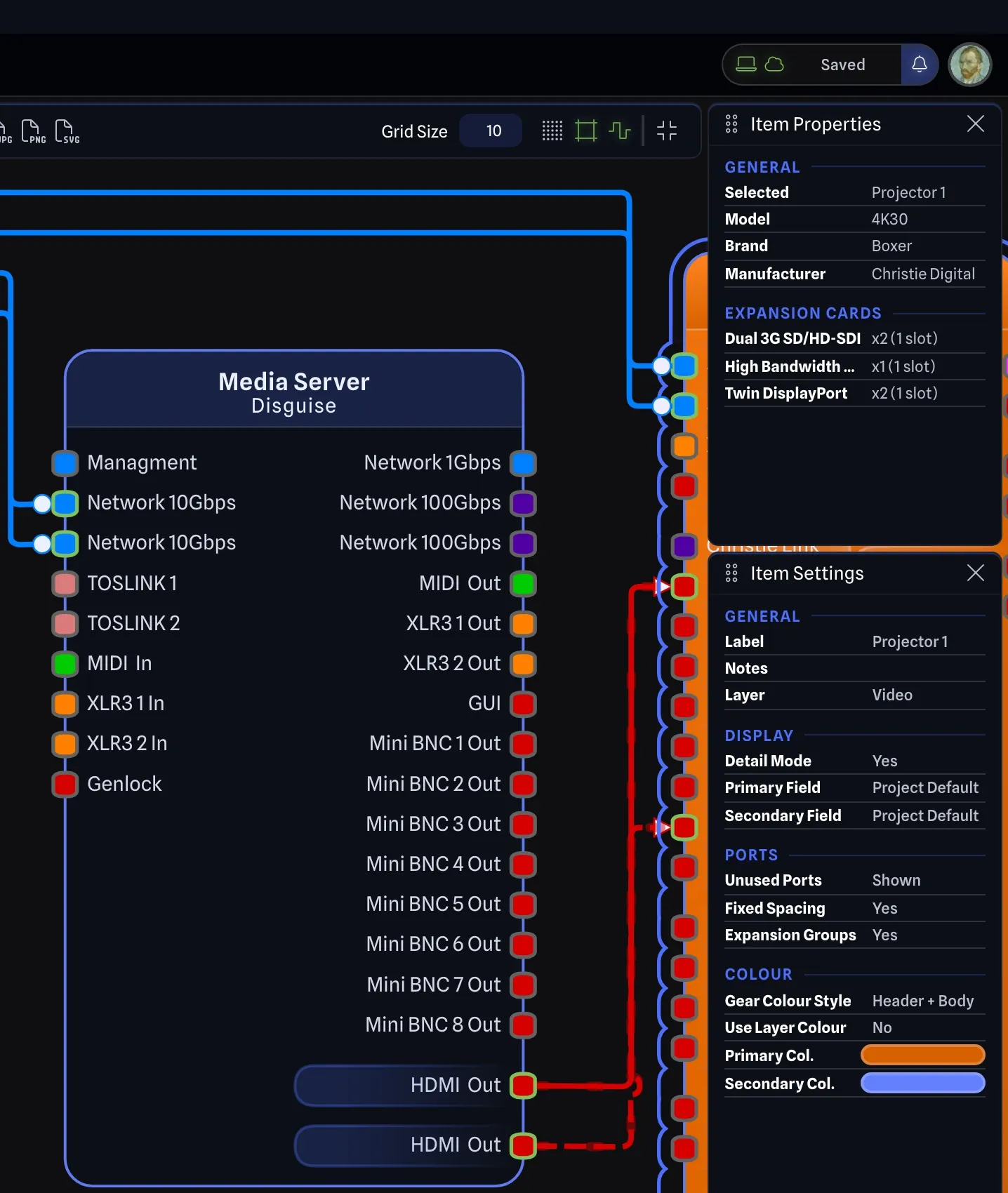
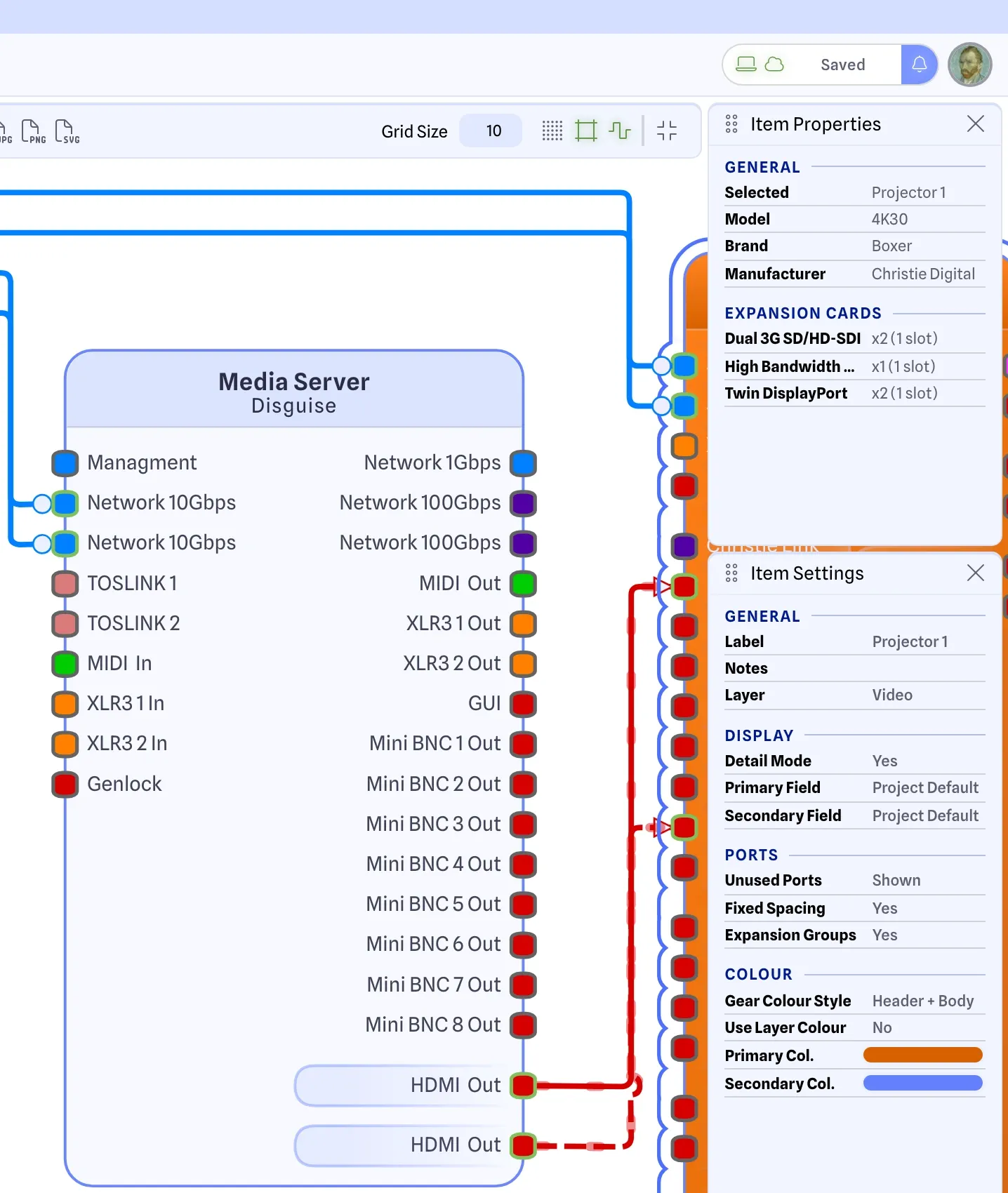
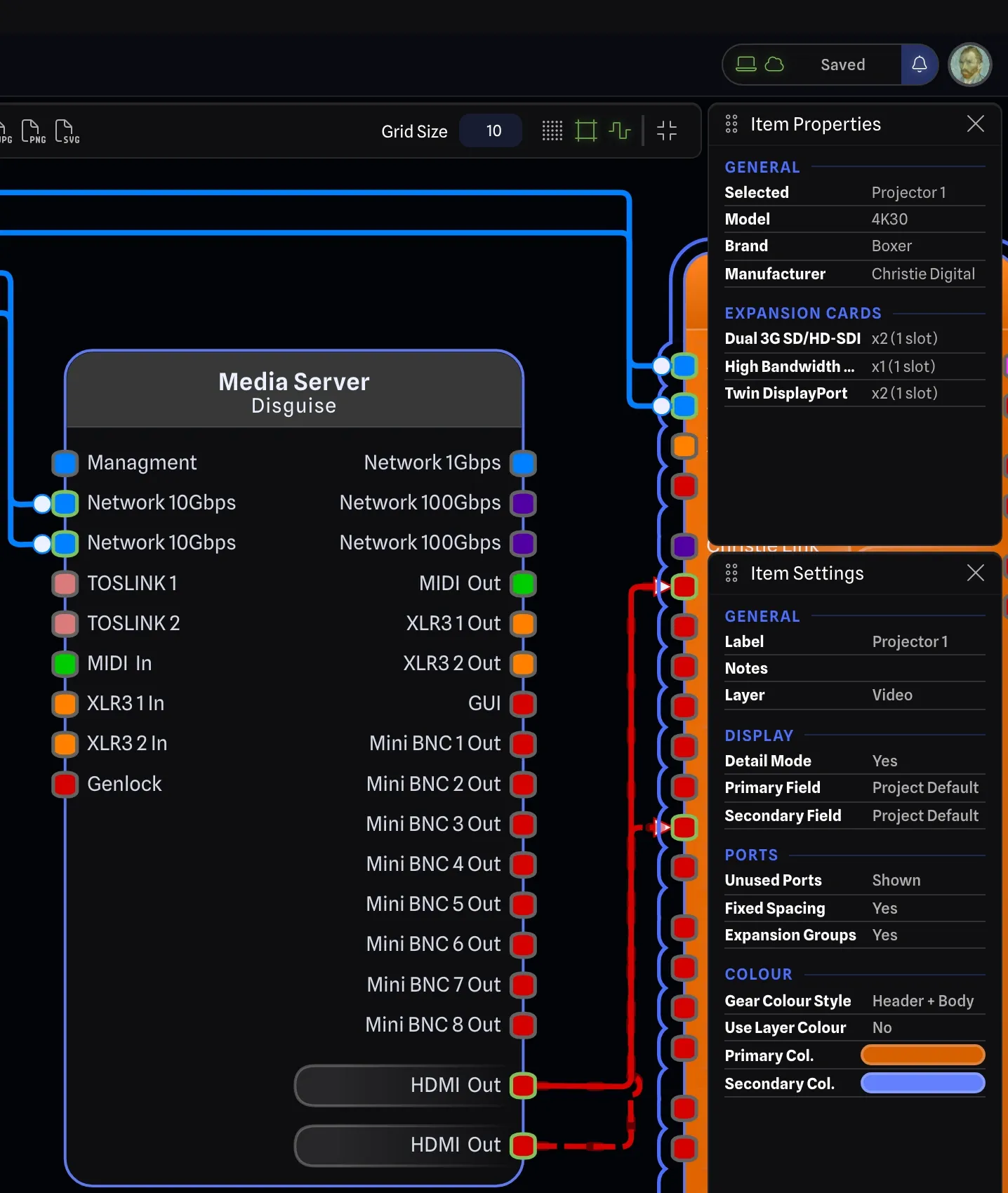
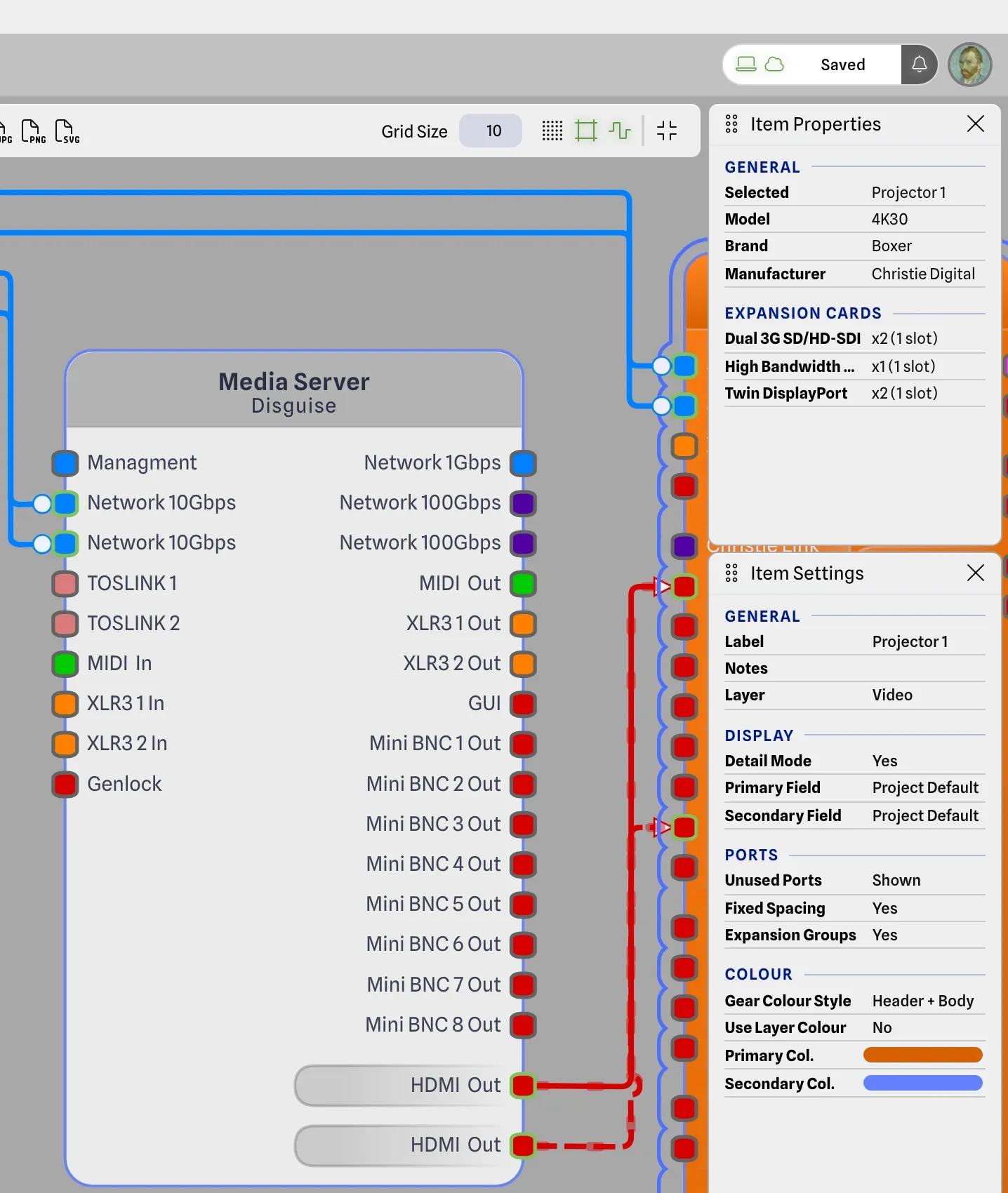
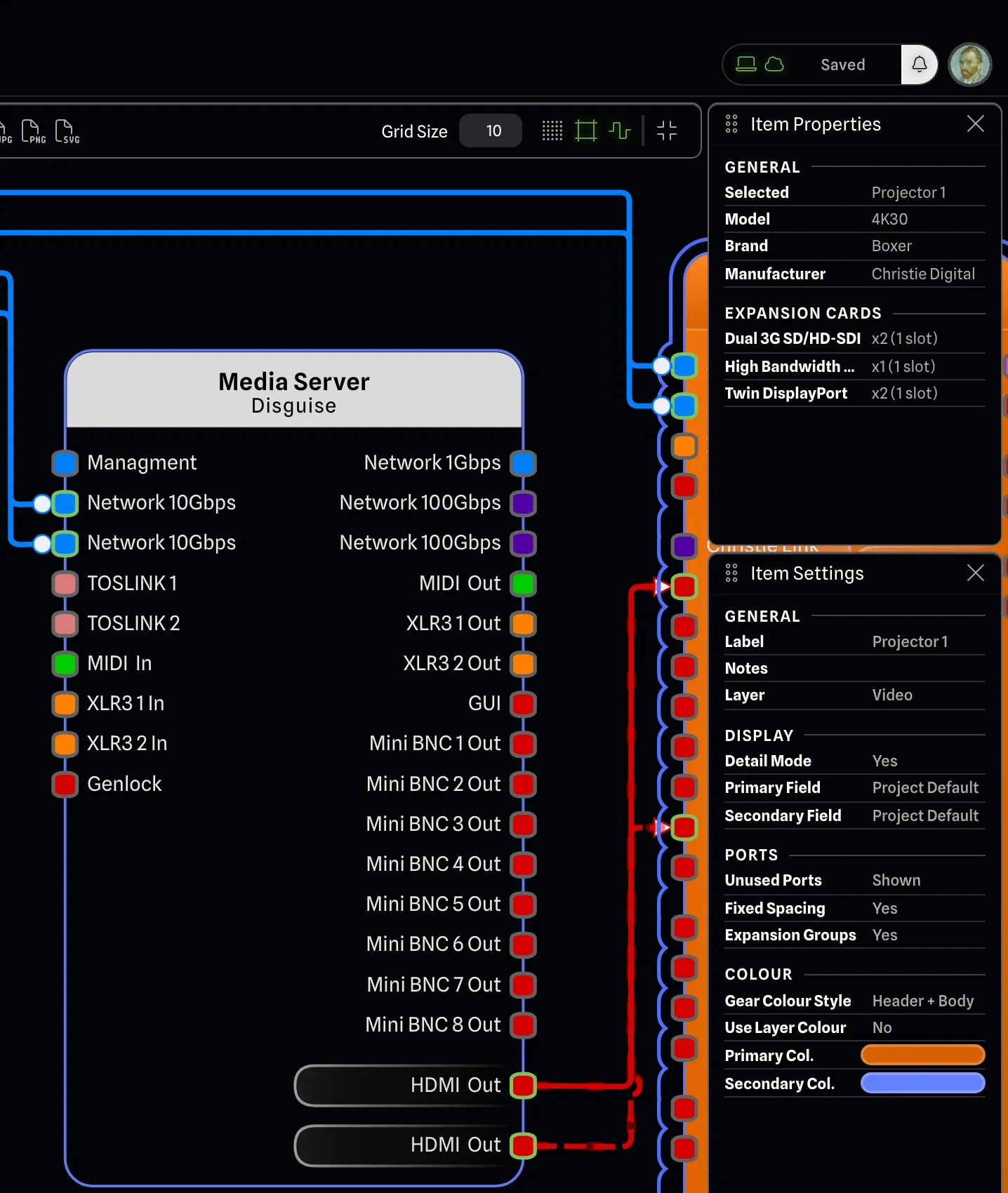
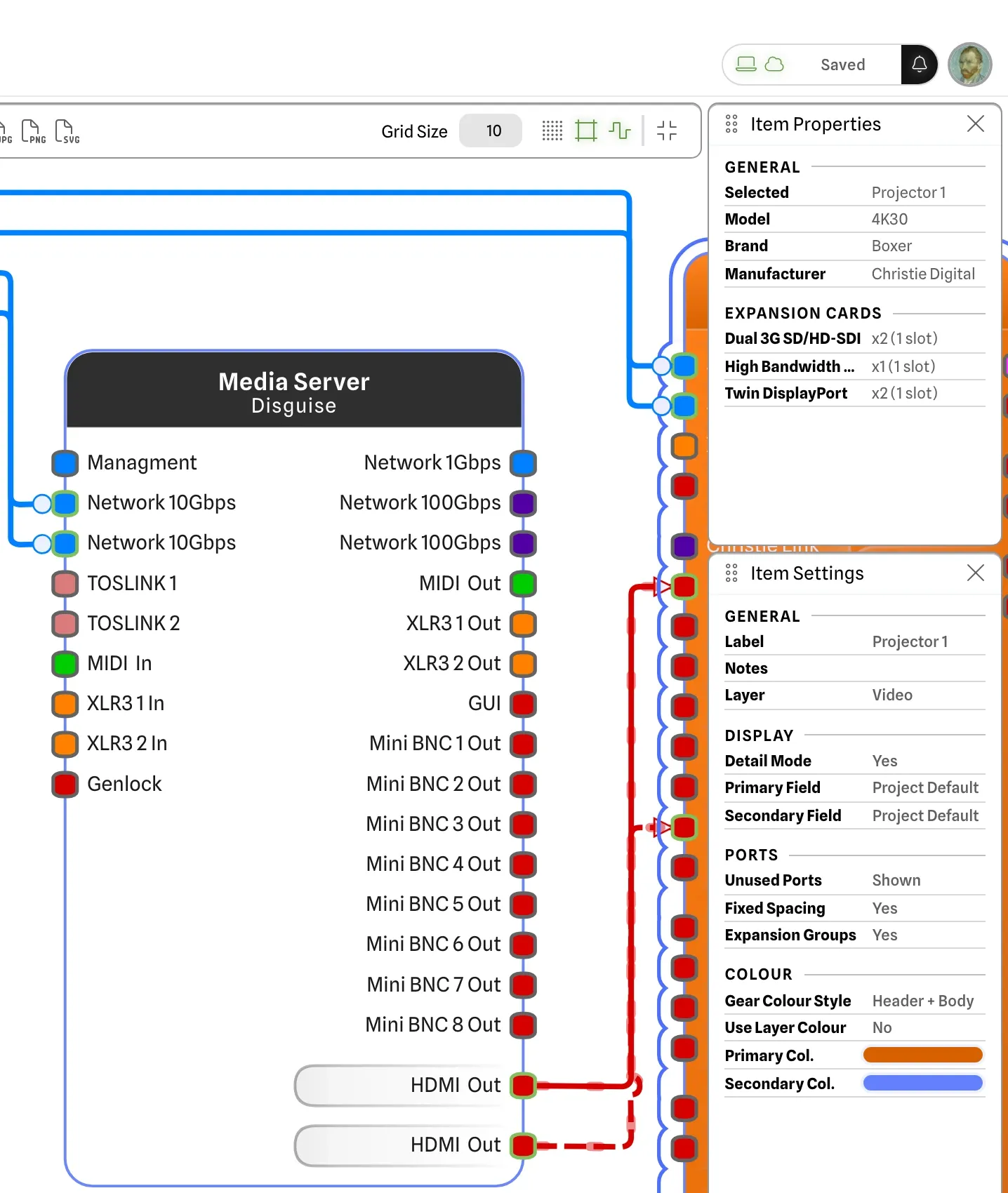
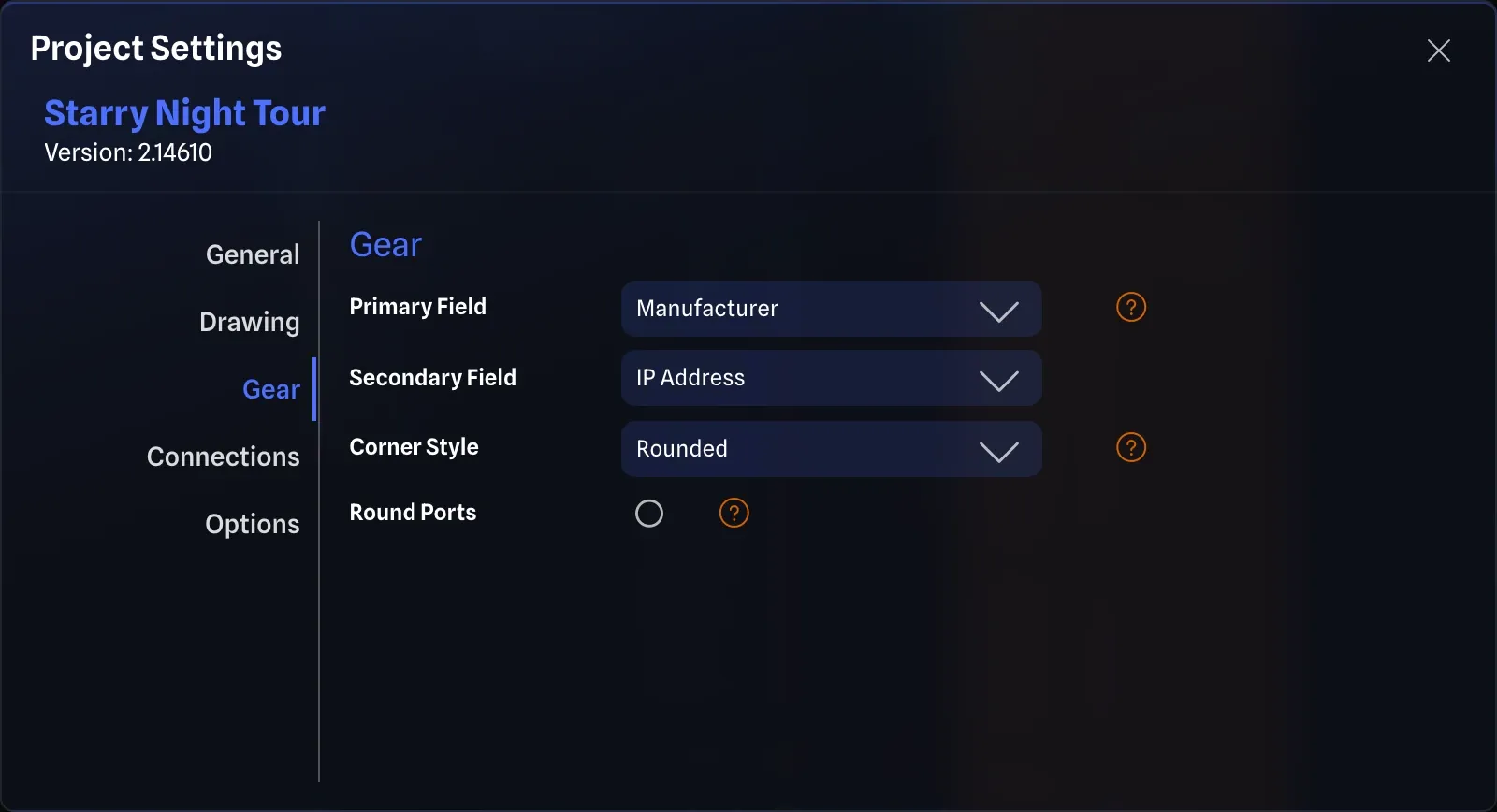
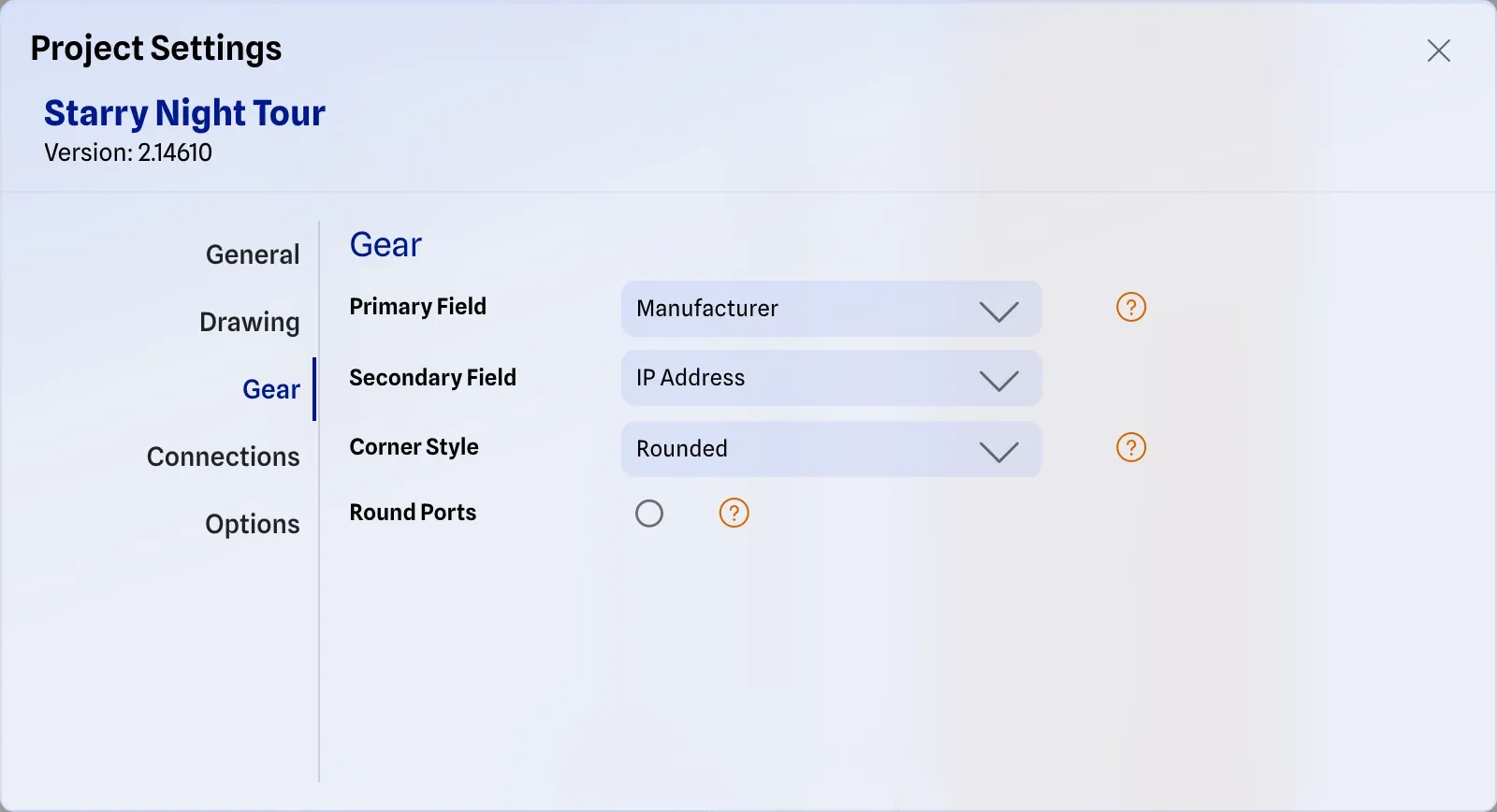
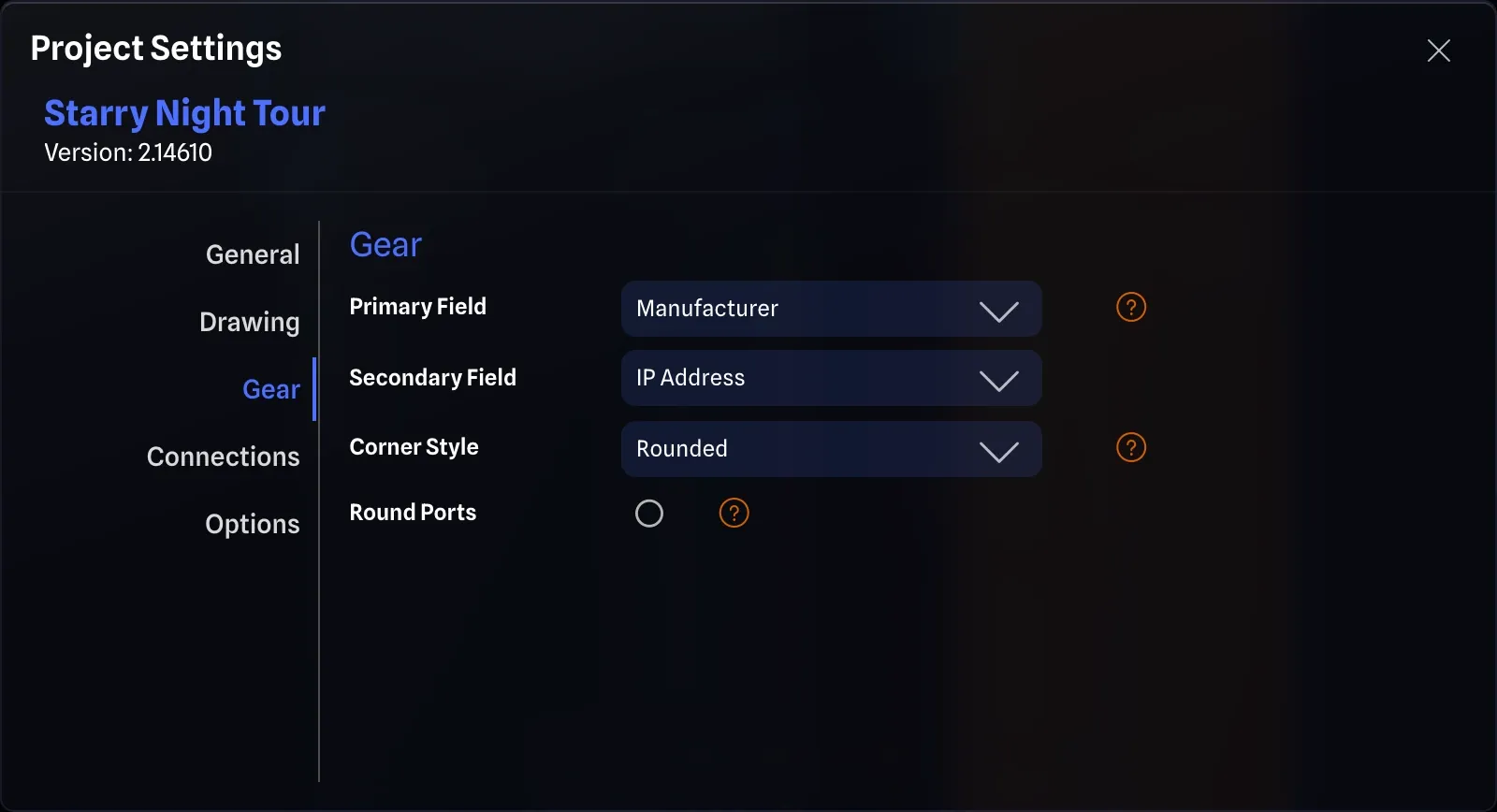
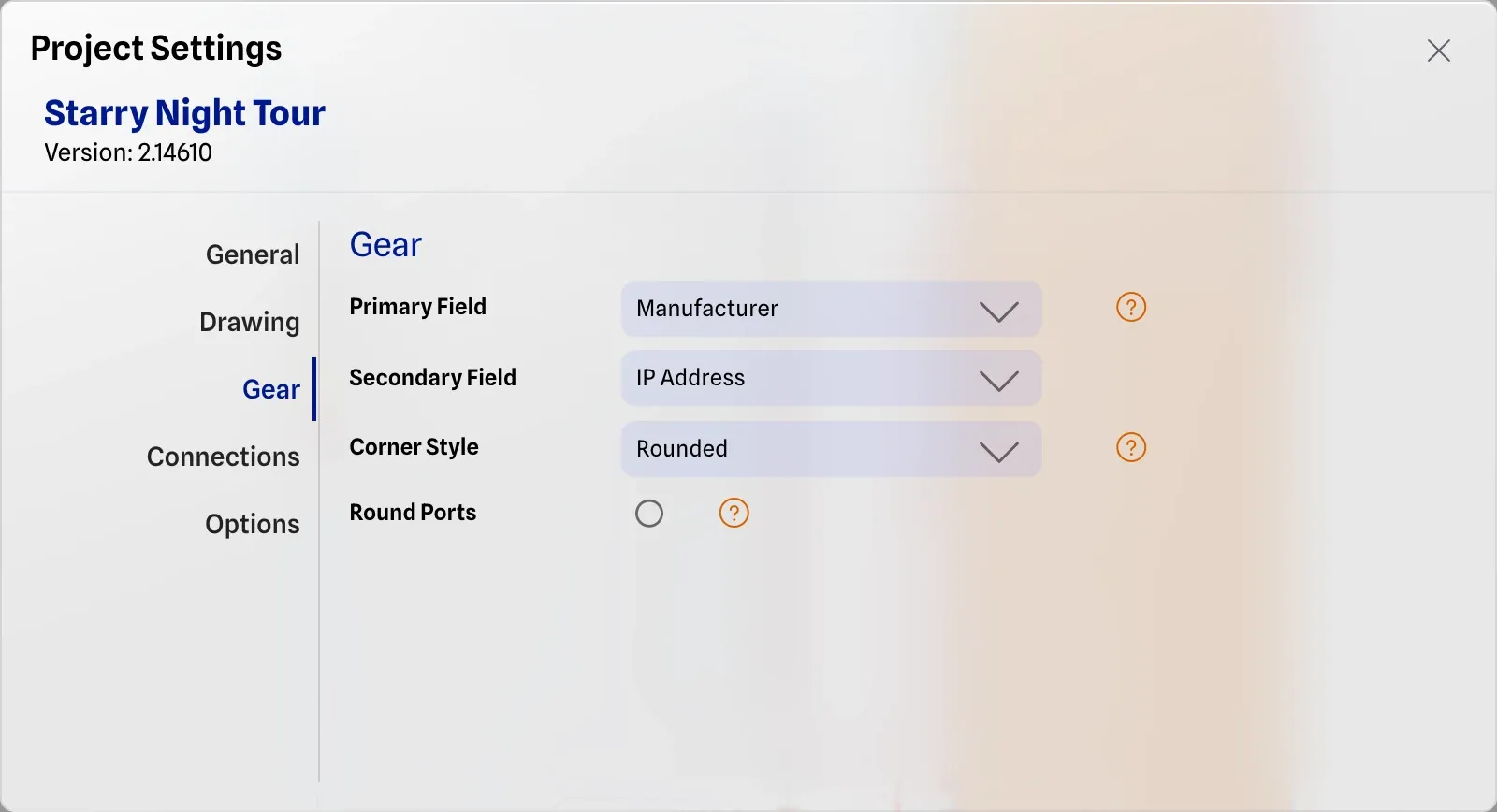
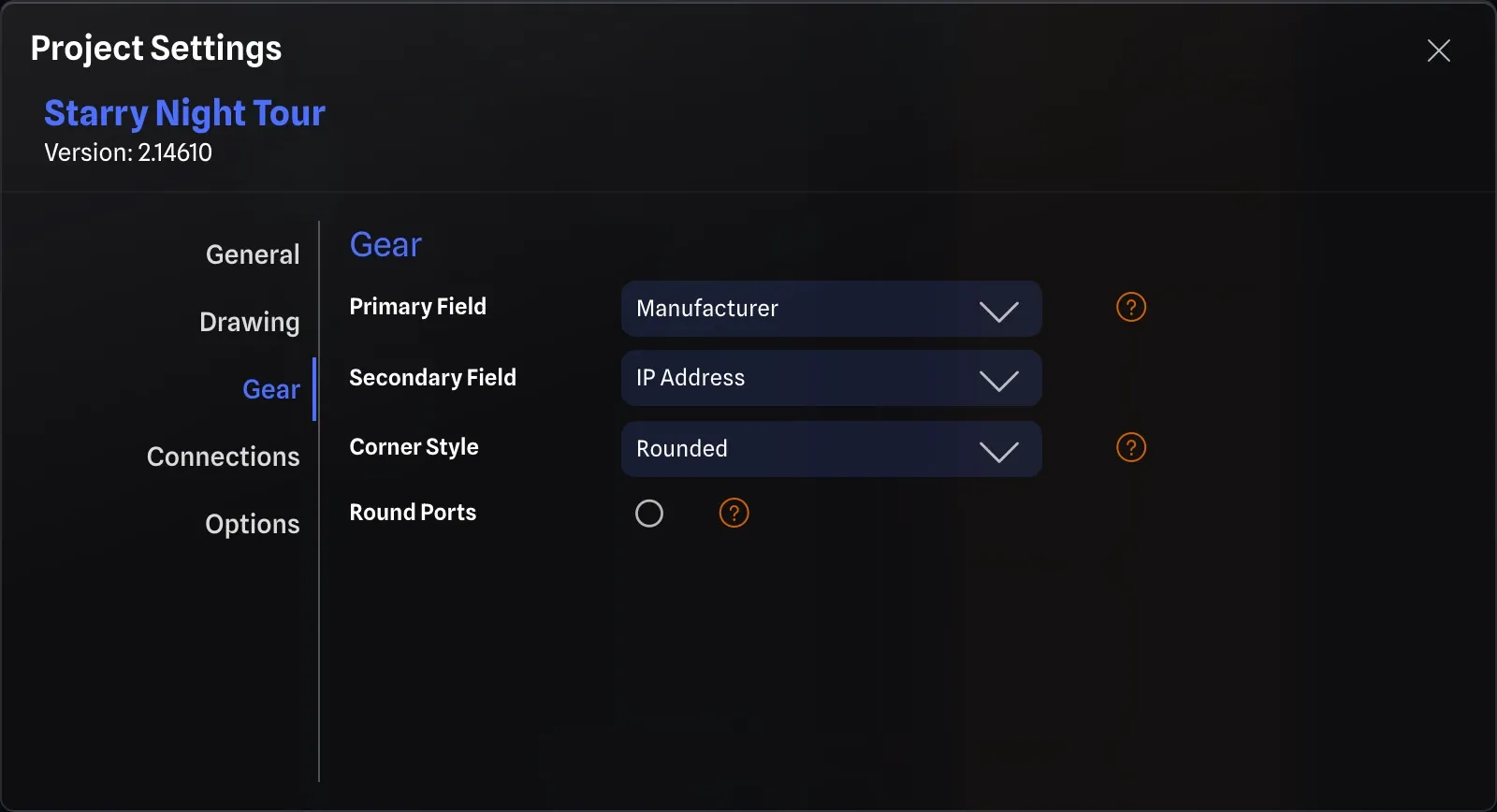
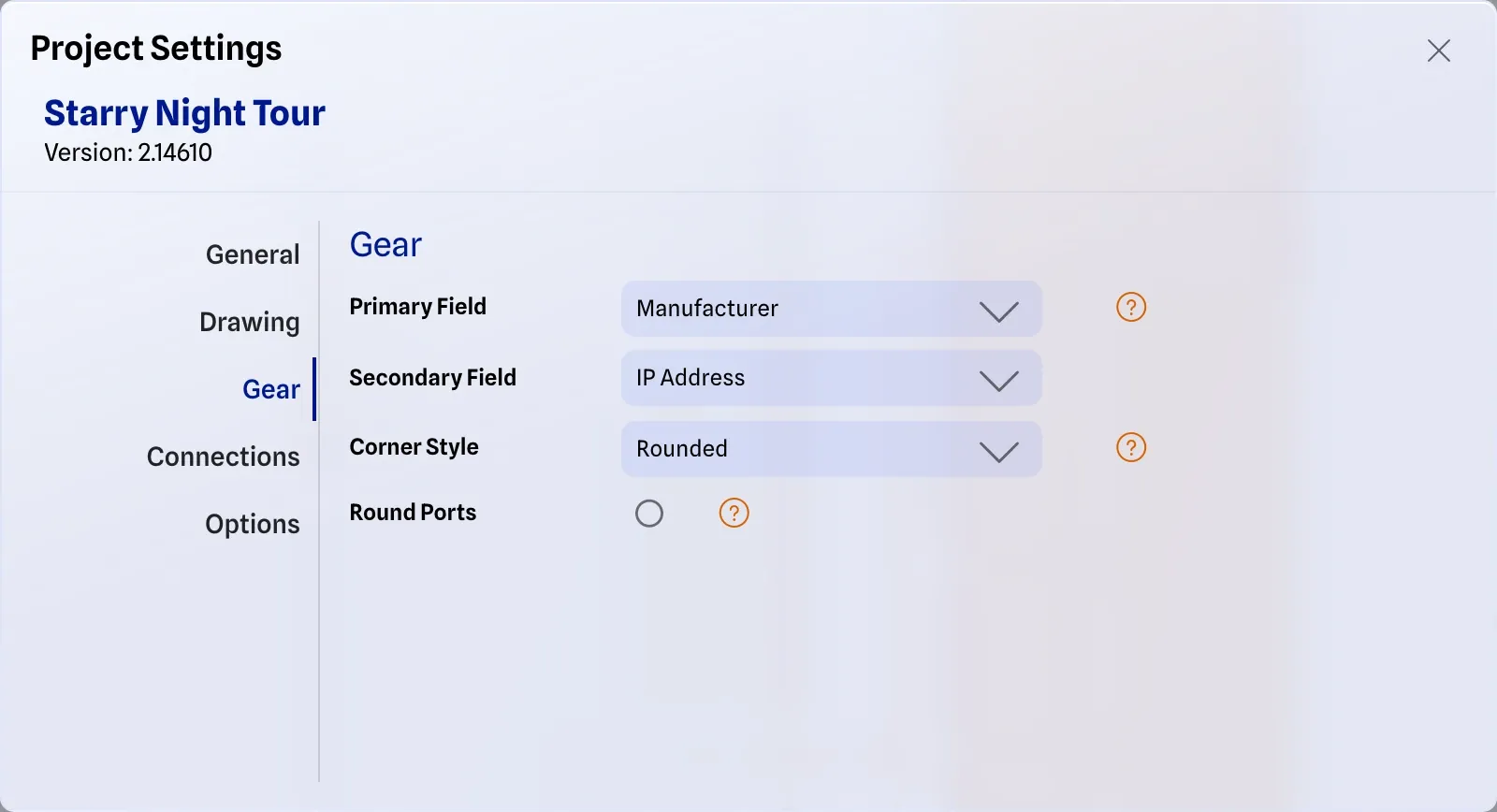
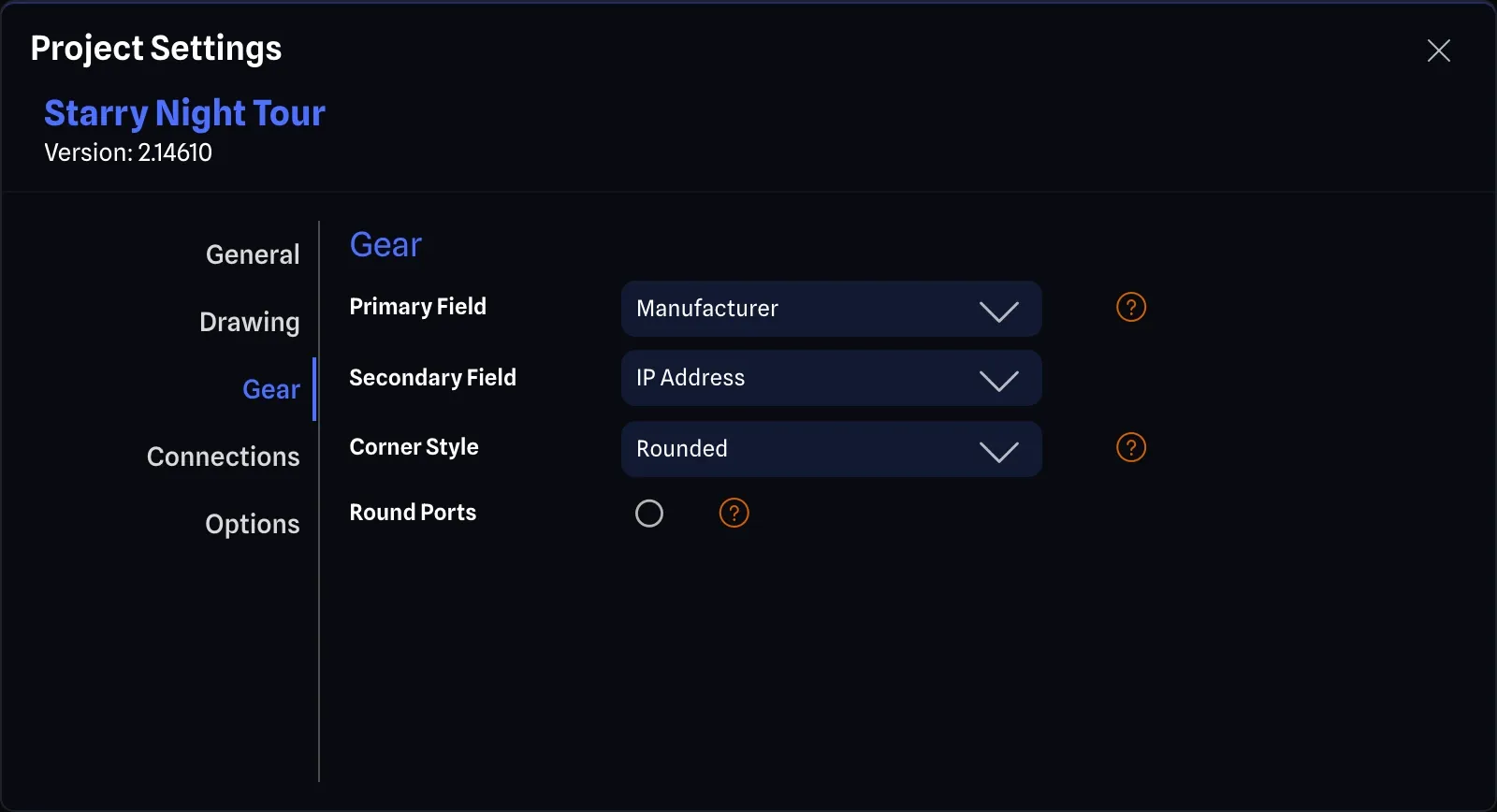
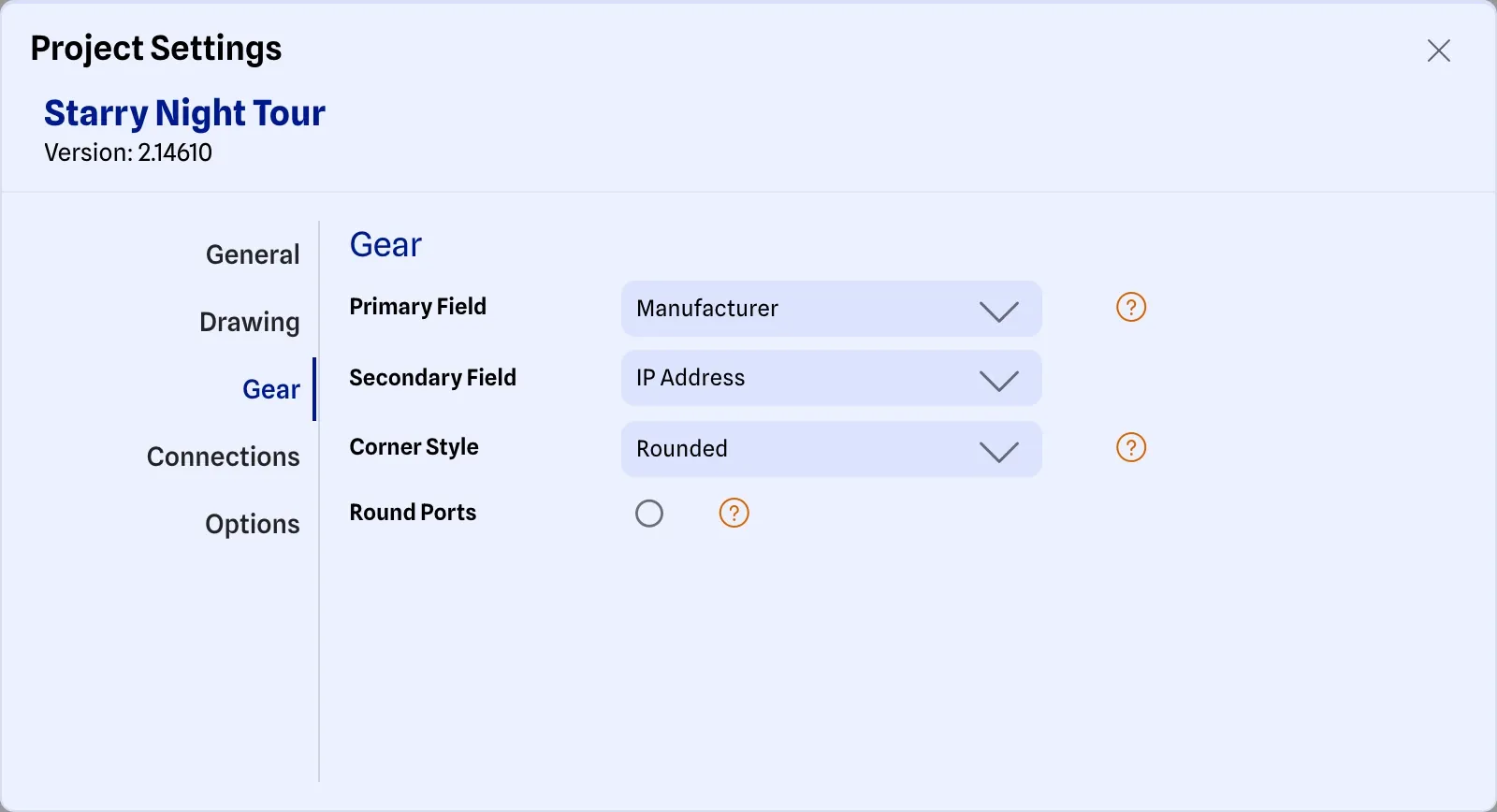
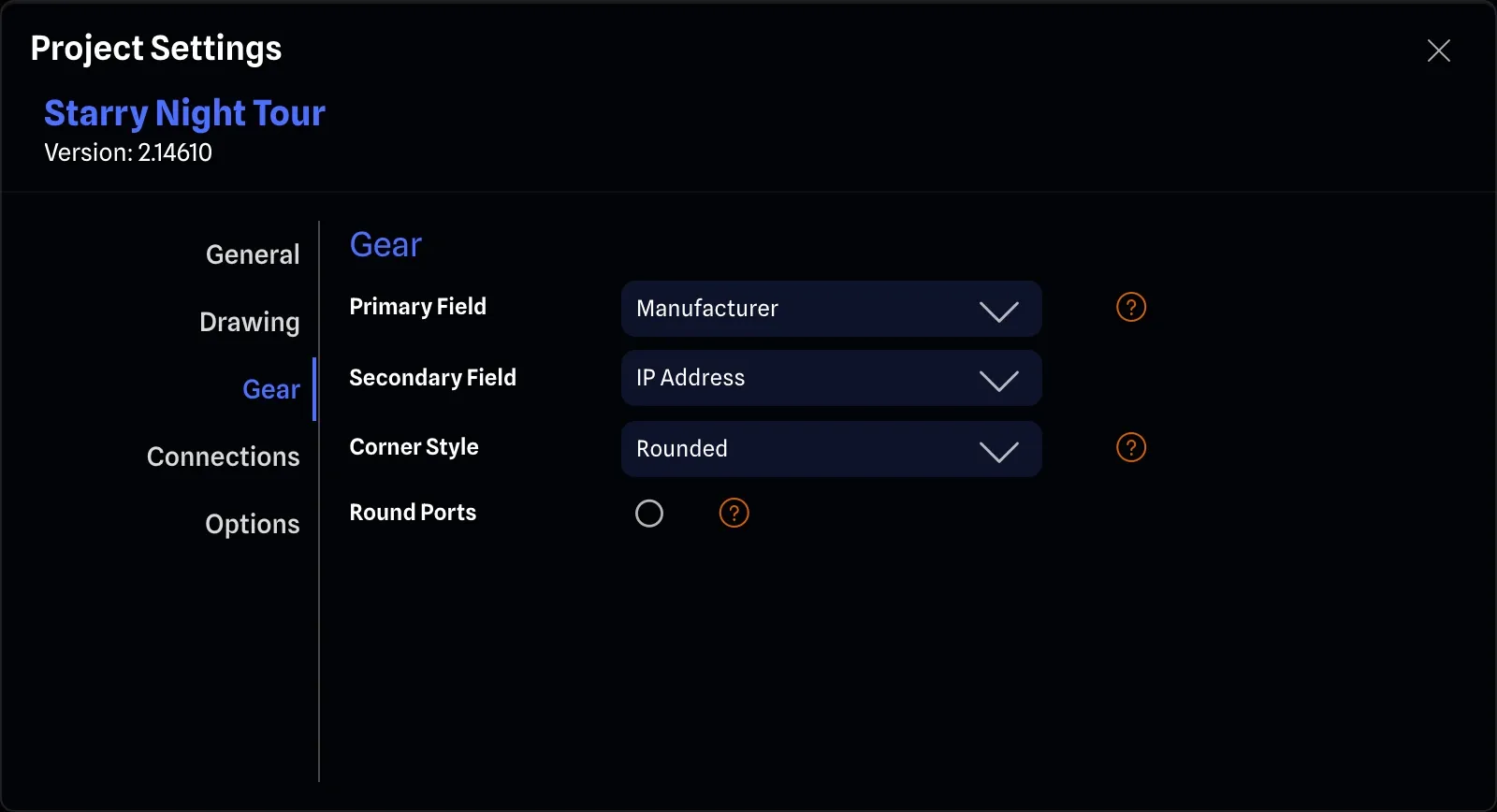
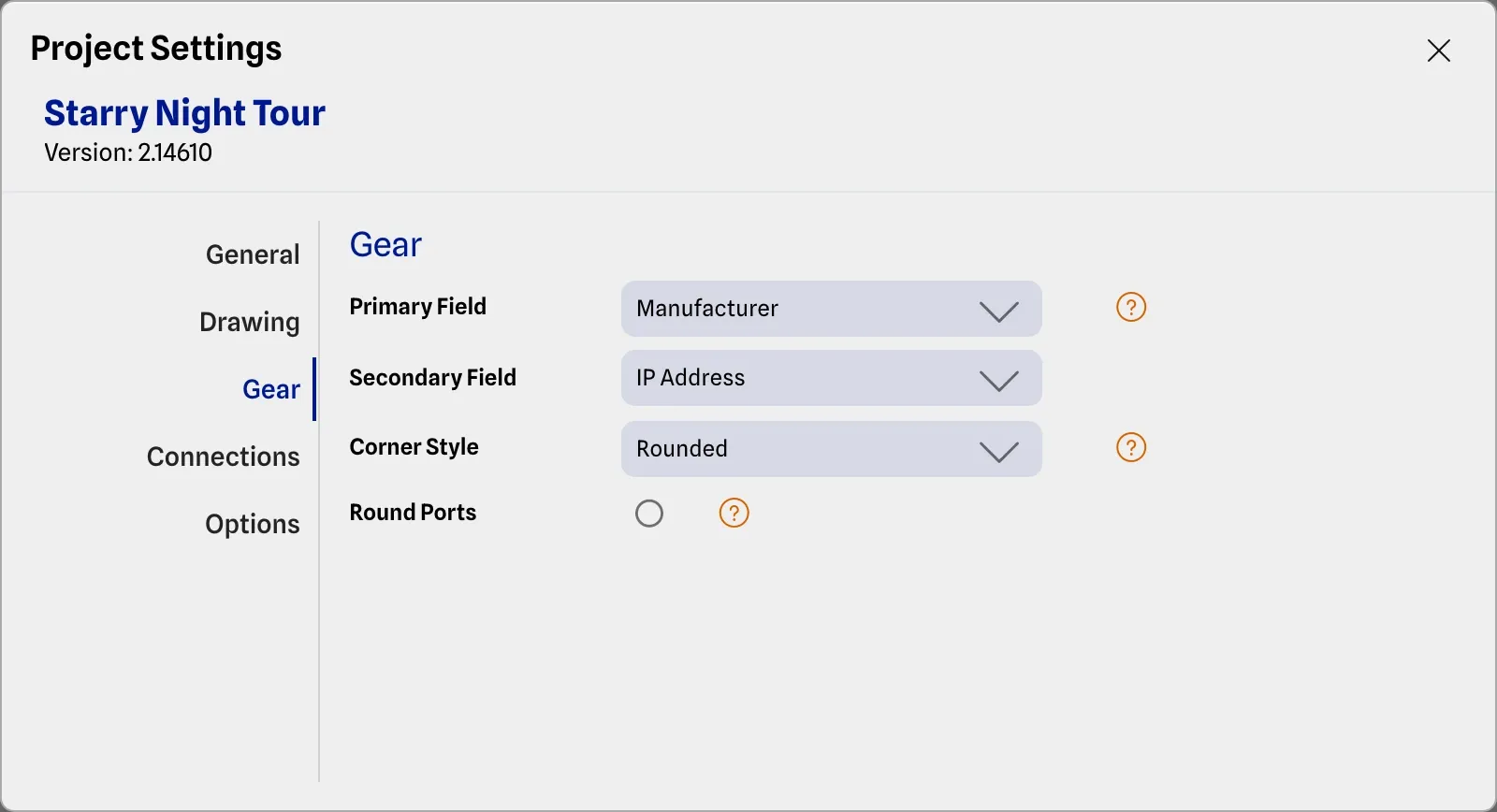
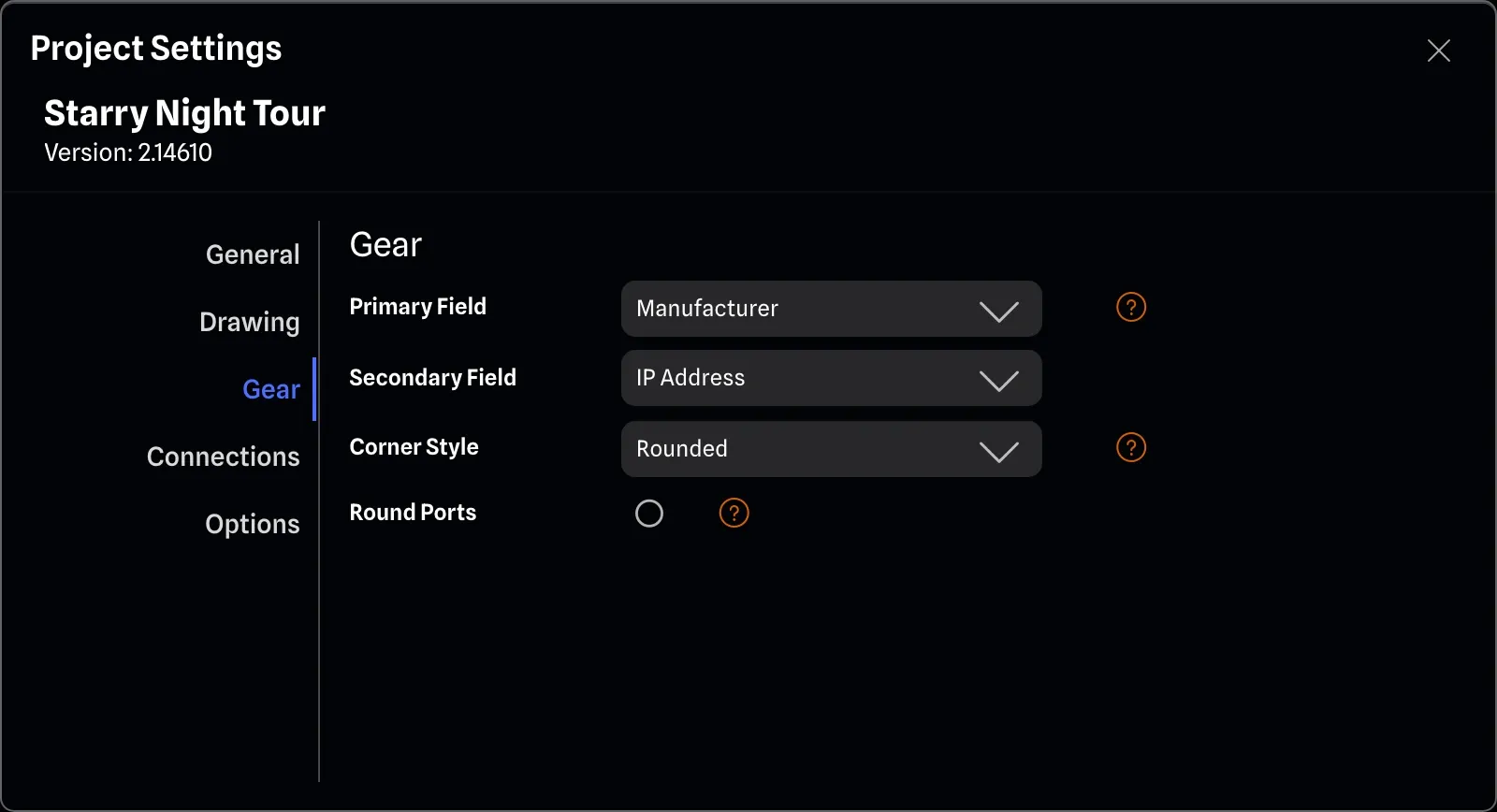
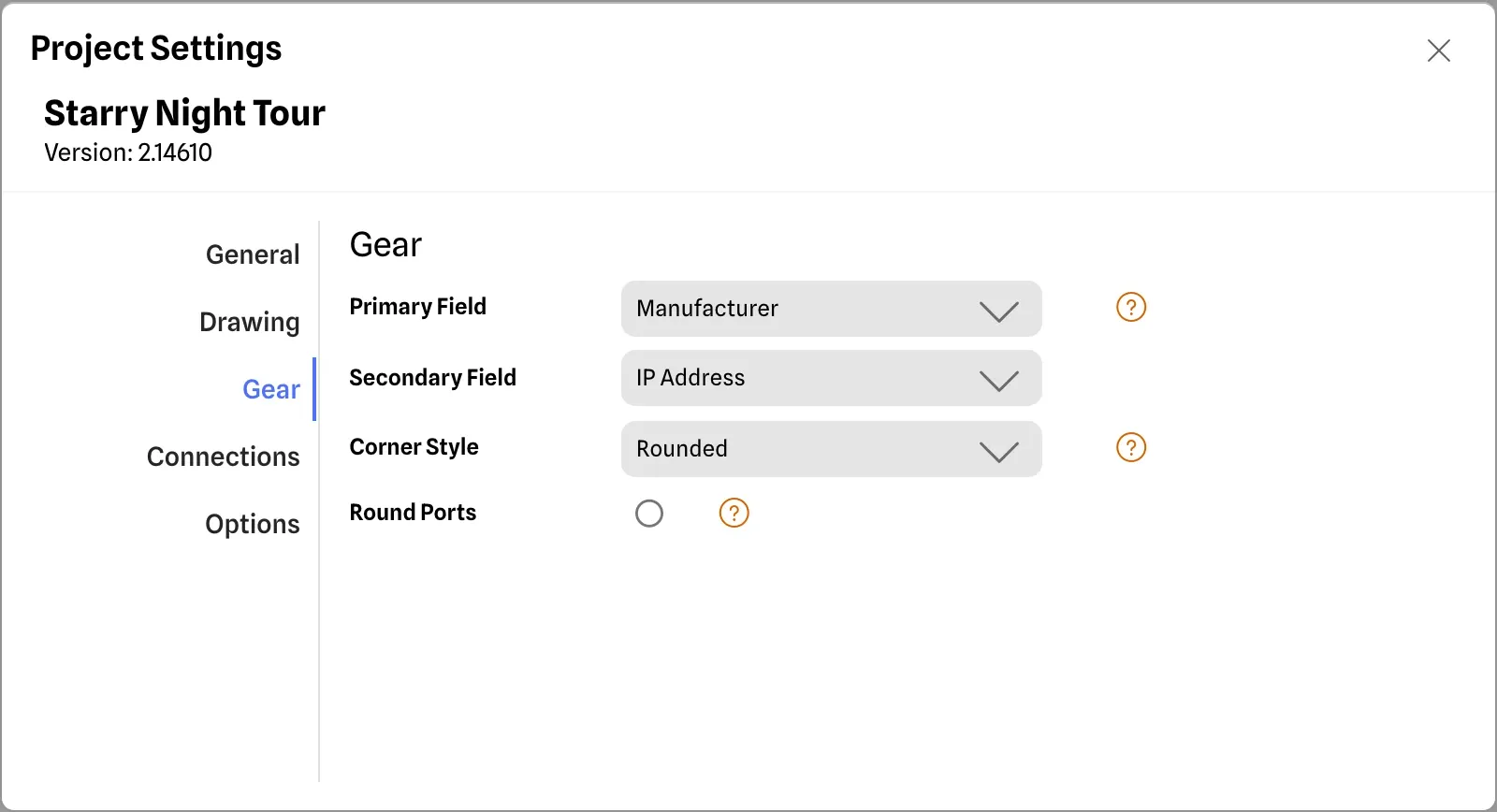
Neon Glass with a splash of colour
Choose from various subtle yet impactful styles.
A glass design for a modern look, or opt in for a flatter, more professional style.
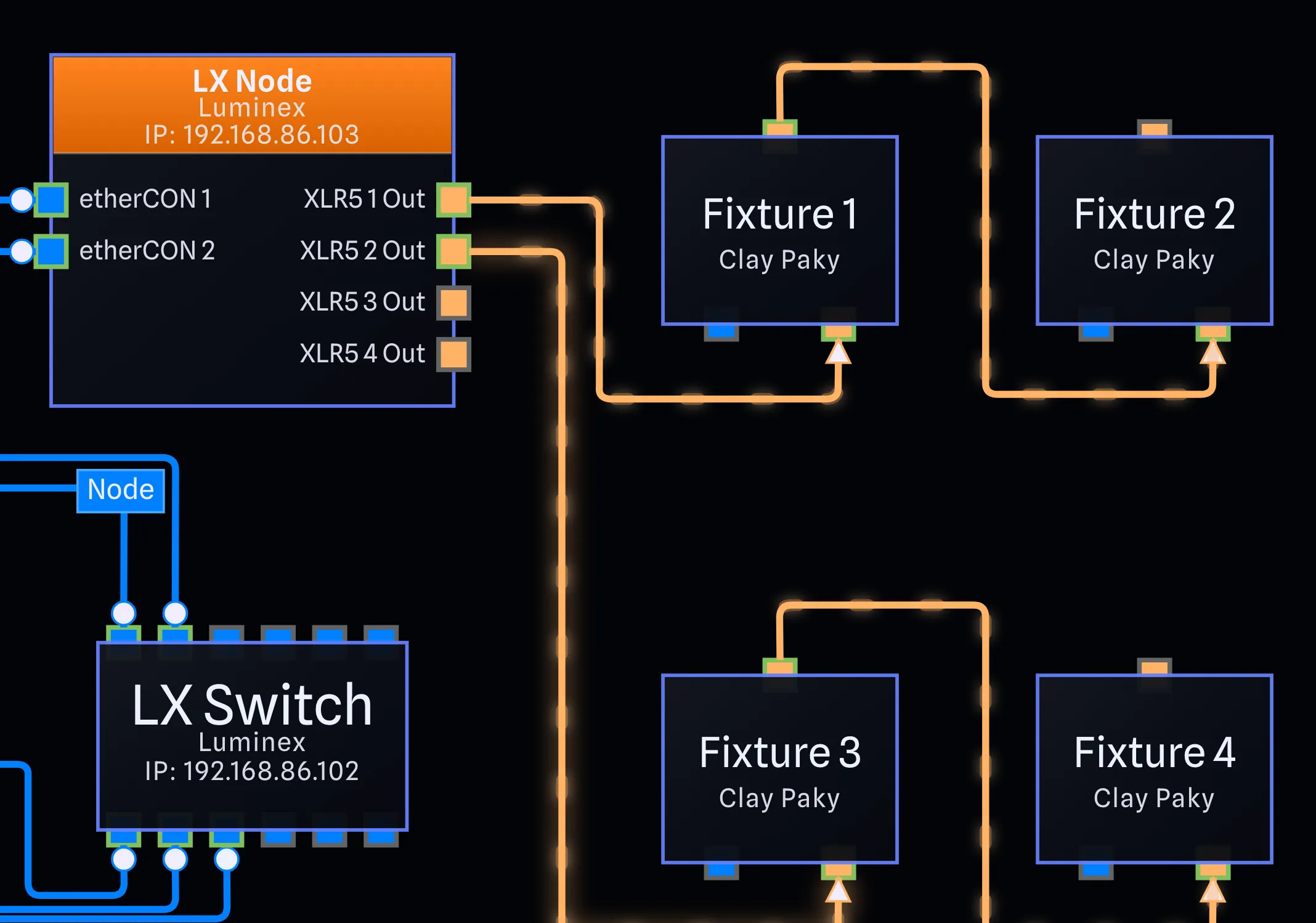
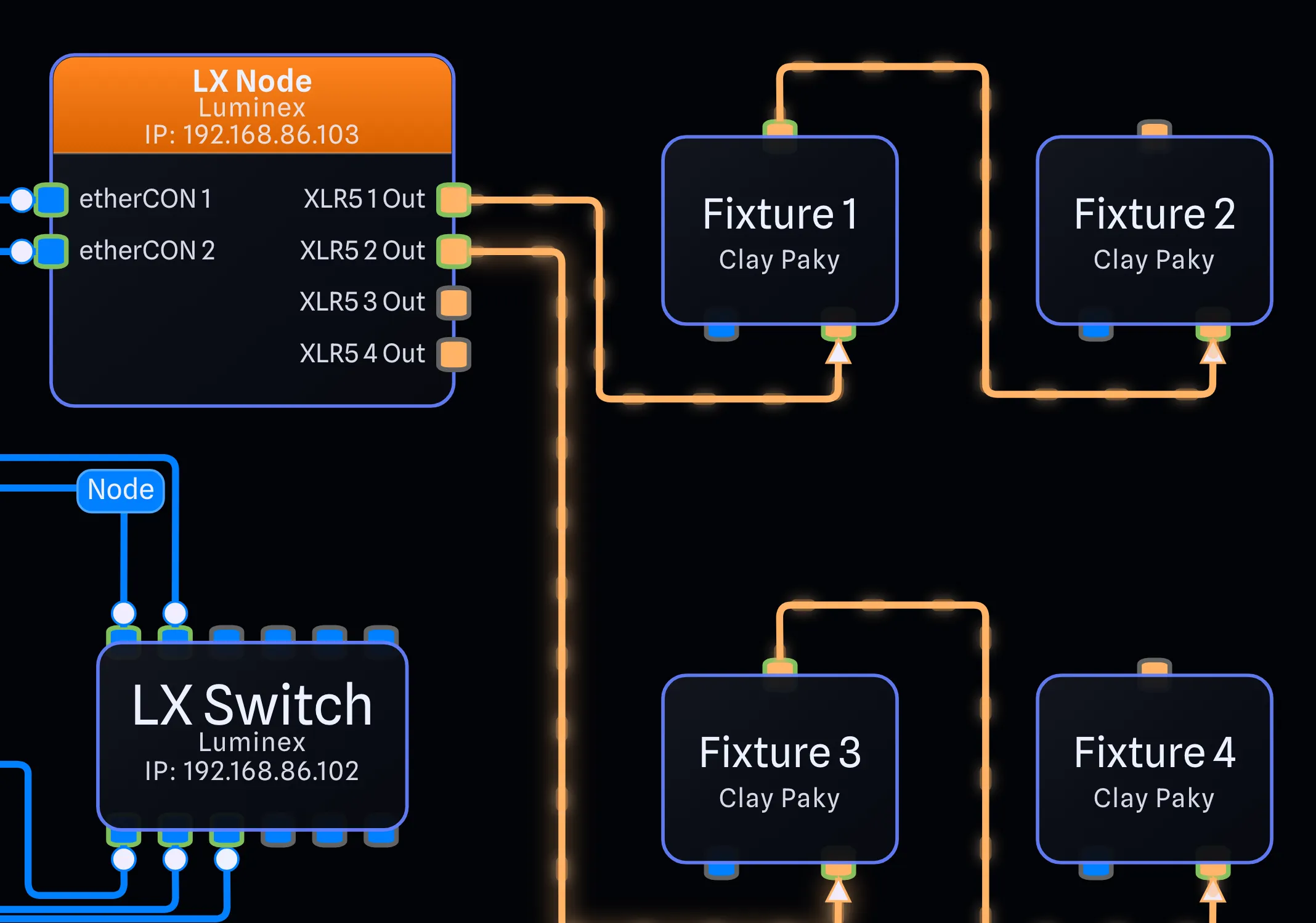
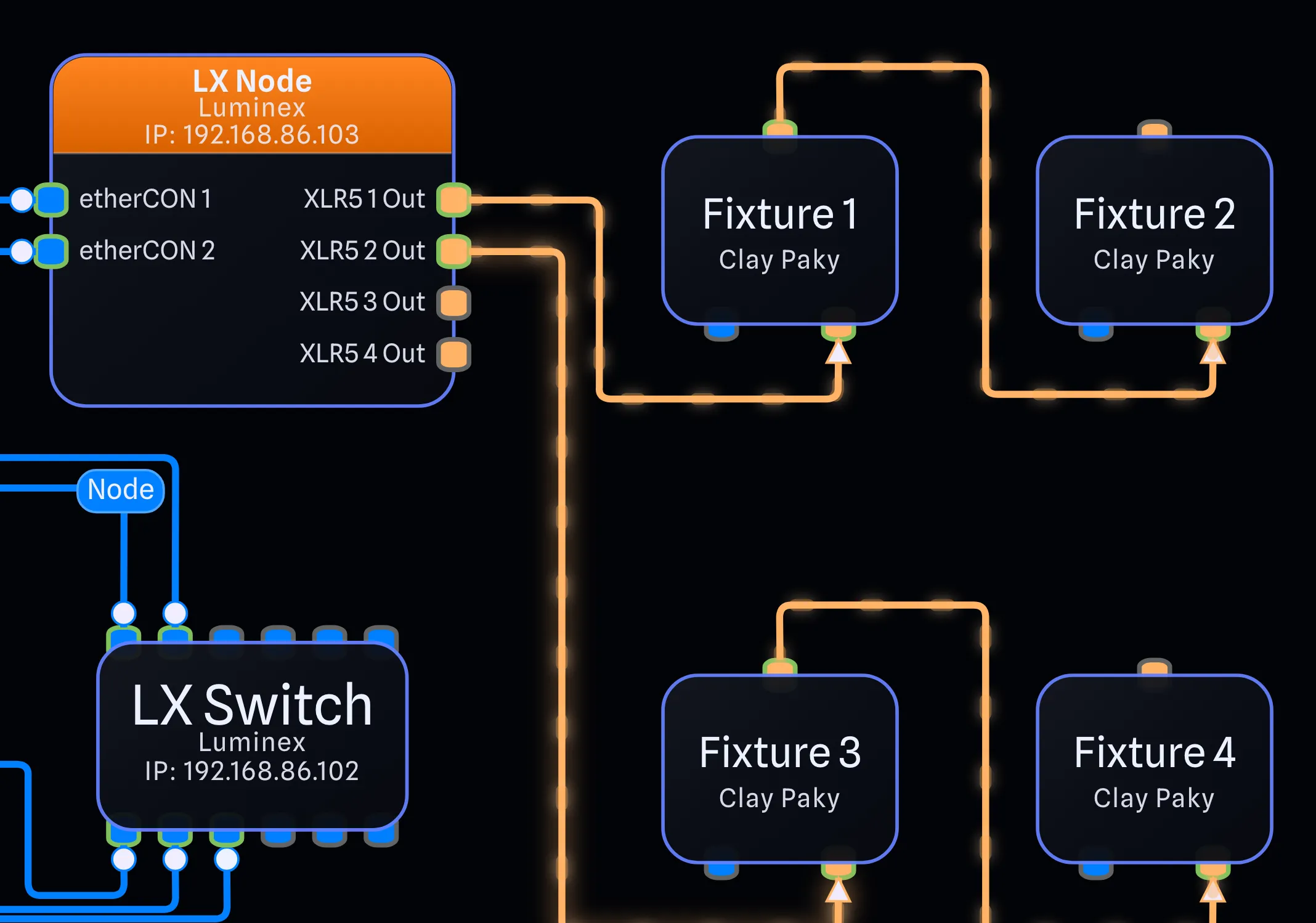
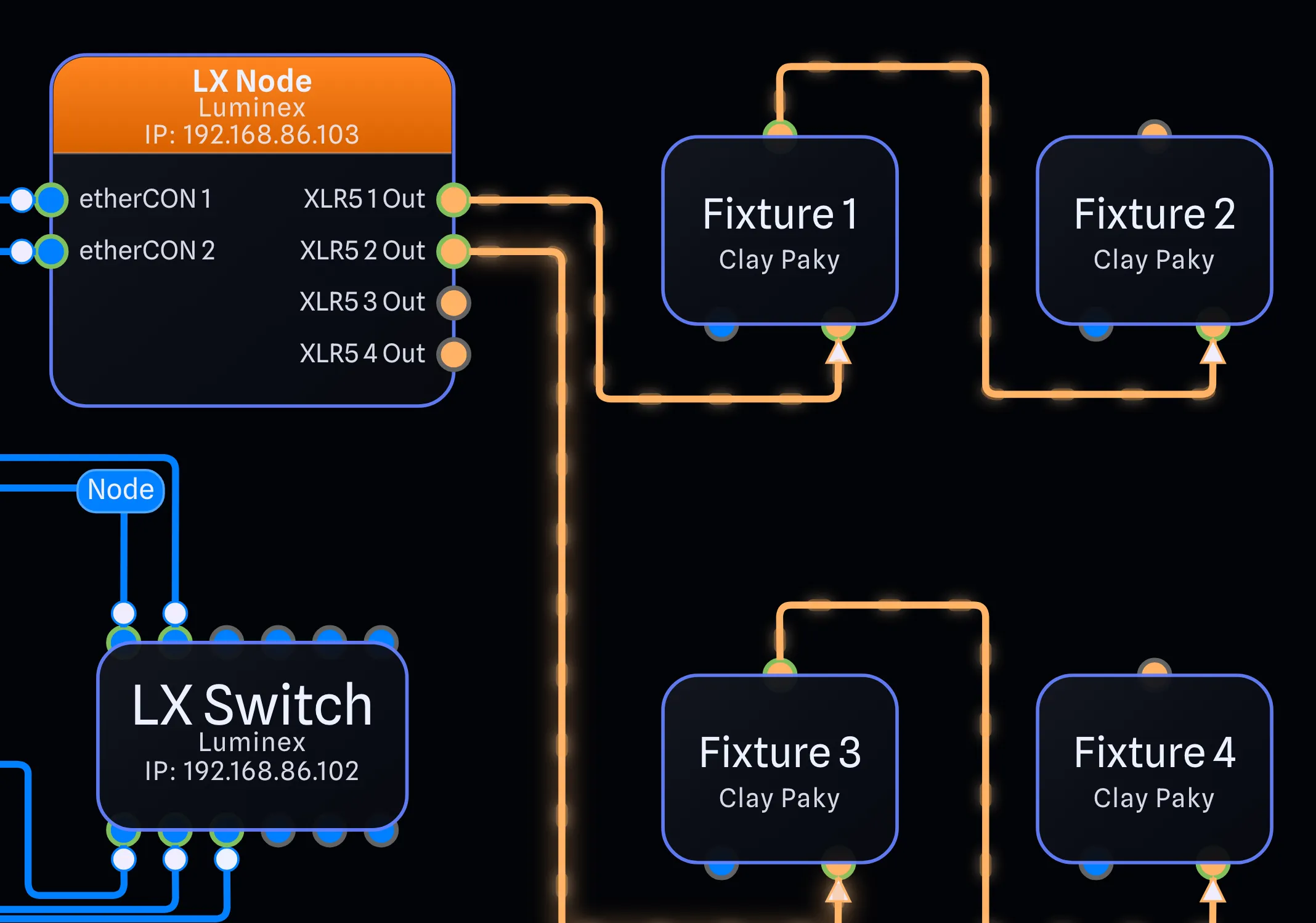
Rounded or boxy?
New options to pick your corners and ports. If you're feeling adventurous, you can even choose port circles.
Keep it old school.
Combine the Draft appearance with the new box gear style for a classic, professional, CAD look.
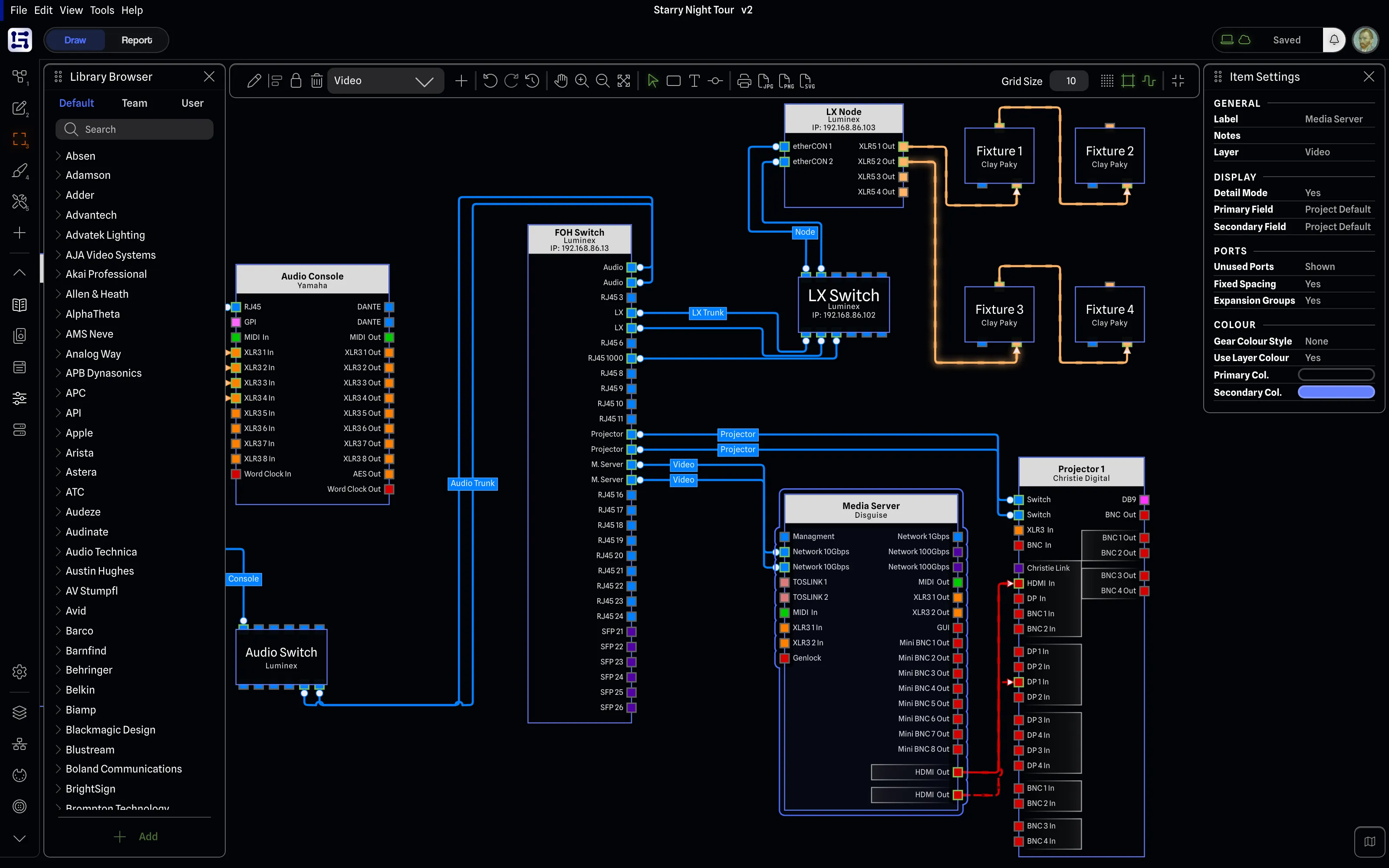
Colour it your way.
More ways to customize your gear. Choose the classic GearConnect look with Header + Body or drop down to a colourless version that follows dark/light mode.
-
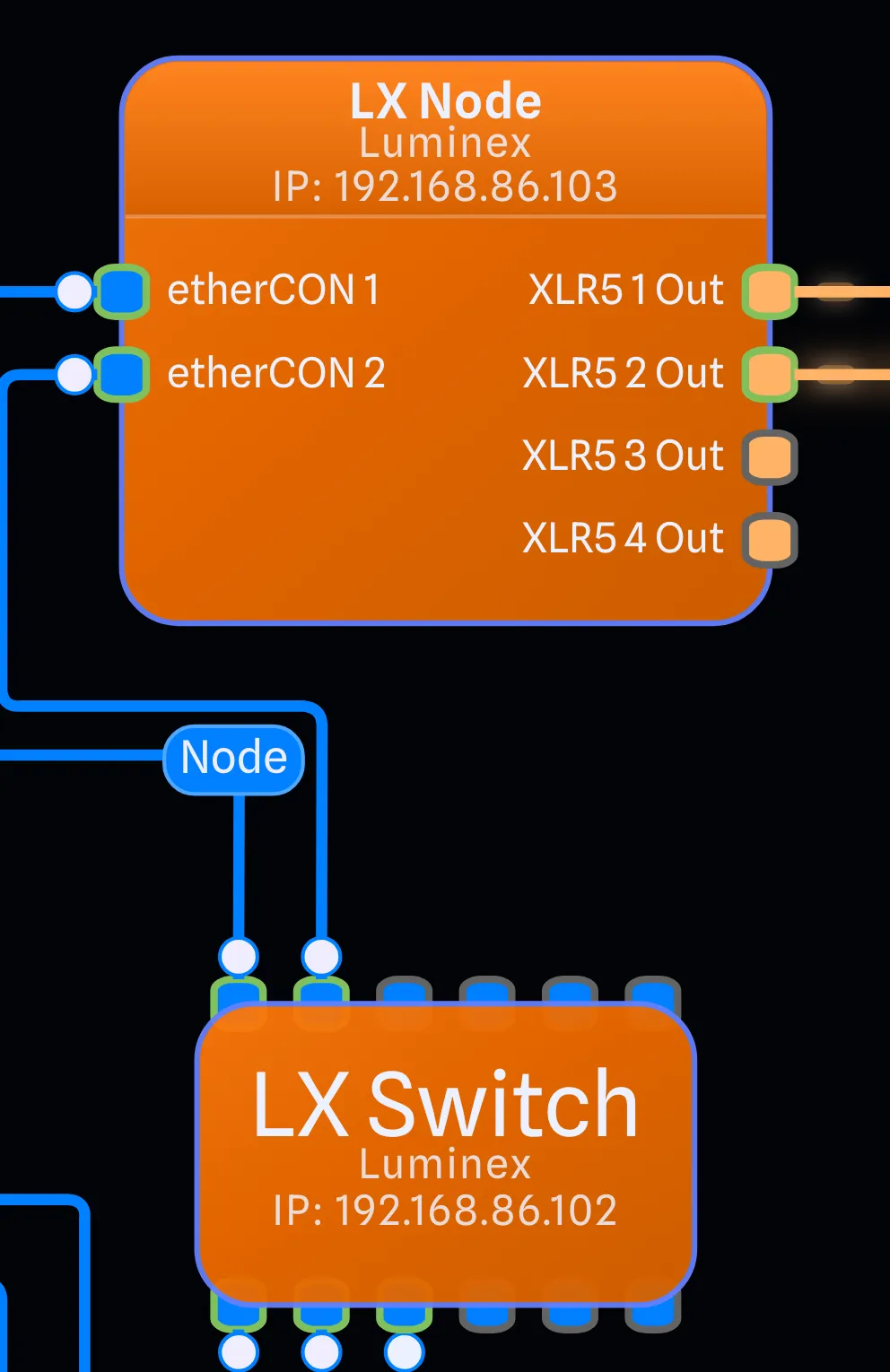
Header + Body
-
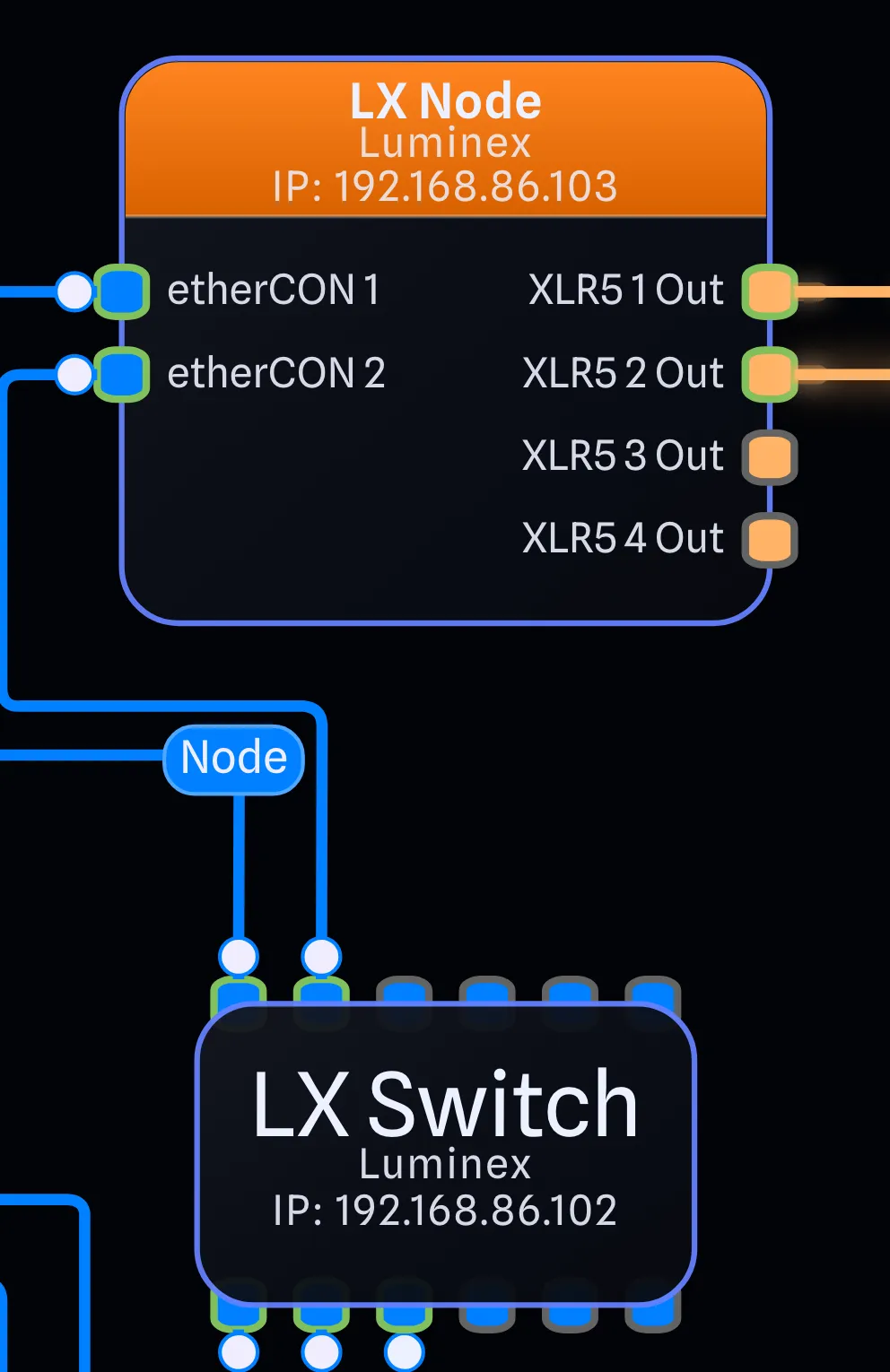
Header Only
-
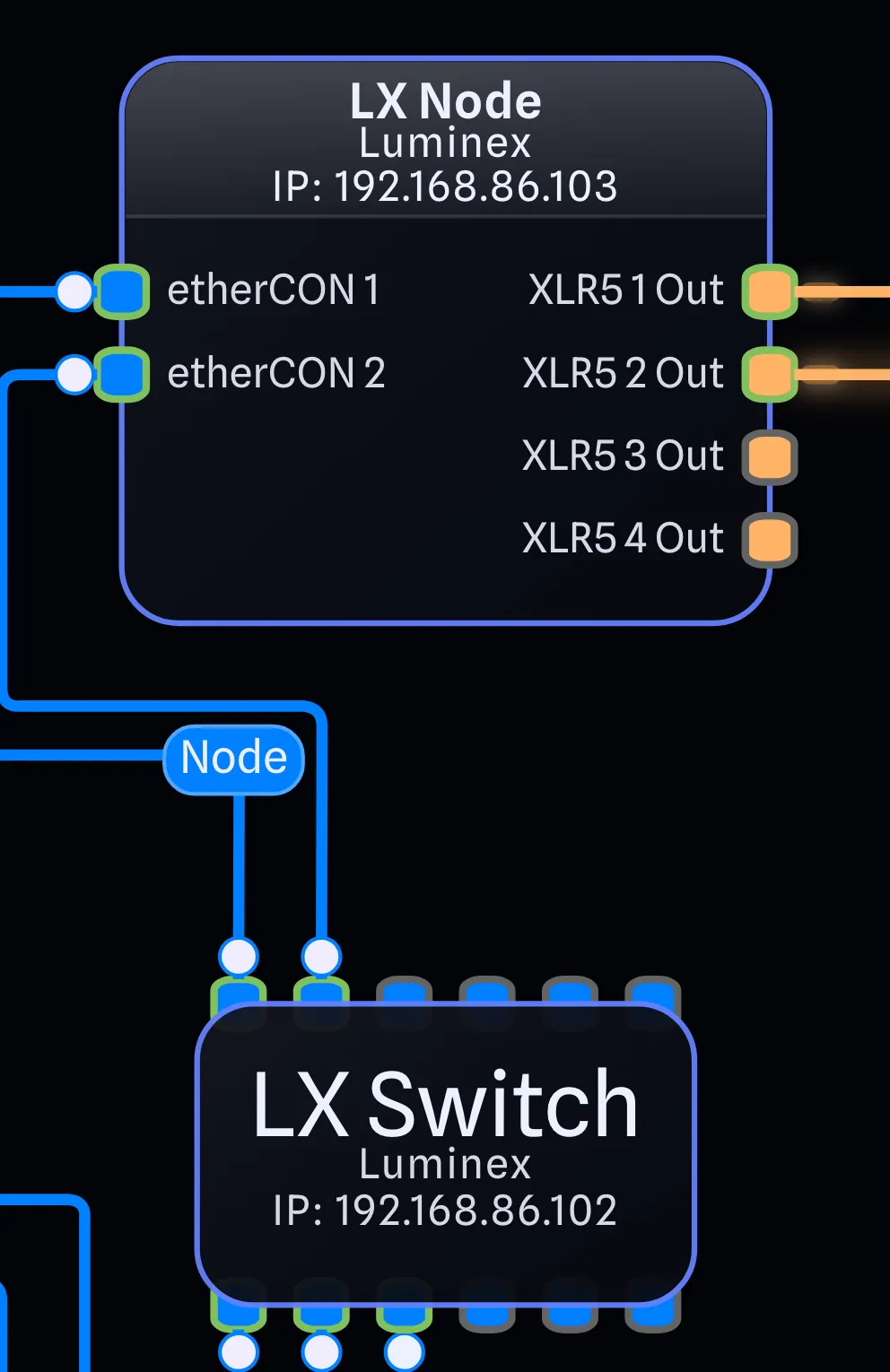
None (Follows Dark/Light Mode)
Customizable fields, right on the gear. Pro
Show live data, right on the gear. Choose from Manufacturer, IP address, notes, and more. Available for both Detail and Standard Modes, and updates in real time as your project database changes.
-
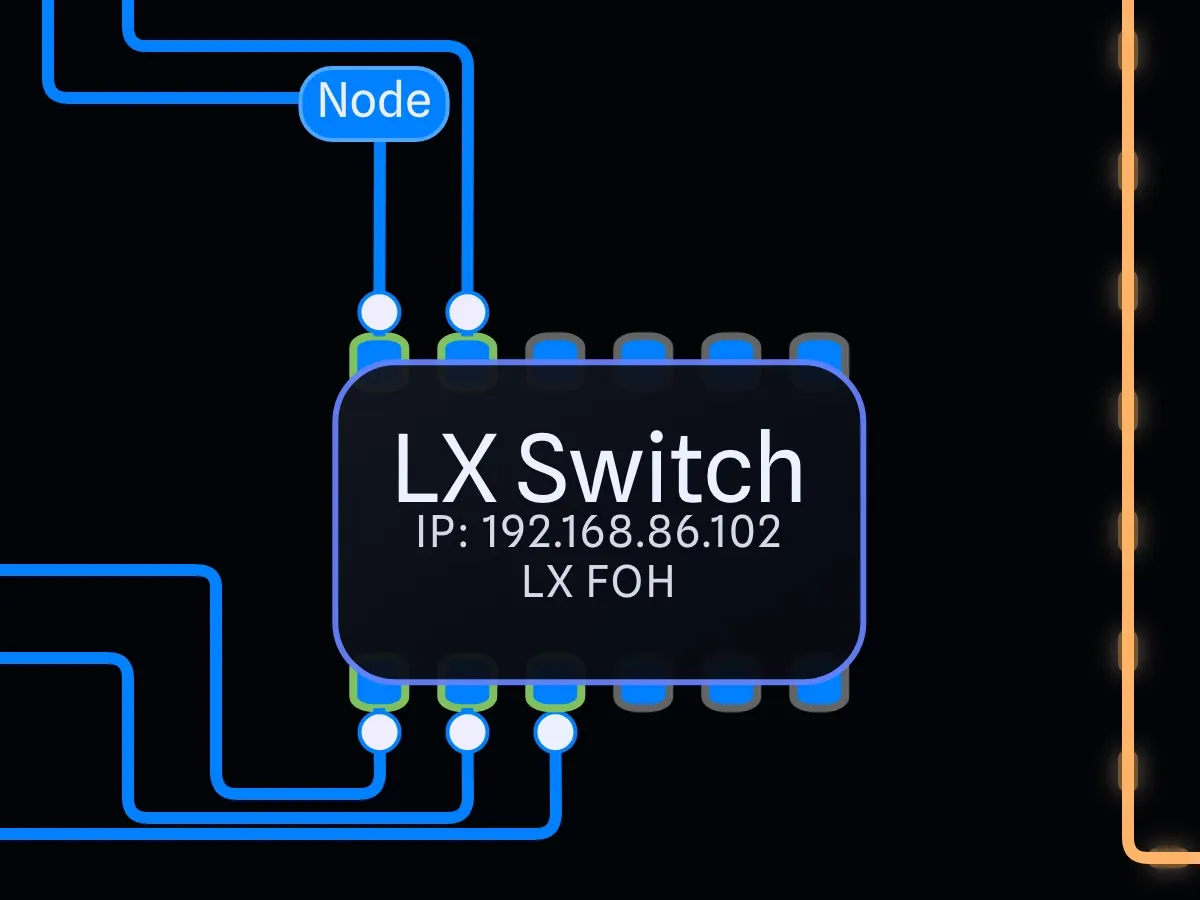
Standard Mode
-
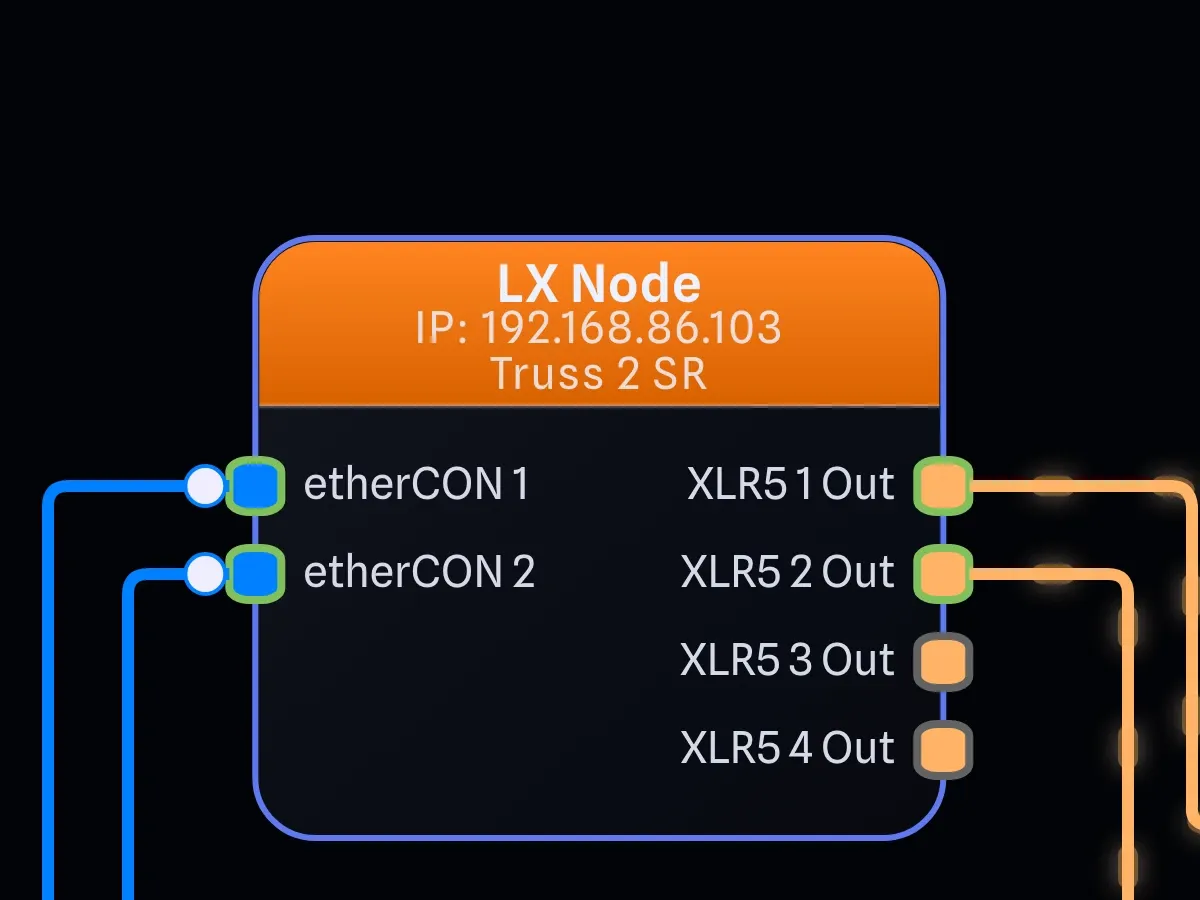
Detail Mode
-
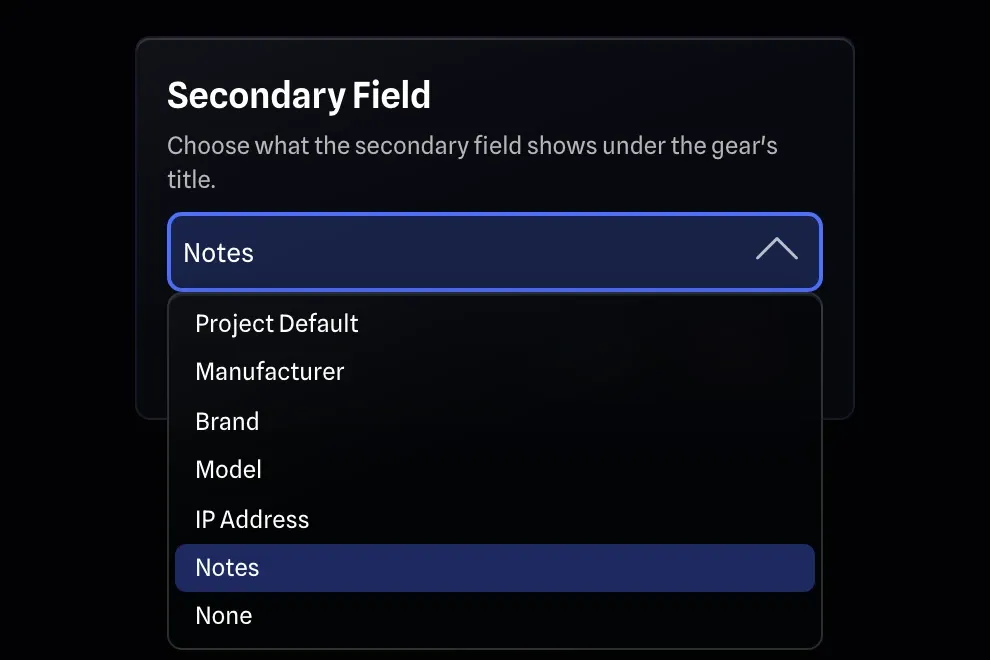
Per gear, in Item Settings
-
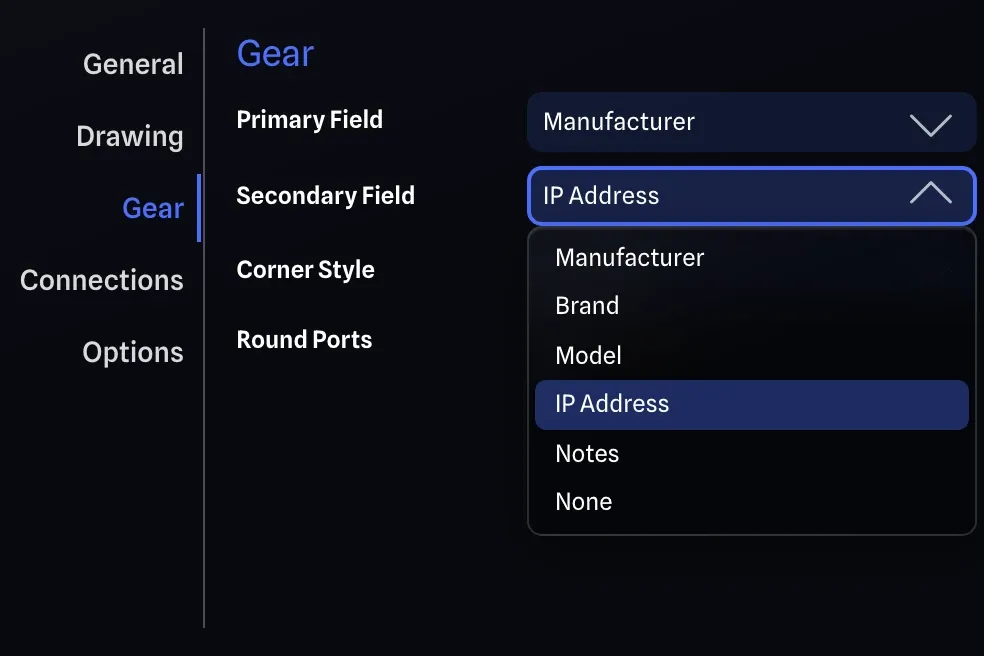
Project default, in Project Settings
Select anything. Edit everything.
Selection has been completely re-built from the ground up to unlock the full power of bulk editing across every feature. Text Boxes and Gear Groups too.
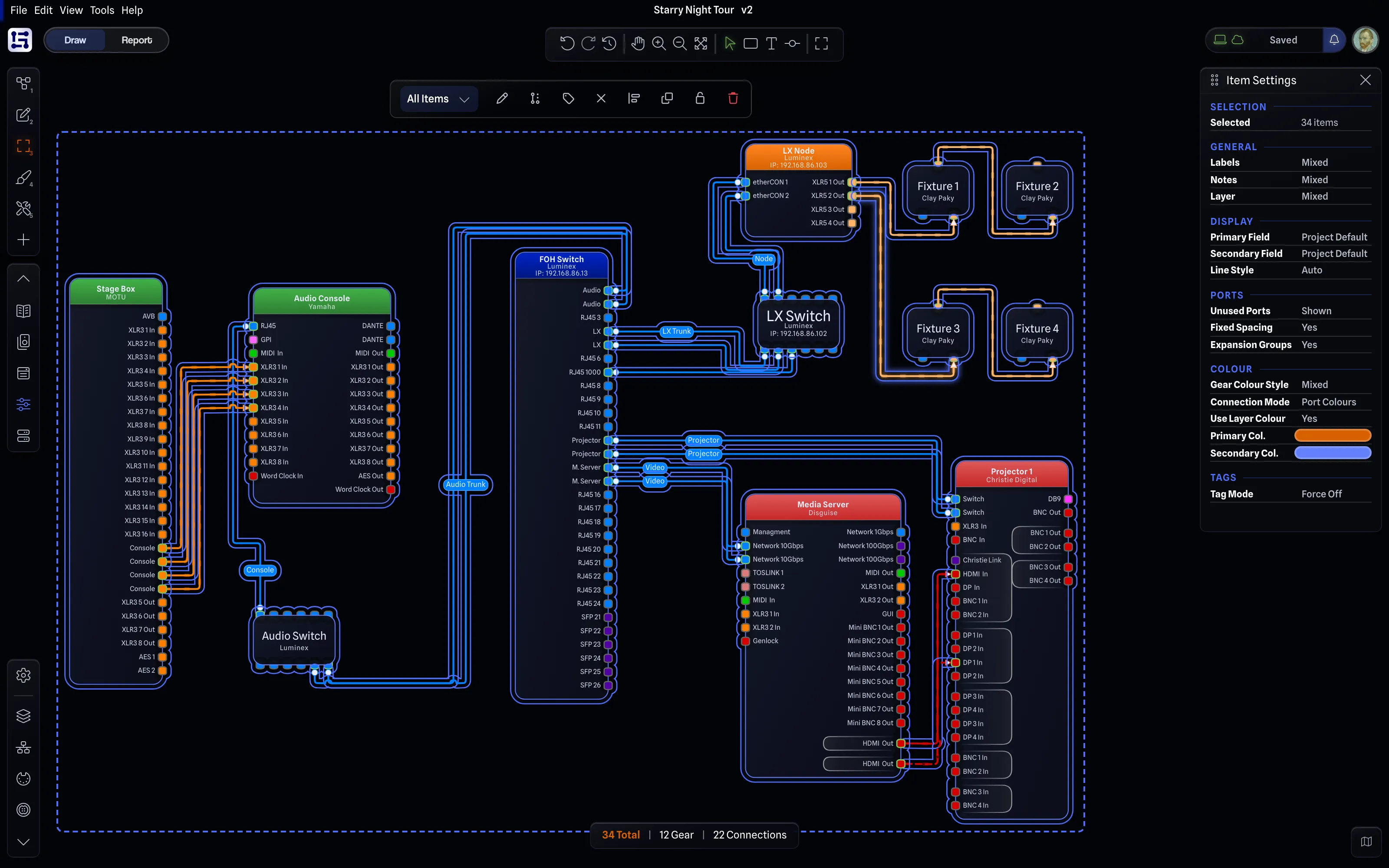
No more scattered feature support.
Multi selection, bulk editing, sub-filter selection, keyboard shortcuts, right-click and edit menus all work the exact same way. On every item type. All features are reorganized into easy to find sections, that stay consistent.
This unlocks major productivity gains over GearConnect v1. Some examples:
-
Bulk edit Text Box opacities in one action.
-
Change the colour of every single item in your drawing at once.
-
Filter your selection to Connections only and press Backspace to delete just those lines.
-
Quickly see mixed setting states in the Item Settings.
-
Hide unused ports across several (or all) items at once.
Same options, same features, everywhere.
-
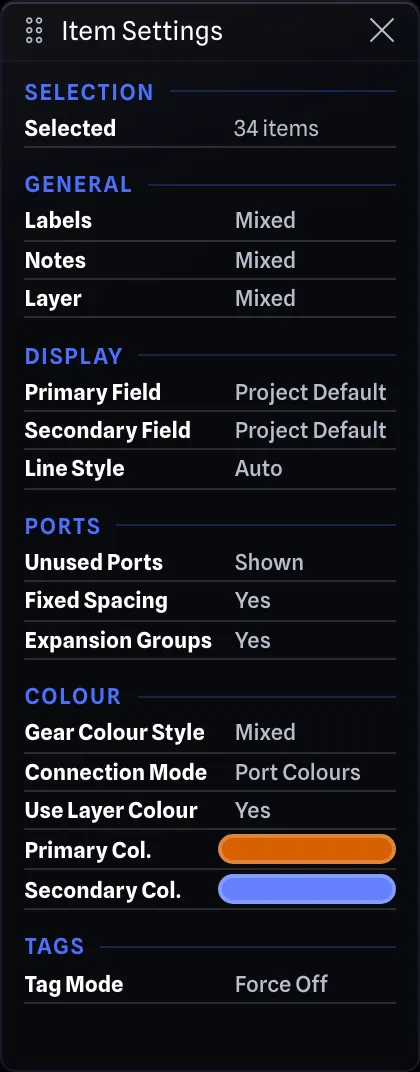 Item Settings
 -
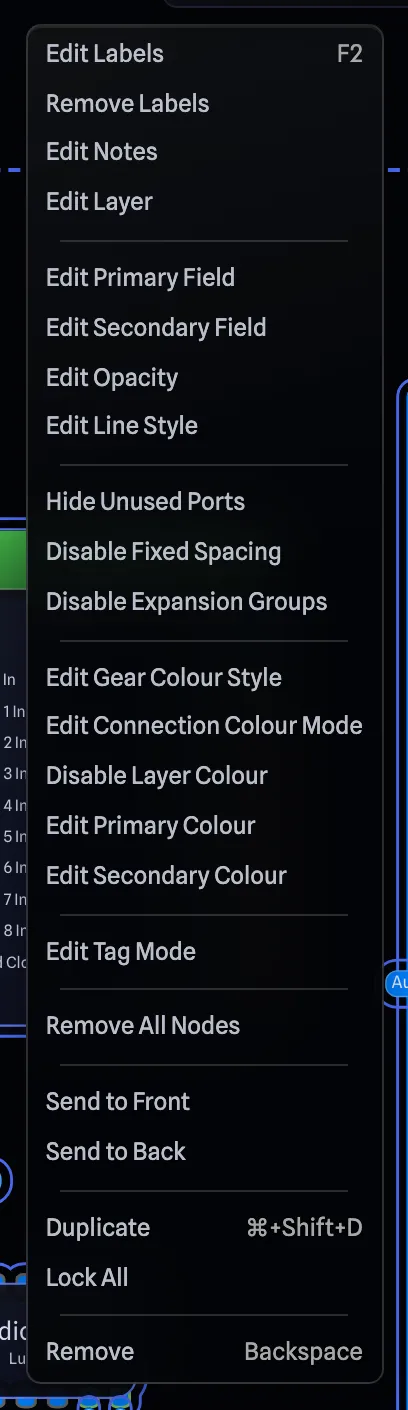 Right-click menu
 -
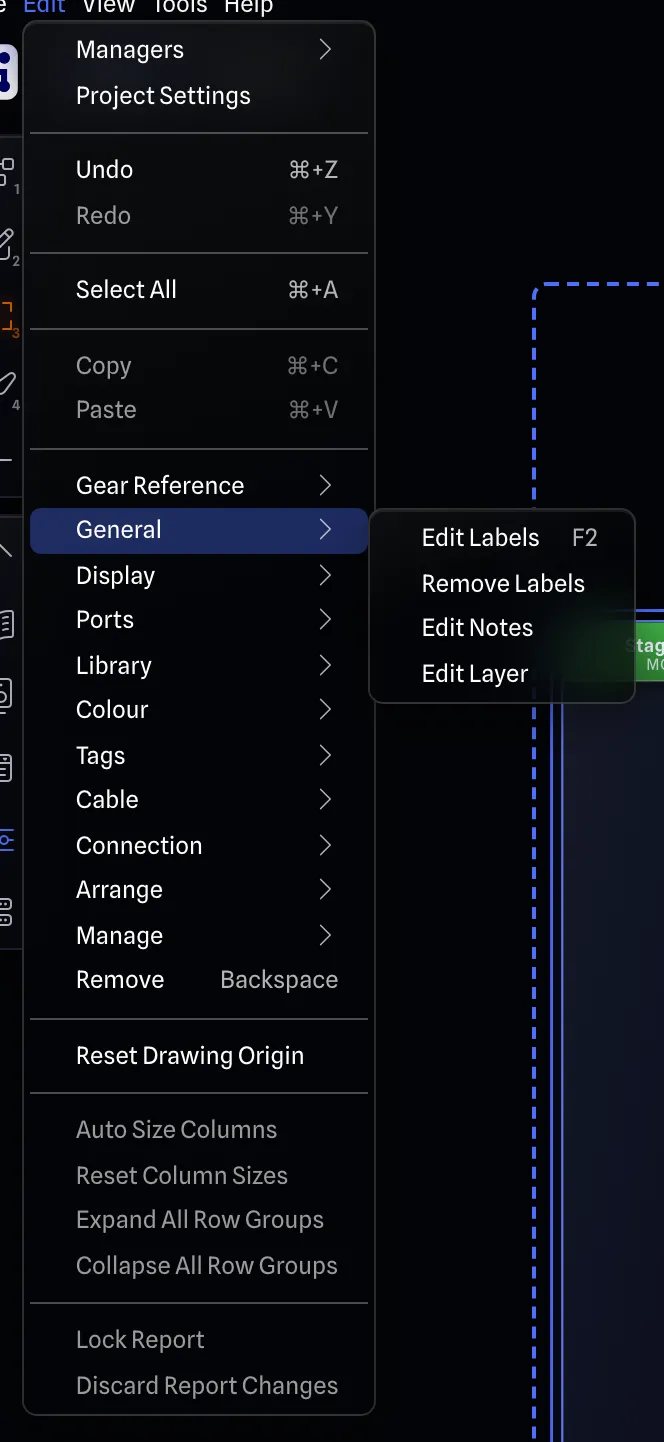 Edit menu
 Selection toolbar The same actions, floating right beside the selection.
 -
Plus over a hundred improvements and fixes.
Read the full changelog -
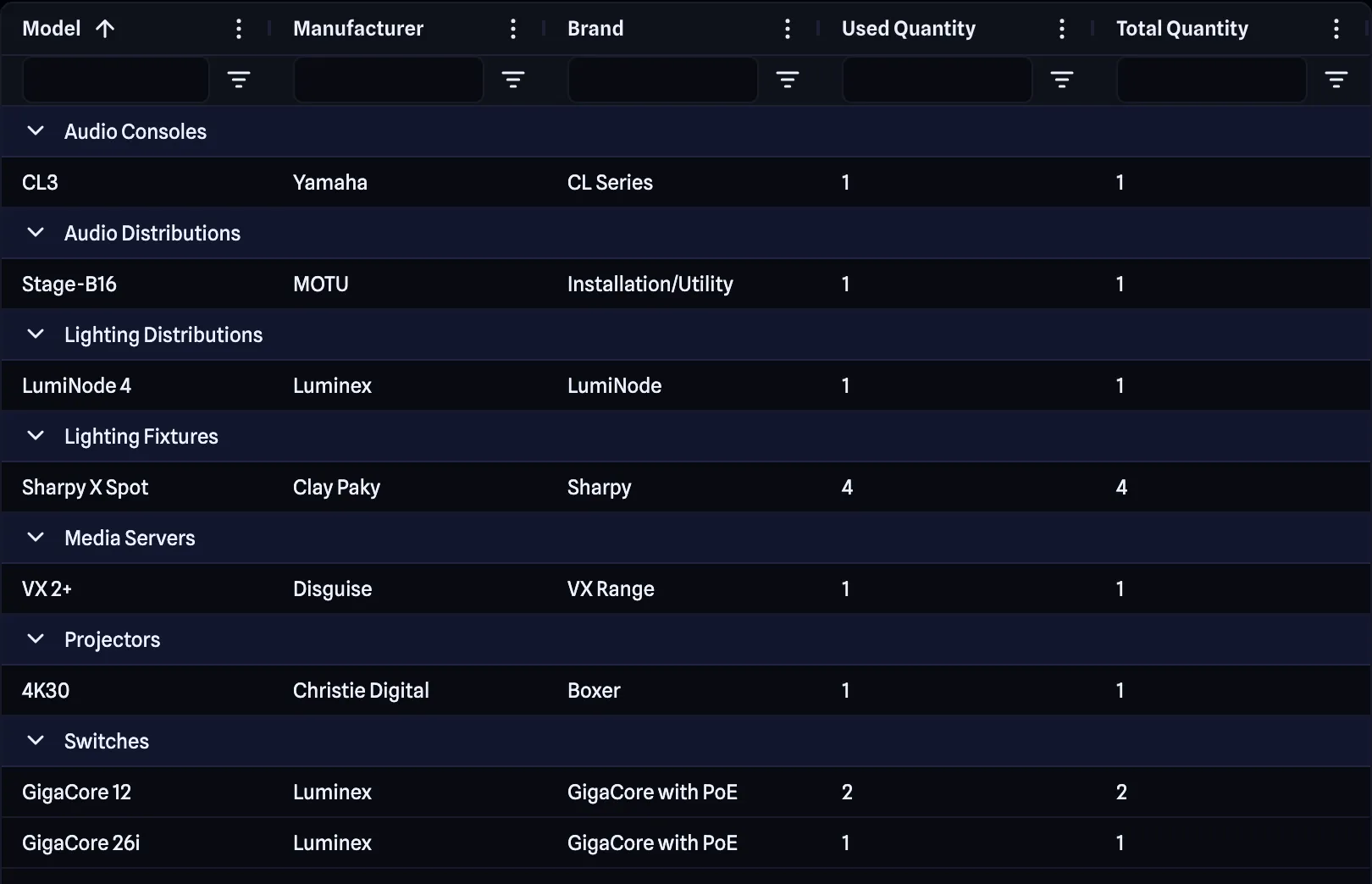 Gear Counts report With new Total and Used Quantity columns, it's now easier to generate a pack list.
 -
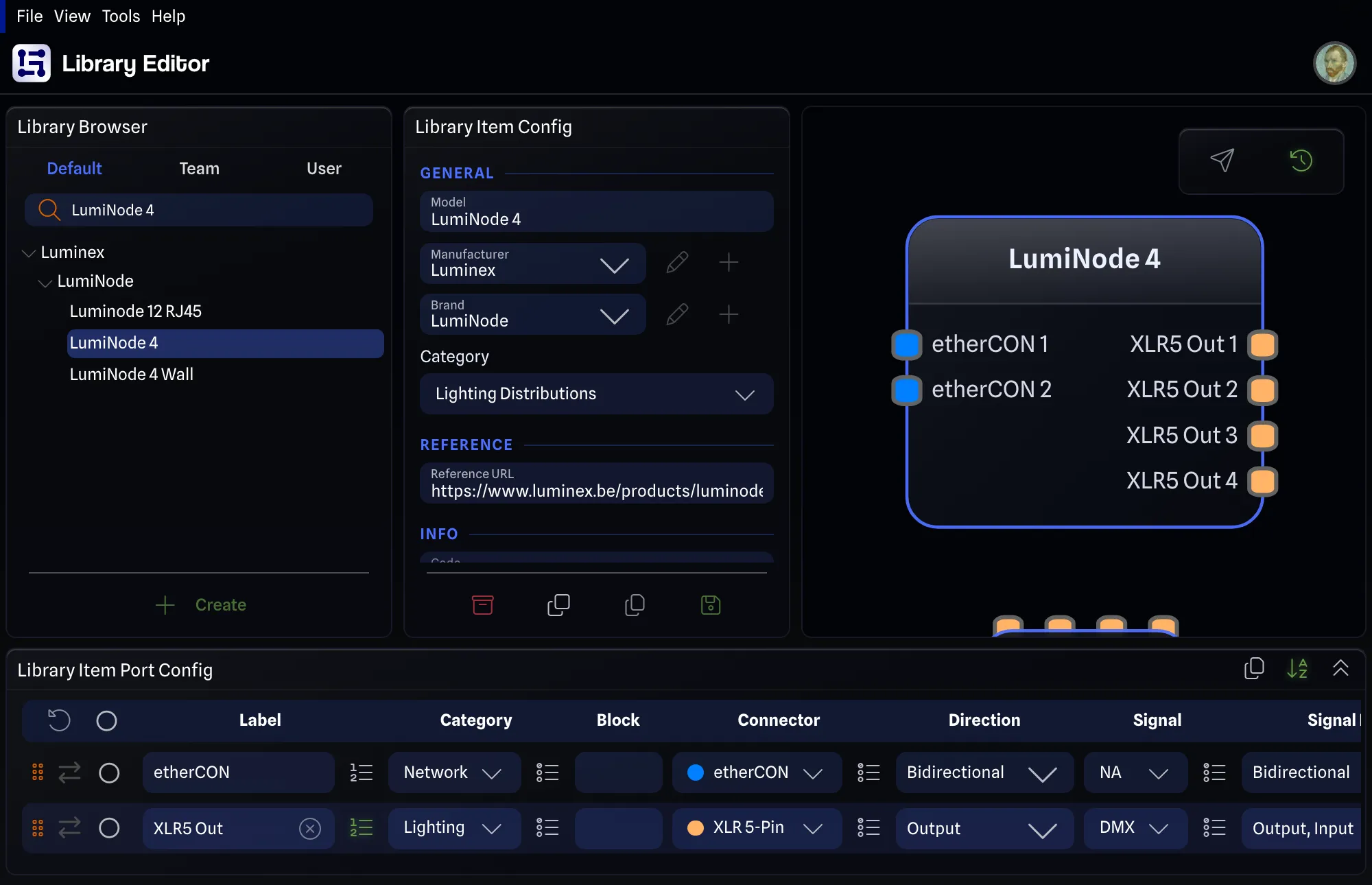 Auto-numbered ports Per port label. No more \d trick.
 - Ctrl+A Select all Every item in the drawing, at once.
-
 30x faster library loading Makes the entire app much snappier.
 -
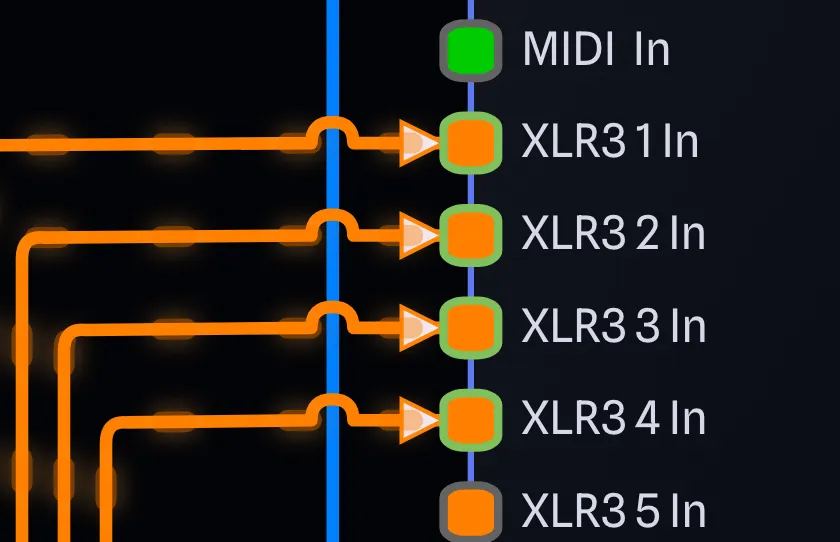 Front or back Choose which line hops.
 -
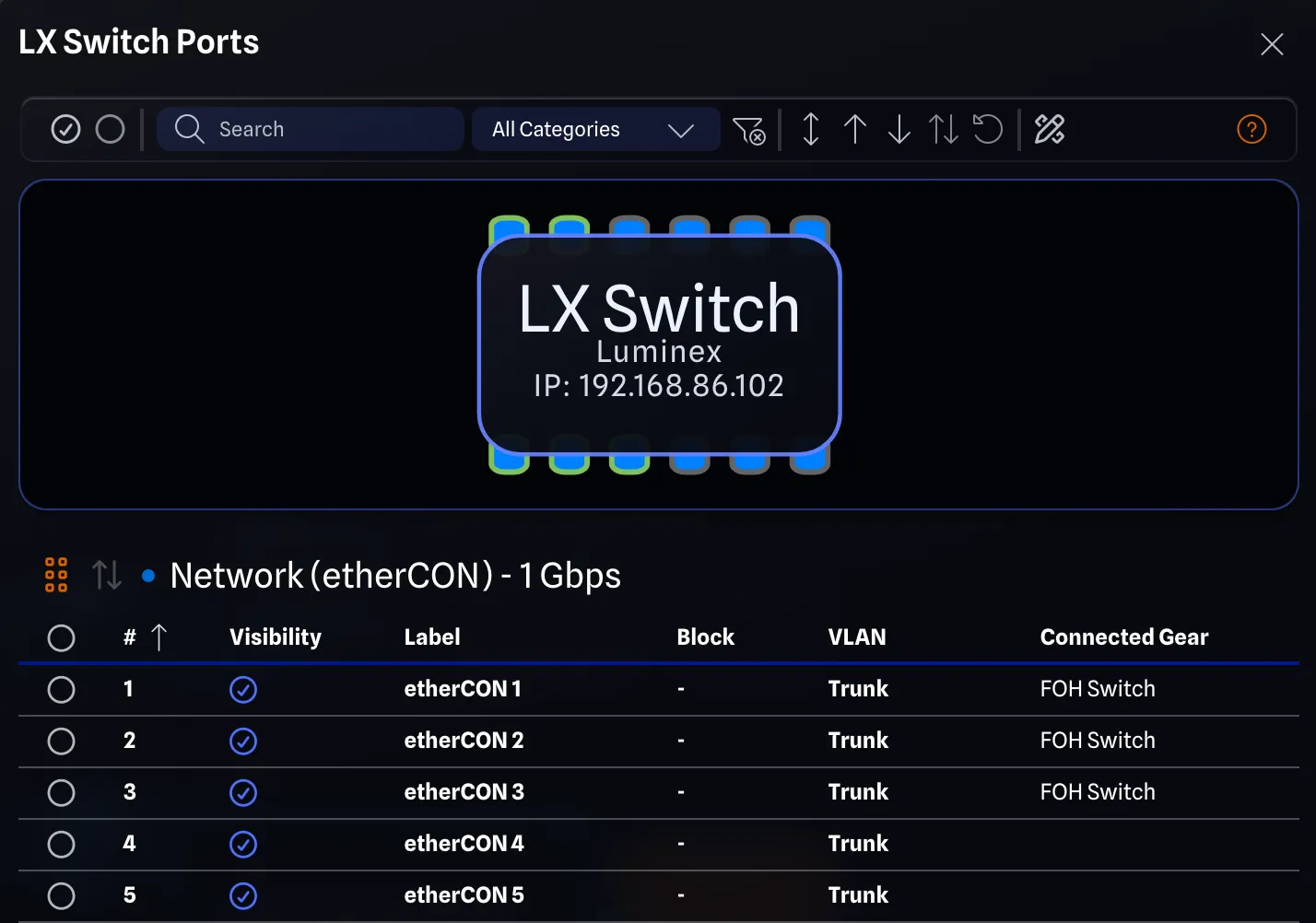 Double-click a gear Opens its View Ports.
 -
 Quieter when you want Reduced Animation and Notifications.
 -
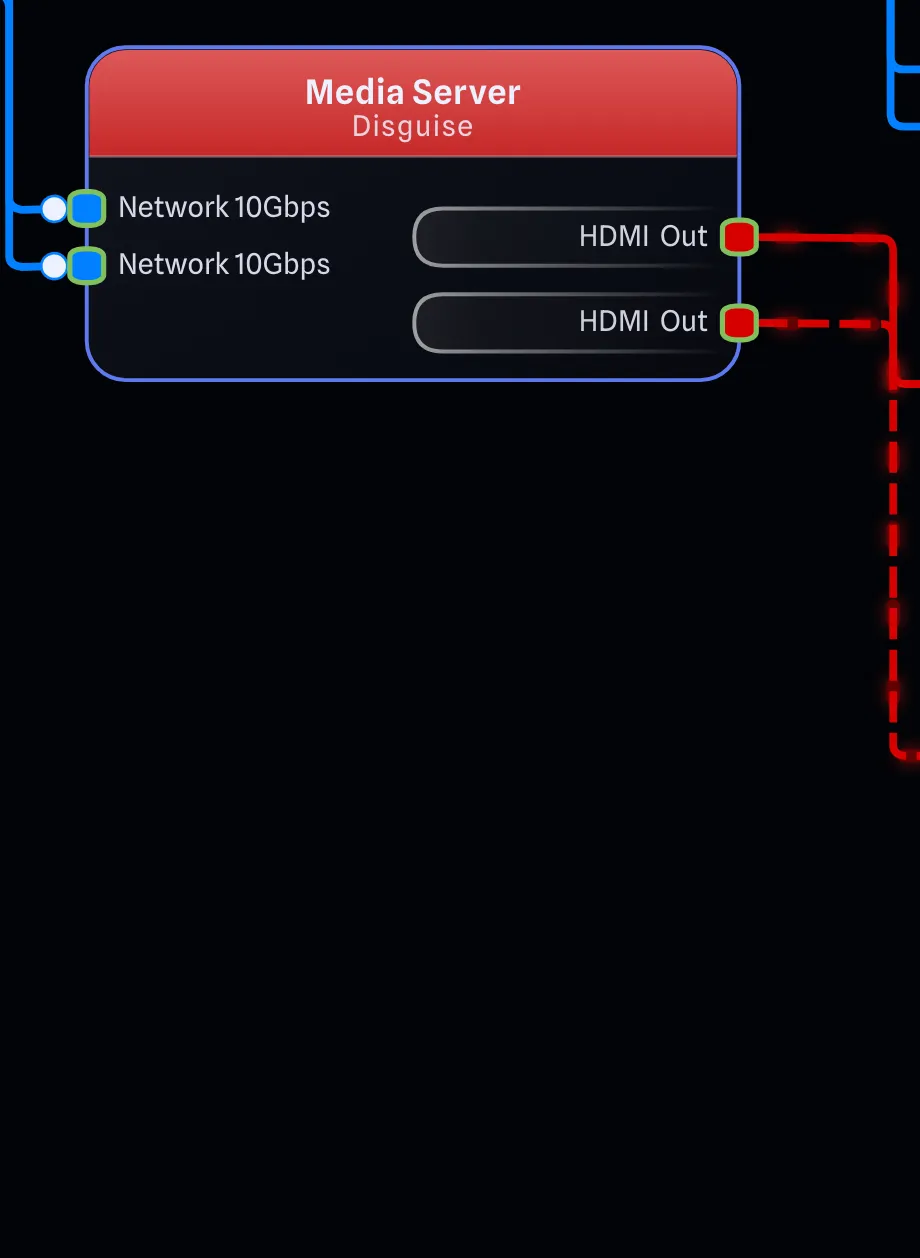 Hide all unused ports One click, on any gear.


Coming soon
Print mode.
Pages, paper sheets and multi-page PDFs are next.
- Per page
- Paper size, orientation, scale and layers
- Formats
- PDF, PNG, JPG and SVG
- Layout
- Fit to page or multi-page
- Export overrides
- Theme, margins and flat colours
- Title blocks
- Custom, horizontal or vertical
Additional features will be coming to the v2 Beta.
Stay tuned for more.
Take it for a spin.
Available now, log in with your same account.