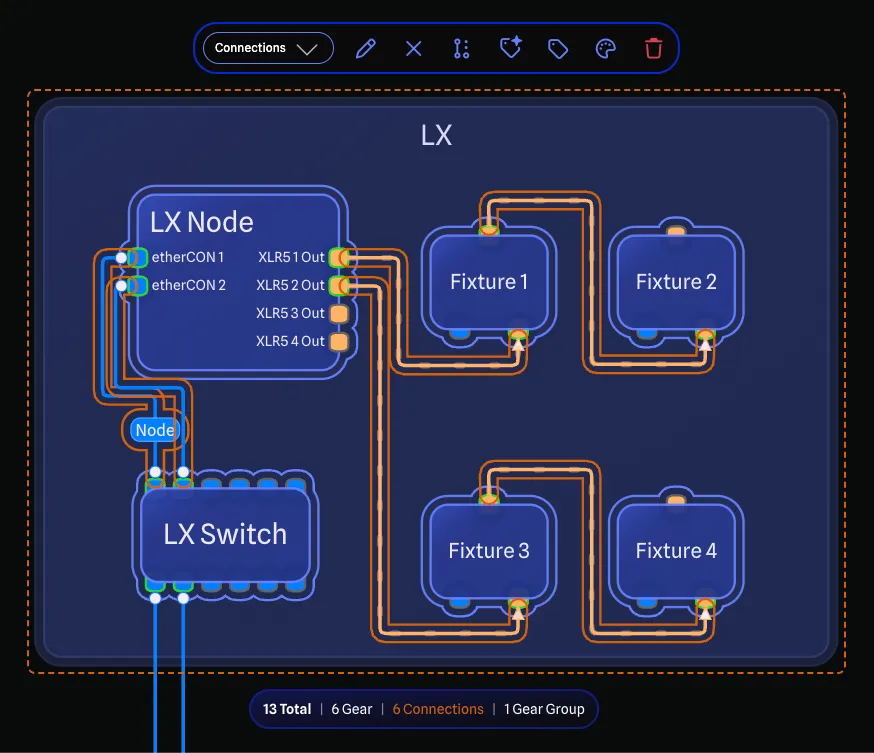
CAD-style selection filtering
Full and crossing selection grab just what you need, then filter to a subtype for quick tools in the Selection Toolbar. The best of CAD and modern apps combined.


Data-driven system drawings for AV and live events, where every detail from gear to connection is a database record.
Founded in 2021 and trusted by some of the biggest companies in the world.
Built by a professional developer who has worked thousands of shows, GearConnect is made for people who need more than generic drawing tools but less complexity than full CAD software.
But don't just take it from us.
Working with the app has been great. In our fast-moving environment of building fly packs, the app has the ease and flexibility we need.GearConnect is constantly evolving. Here are some of our most recent updates.
The Beta App lets you test our next release and preview new features before they ship. Check it out
GearConnect is more than just a generic drawing tool, it comes packed with useful industry features, honed in on providing the best drawing experience.
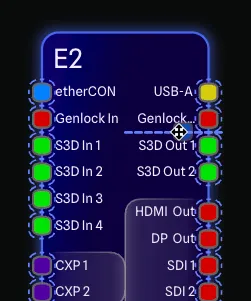
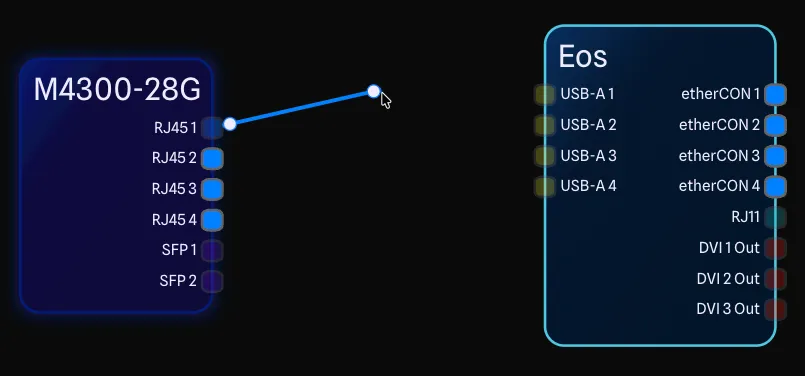
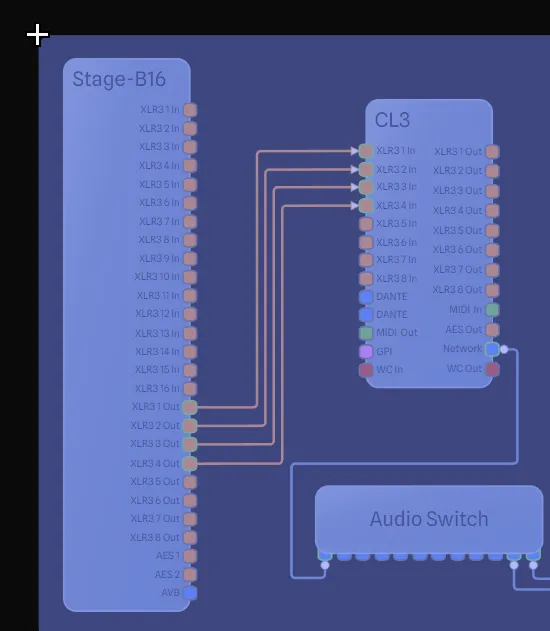
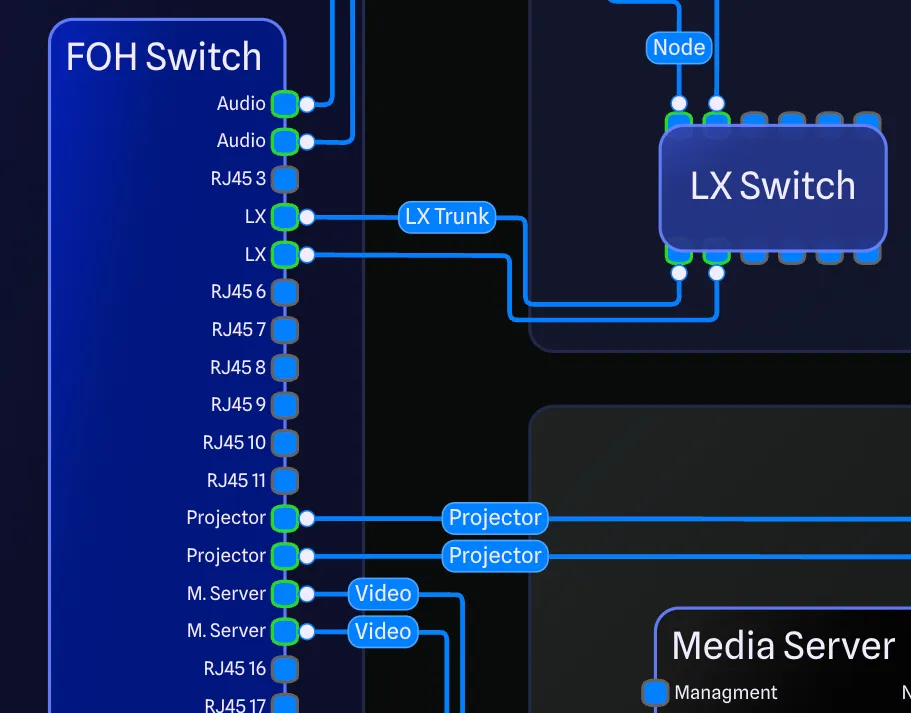
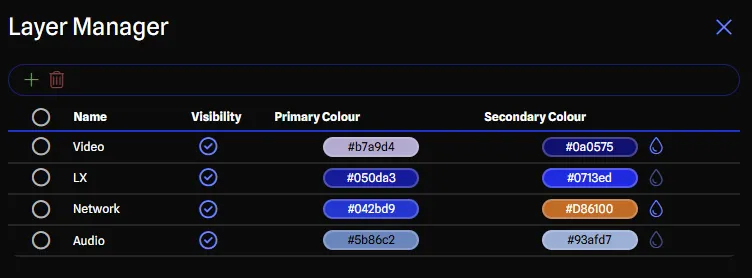
Sensible defaults for most projects, with the ability to customize it to make it your own. From style to drawing options, GearConnect has you covered.
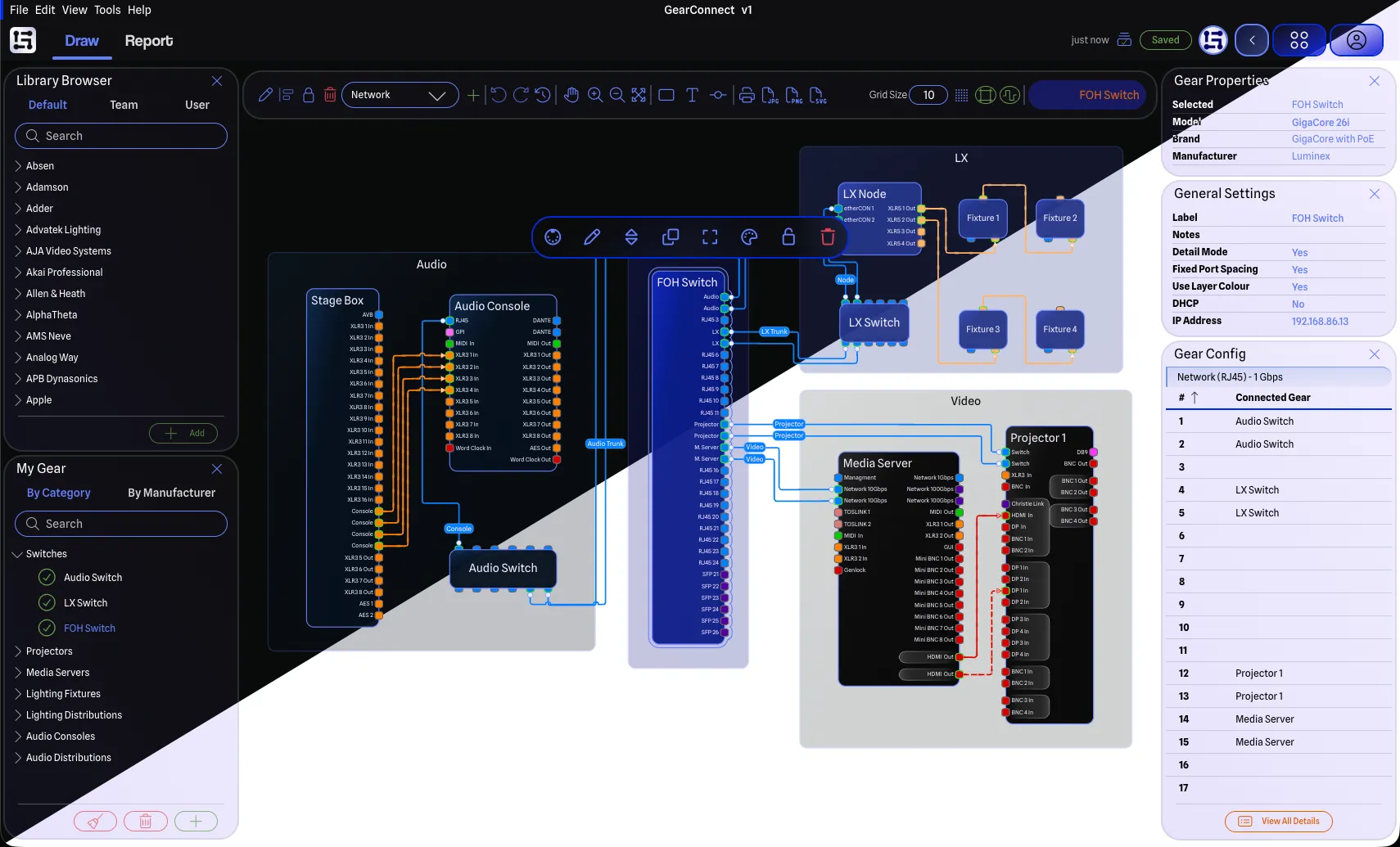
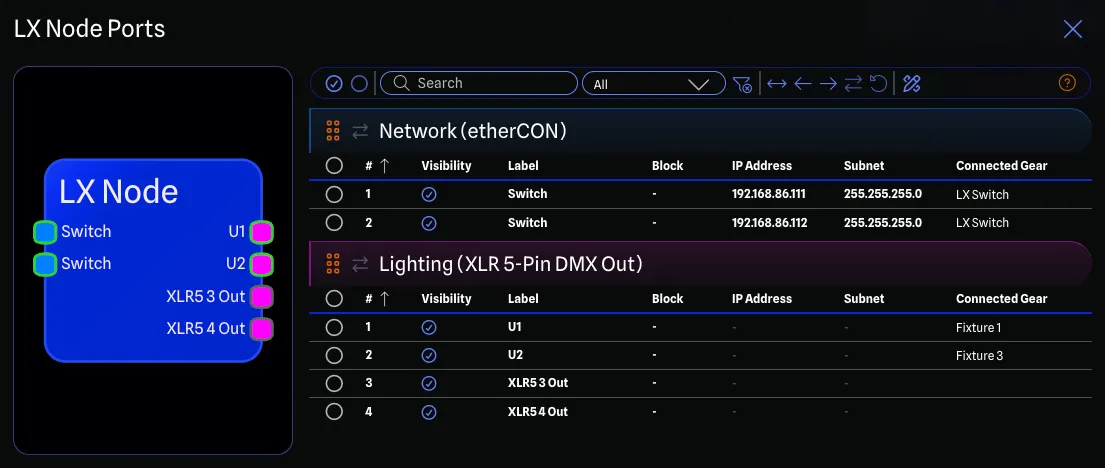
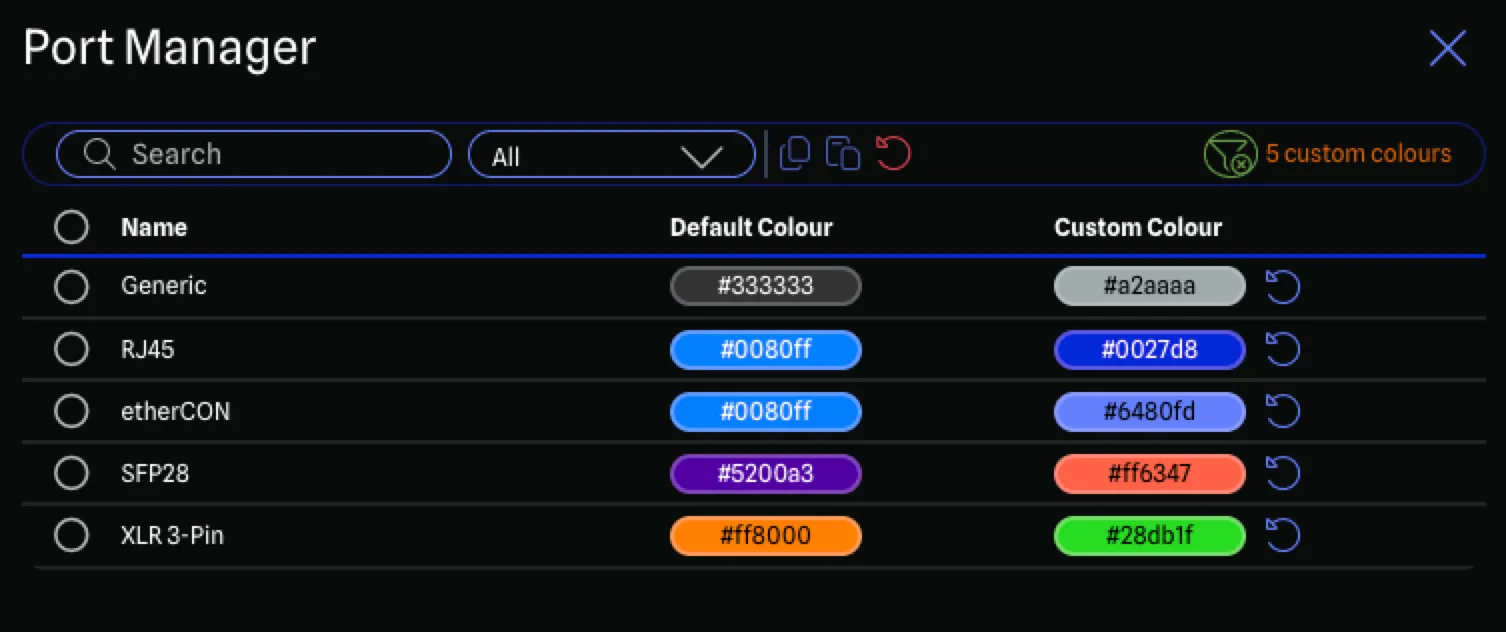
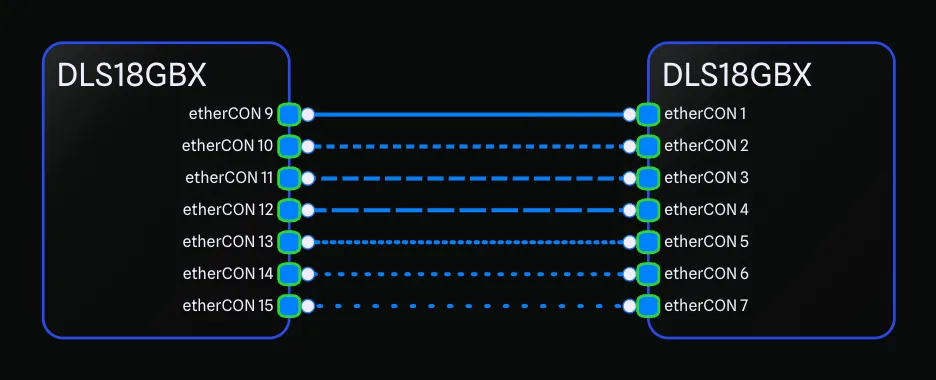


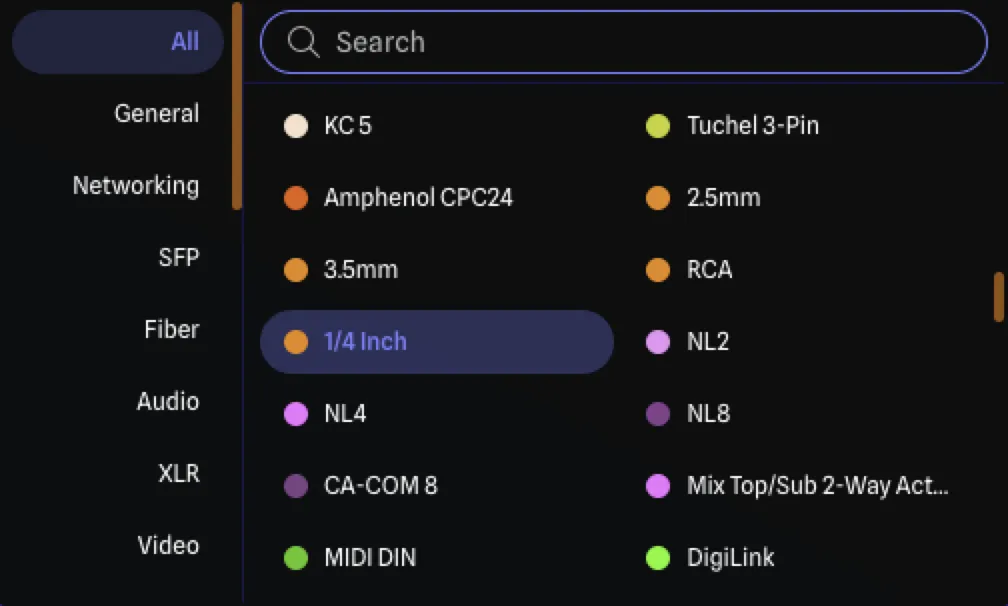
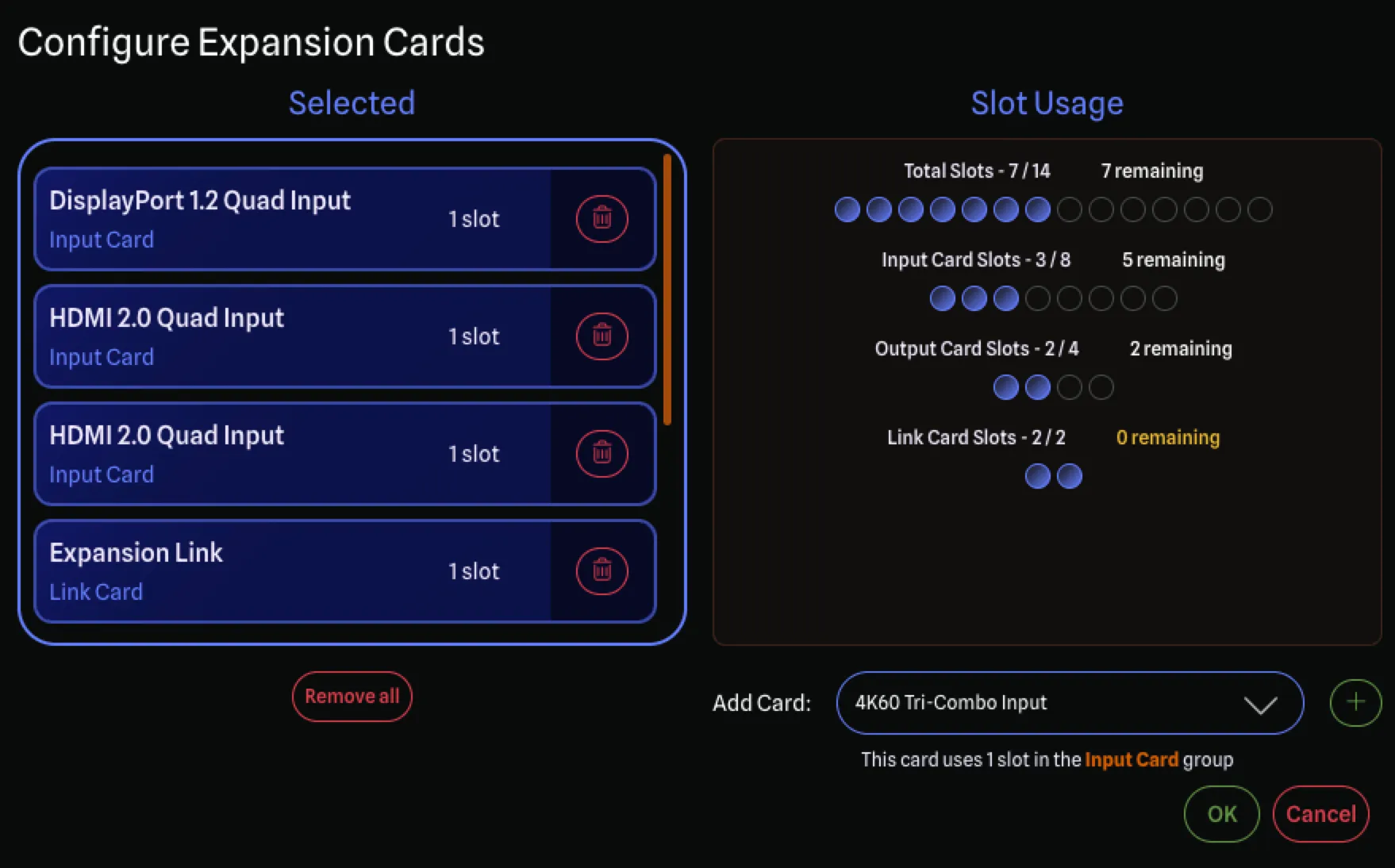
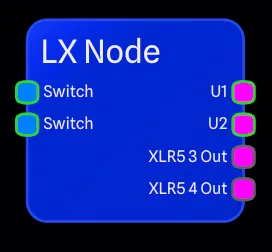
With an accurate gear library, swappable expansion cards and hundreds of port options, GearConnect has everything you need to create detailed drawings.
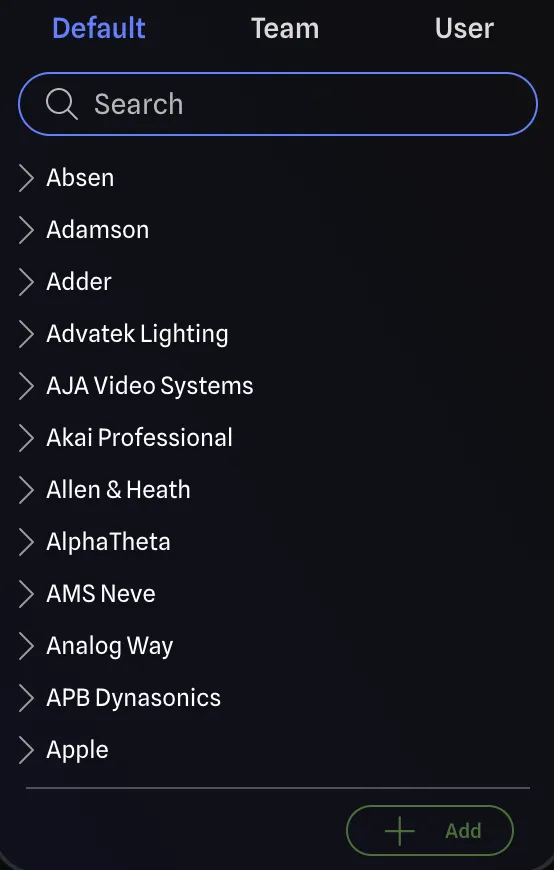
Every gear item is made and validated by real people on the GearConnect team, so you can trust that it is accurate. No auto-generated nonsense.

Create custom gear items with your own port configurations and specifications. See a live preview as you build and watch your custom items come to life.
Contribute new gear items and help grow the library for the entire community. Each submission is manually reviewed by our team before it goes live to ensure quality.
Comprehensive coverage across all AV categories and equipment types. Something missing? Submit a request and our team will prioritize adding it.
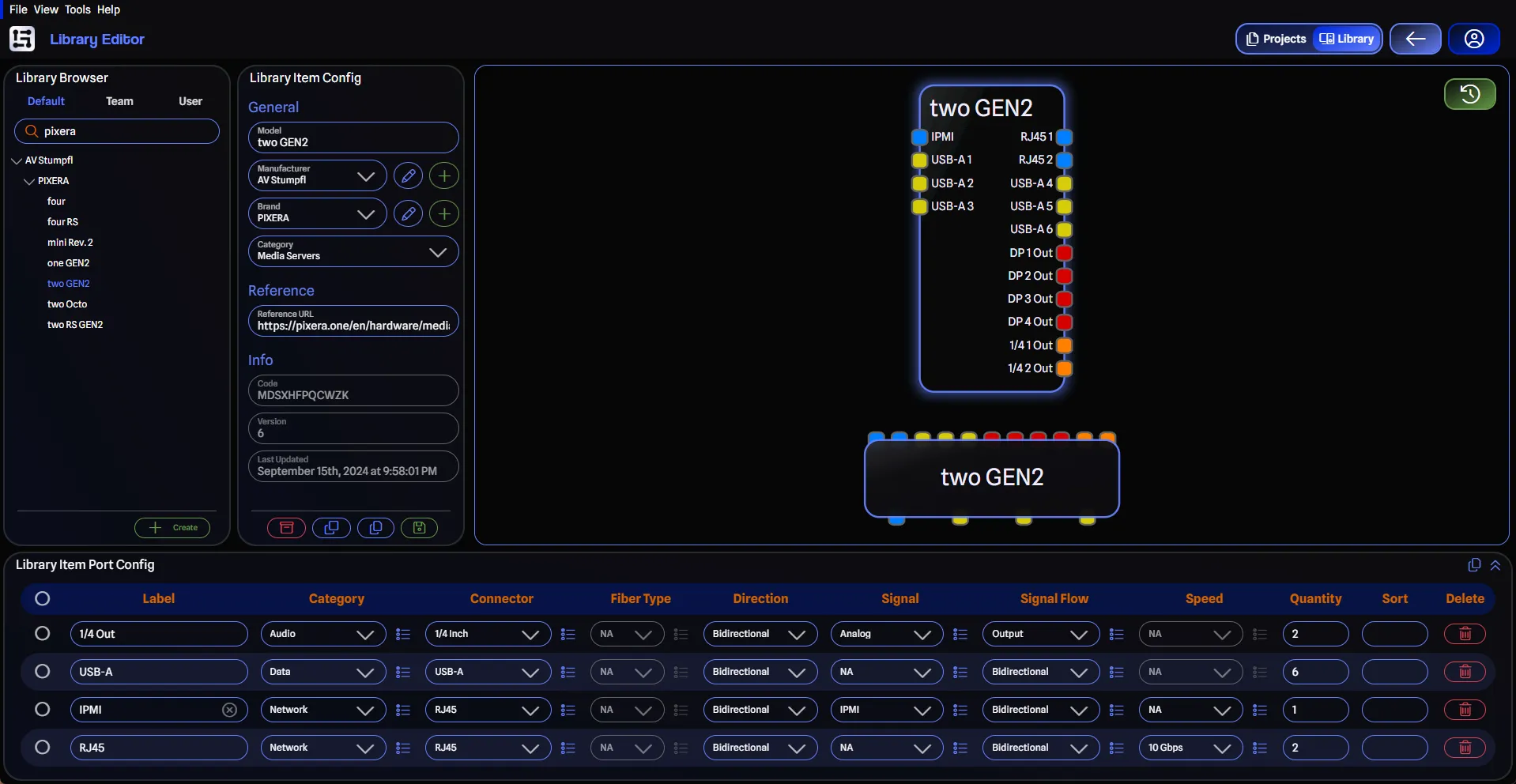
Build custom gear with your own port layouts and a live preview as you go.
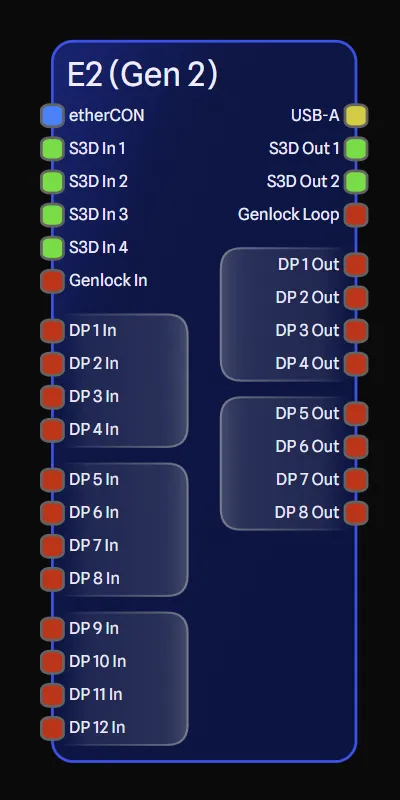
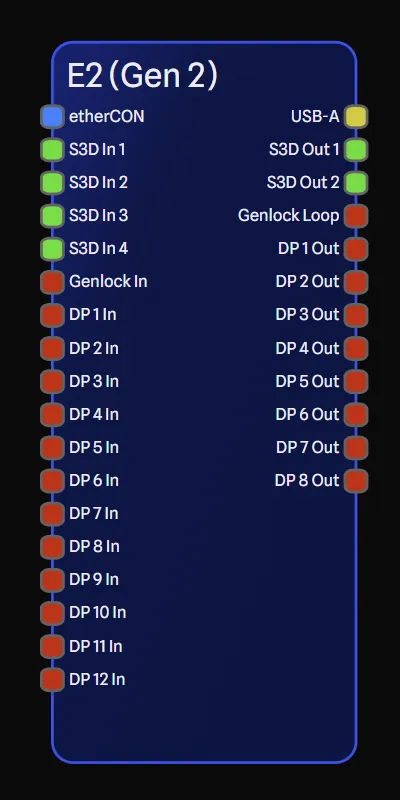
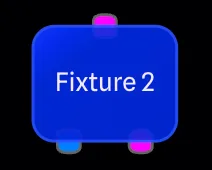
Every gear item can sit on the drawing in Detail Mode or Standard Mode, and you can switch any device between the two whenever you want.
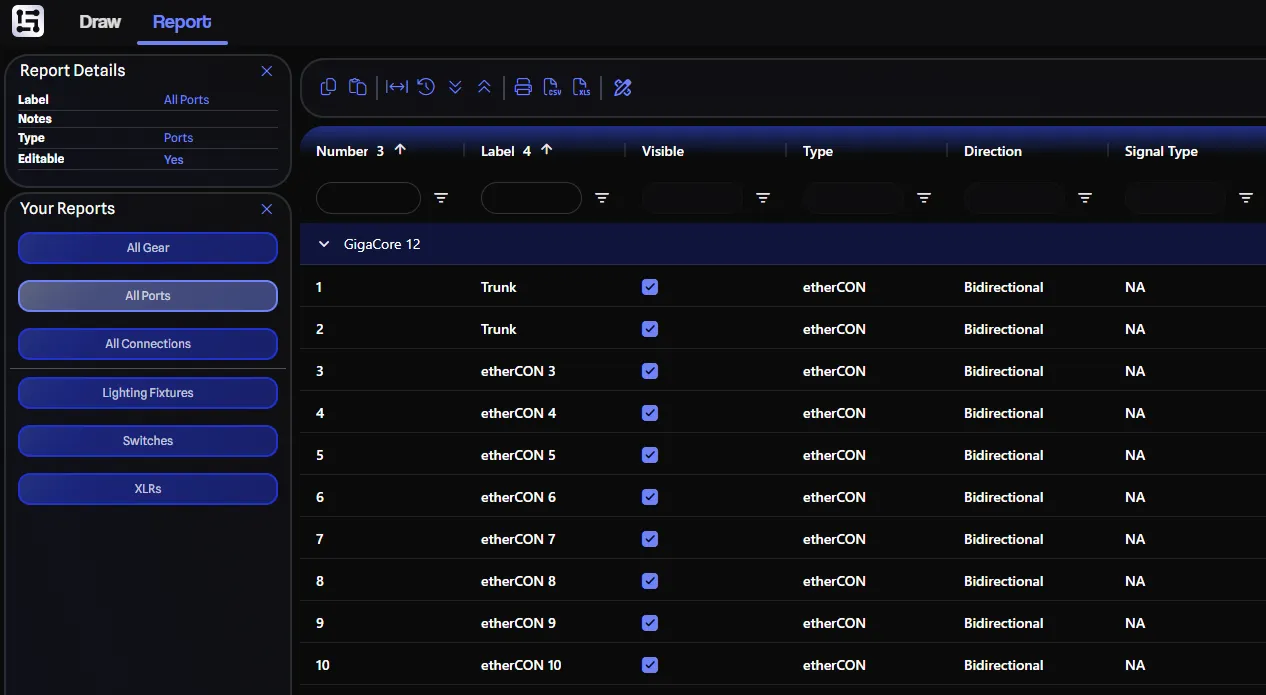
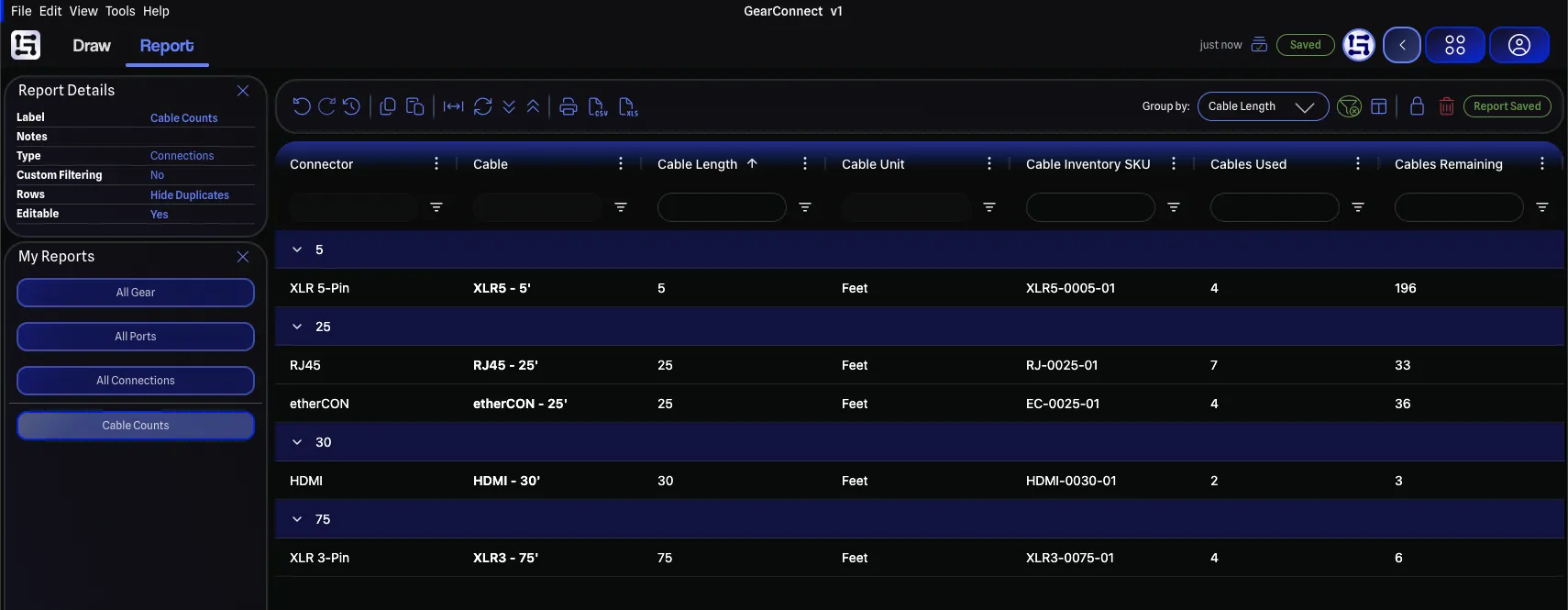
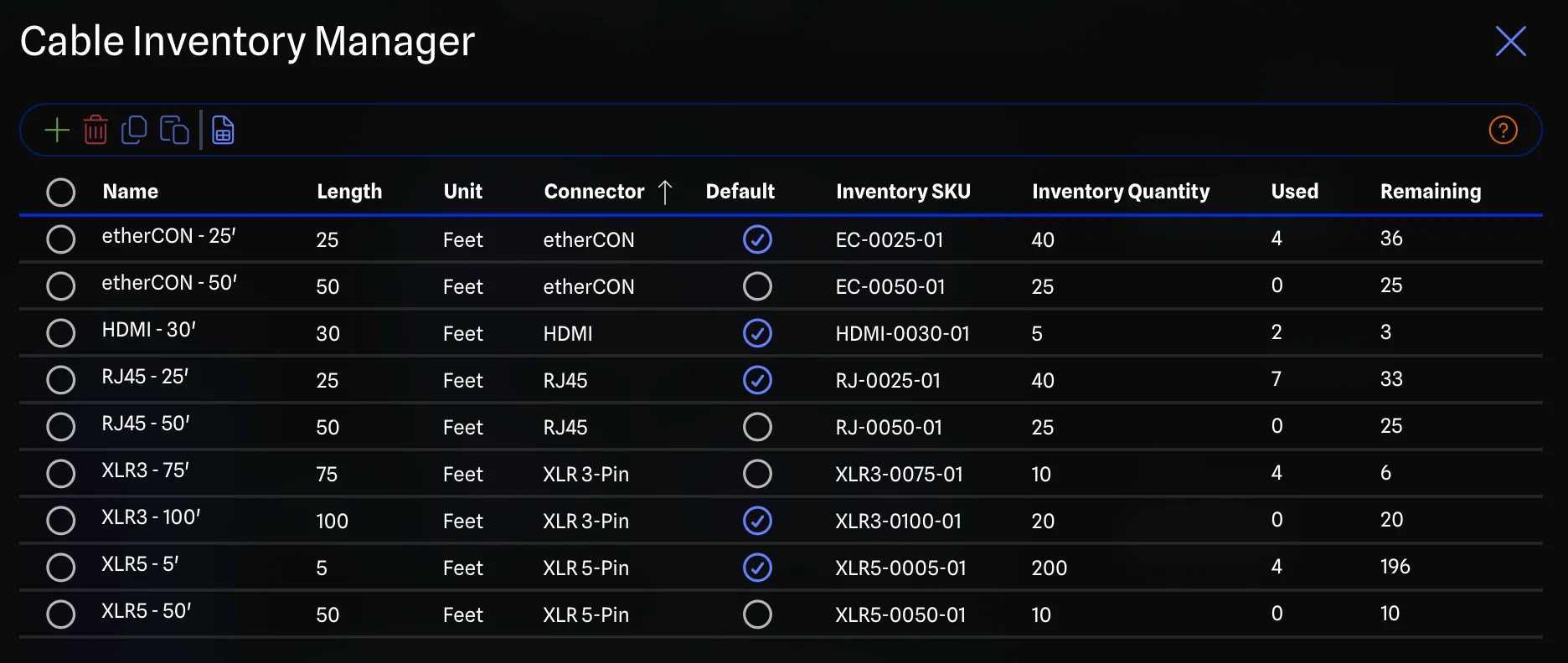
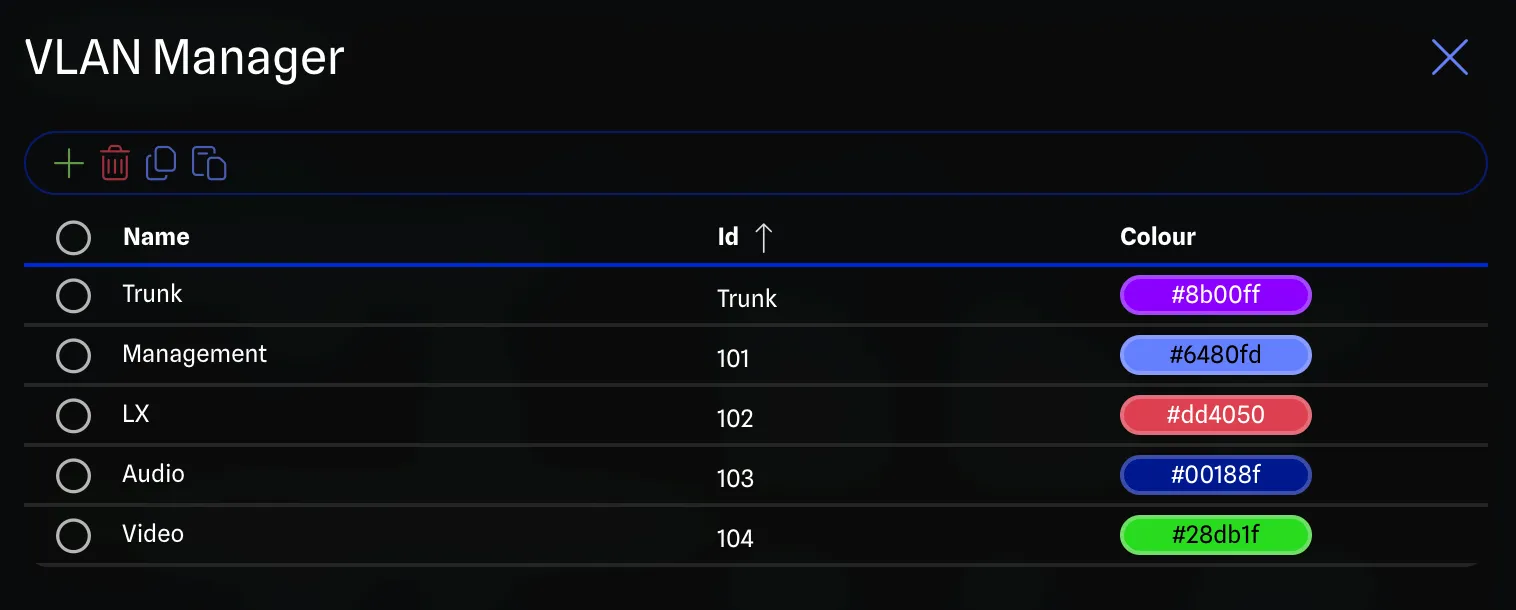
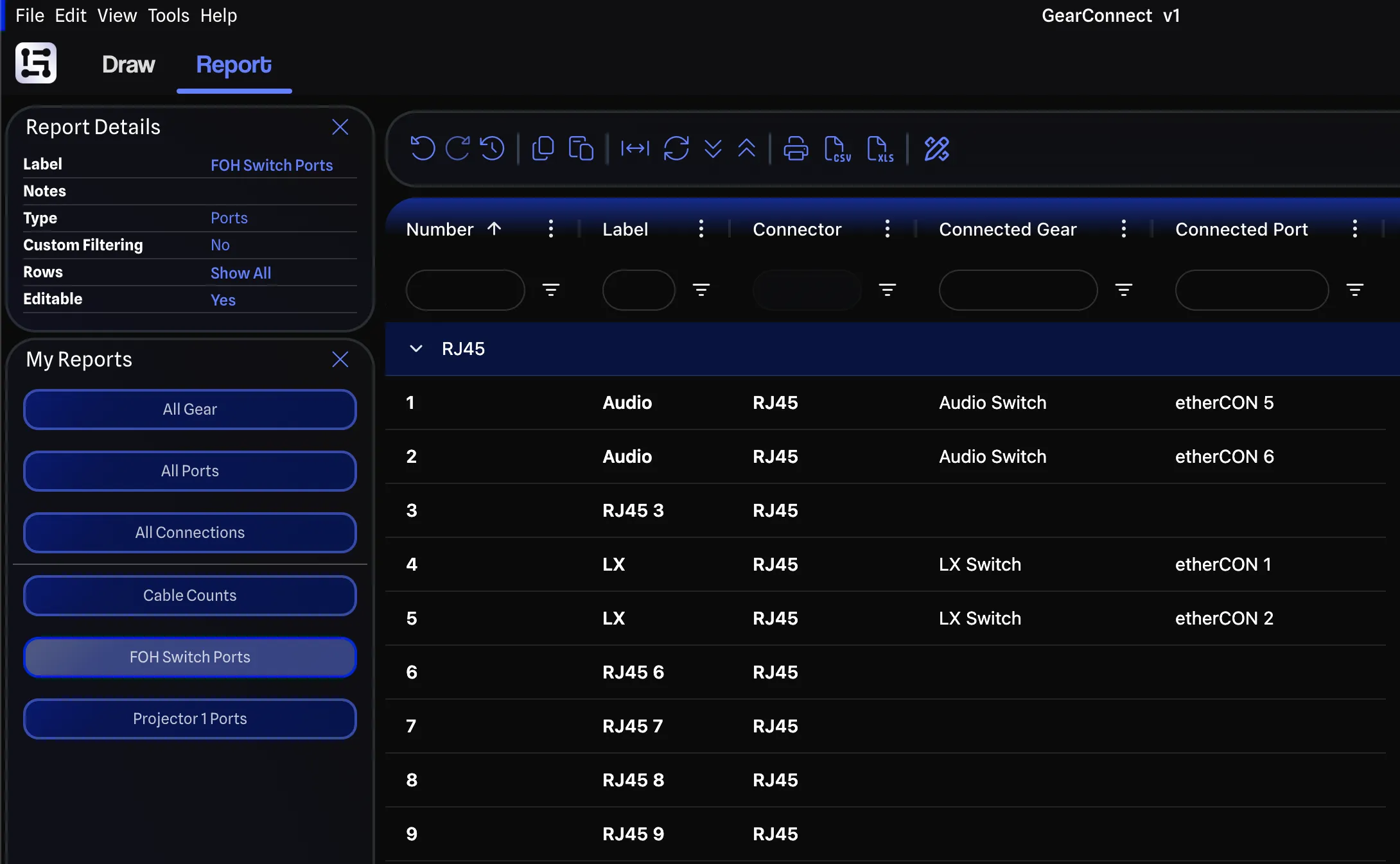
Create custom reports, track cable inventory, and manage your IPs and VLANs. Everything is synchronized with your drawing for complete system planning.
Patch lists, network reports, gear BOMs, and more. Because GearConnect is database backed, you get a rich spreadsheet editor that reflects changes instantly in your drawing while you work. No more managing multiple files.
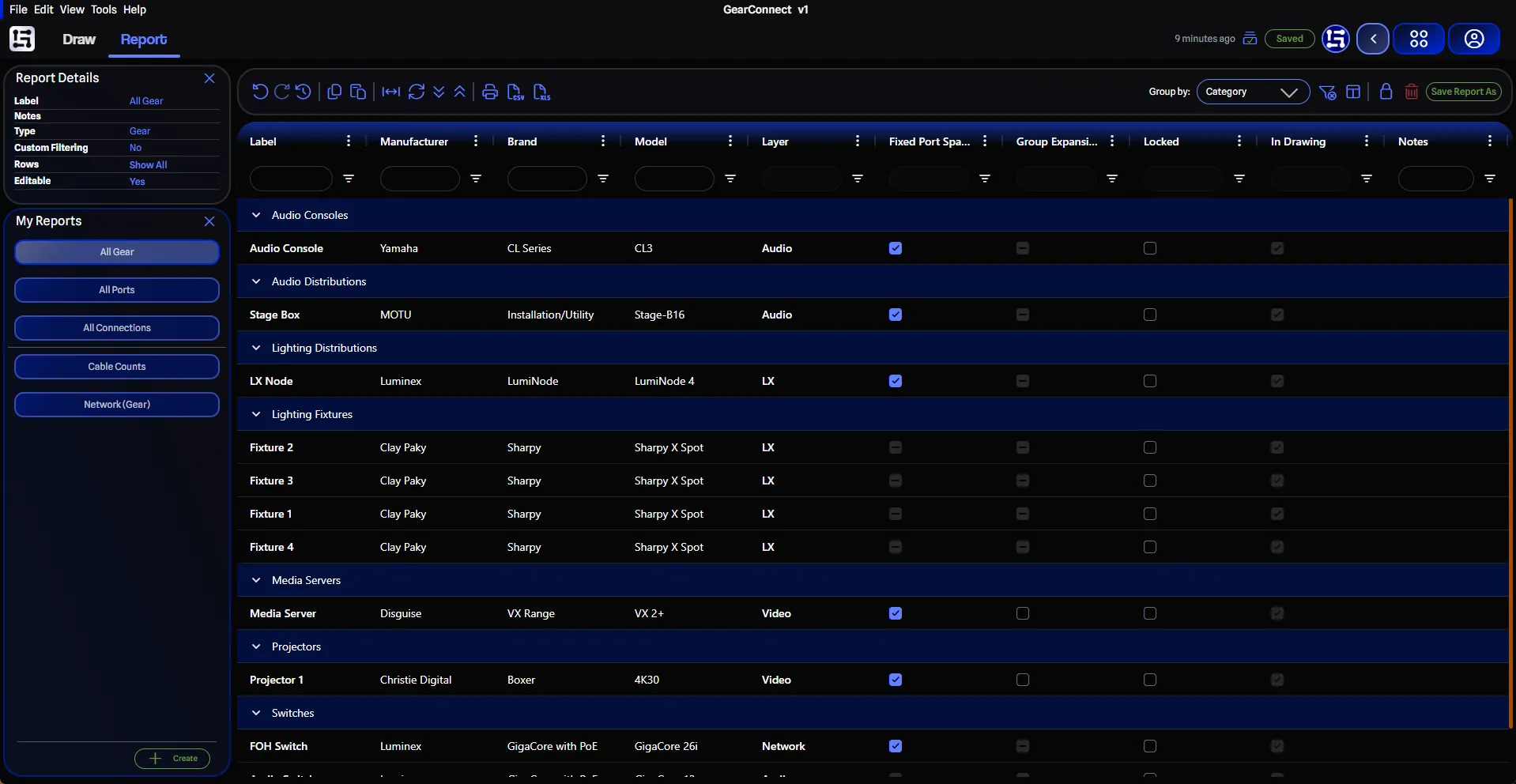
Dedicated report types for every part of your system. Open the one you need and start customizing to build the exact report you are looking for.
Choose from dozens of columns and data properties, then arrange them your way to craft the perfect report.
Slice the data with flexible, custom filters to surface exactly what you need, saved with your custom reports.
Spin up a new report from a ready-made template, then make it your own.
Group rows by category, manufacturer, layer, and many more to keep long lists organized.
When it comes time to export, choose from multiple formats to share your reports effortlessly.
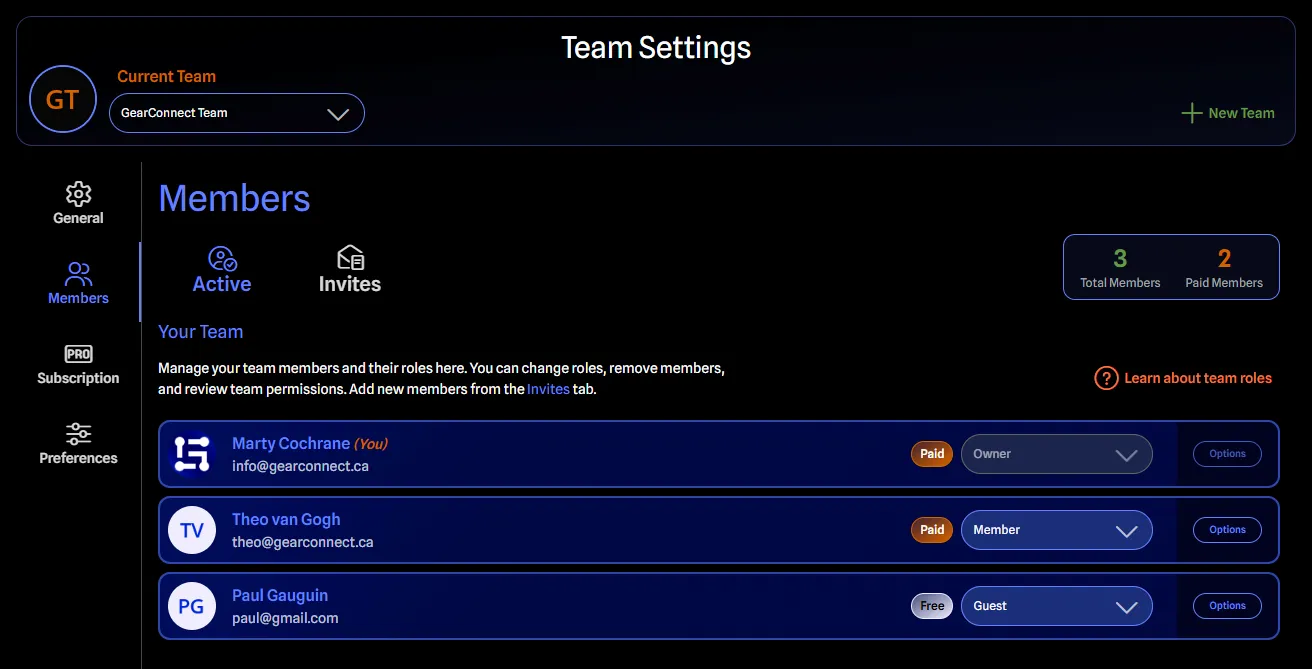
Build with your crew. Share a team library, collaborate on projects, and keep everyone working from the same drawing.
Build a library your whole team can browse and edit. Pull in updates and stay in sync across all projects.

Owner, admin, billing manager, and member roles give you control over your team's access.
Invite guests, perfect for freelancers, to get read-only access to your projects.
Share projects so everyone is working from the same drawing while keeping full offline support.
GearConnect installs like a desktop app, keeps working when the venue Wi-Fi goes down, and backs every item in your drawing with a real database.

Install to your desktop with no app store required. Updates are automatic and happen in the background.
It downloads everything on first use and keeps running even without internet. Syncs when you are back online.
Undo and redo any action, or jump straight back to any recent state in a single click with snapshot history.
Need to go back further? The last 100 copies of your project are automatically kept, ready to restore.

Every item is backed by a database. Gear, ports, connections, cables, and more, all structured.
GearConnect is database-driven and API-backed. Interested in integrations? Get in touch
Used by the best in the business. Hear what our users have to say about how they work with GearConnect.
Working with the app has been great. In our fast-moving environment of building fly packs, the app has the ease and flexibility we need.
GearConnect is the professional solution I was seeking. It has completely transformed my project execution; it's dynamic, highly intuitive, and ready to go, significantly reducing my project planning and development time. The clarity it provides establishes the exact connectivity workflow for the entire project. It allows internal team, suppliers, and external technical parties, from the client to the artist, to immediately understand the objectives and the specific signal flow. By visualizing the exact expansion cards, devices I/O configurations, it enables a feedback loop where everyone involved can confirm requirements and follow the technical roadmap with absolute precision. Knowing that the GearConnect team, especially Marty, actually listens and provides a direct communication channel for user feedback, offering such a strong sense of support, makes the experience even better.I've been using GearConnect to quickly sketch system layouts and combine them with acoustic renders when planning shows. Clients immediately understand the concept when they see both together. It's a simple tool that solves a real communication problem in live production.
Now that I've used GearConnect, I can't think why I would want to use anything else for building schematics. The amount of industry standard equipment in the pre-existing library saves me a lot of time during the build process and keeps my attention on designing the system.
Want to share your story? Get in touch

GearConnect was built for people (like us) who need more than a generic drawing tool, but don't want the complexity of full CAD software. It sits right in that sweet spot, designed specifically for our industry, based on years of production experience.